Loopyard Feature
Persistent containers
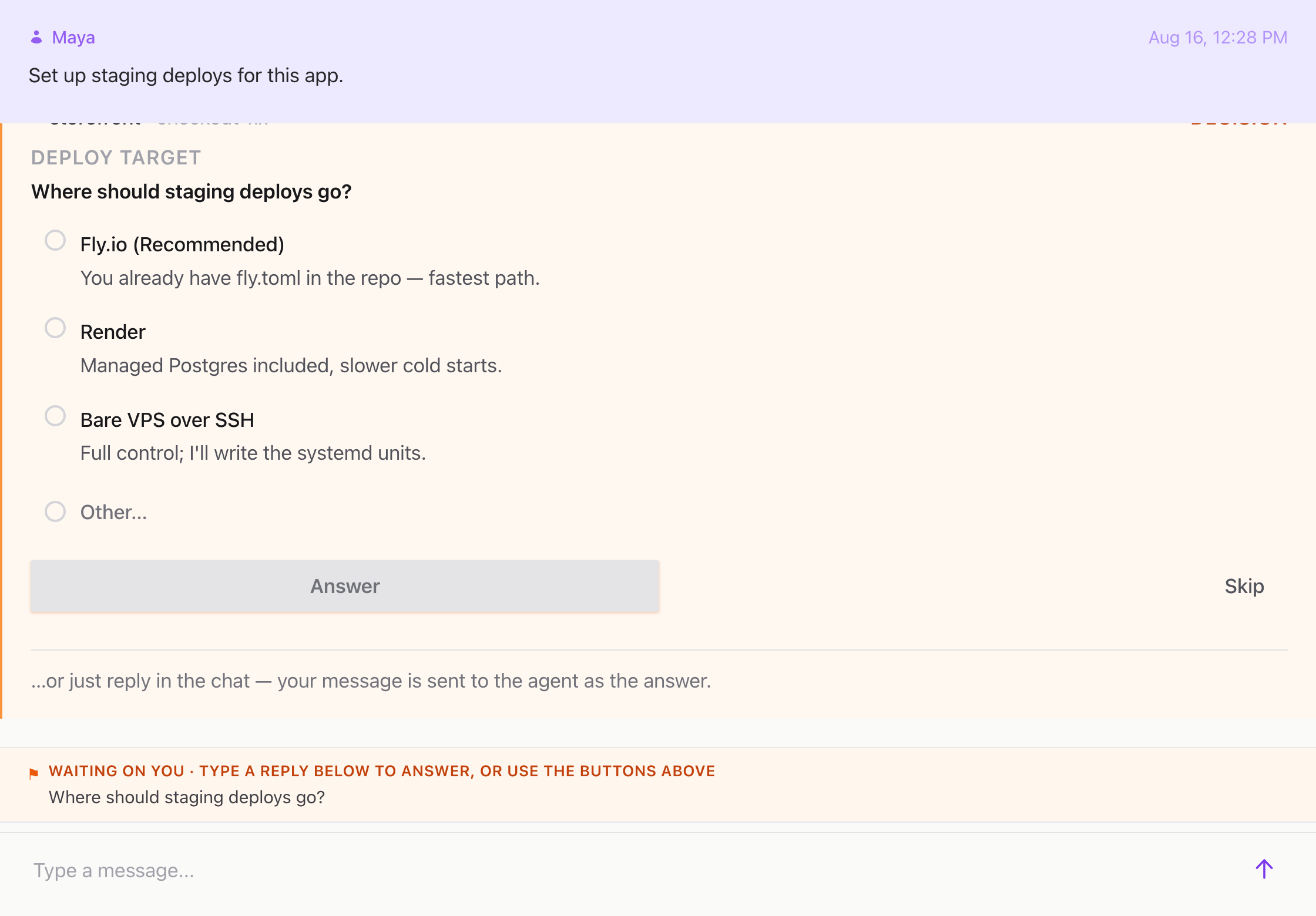
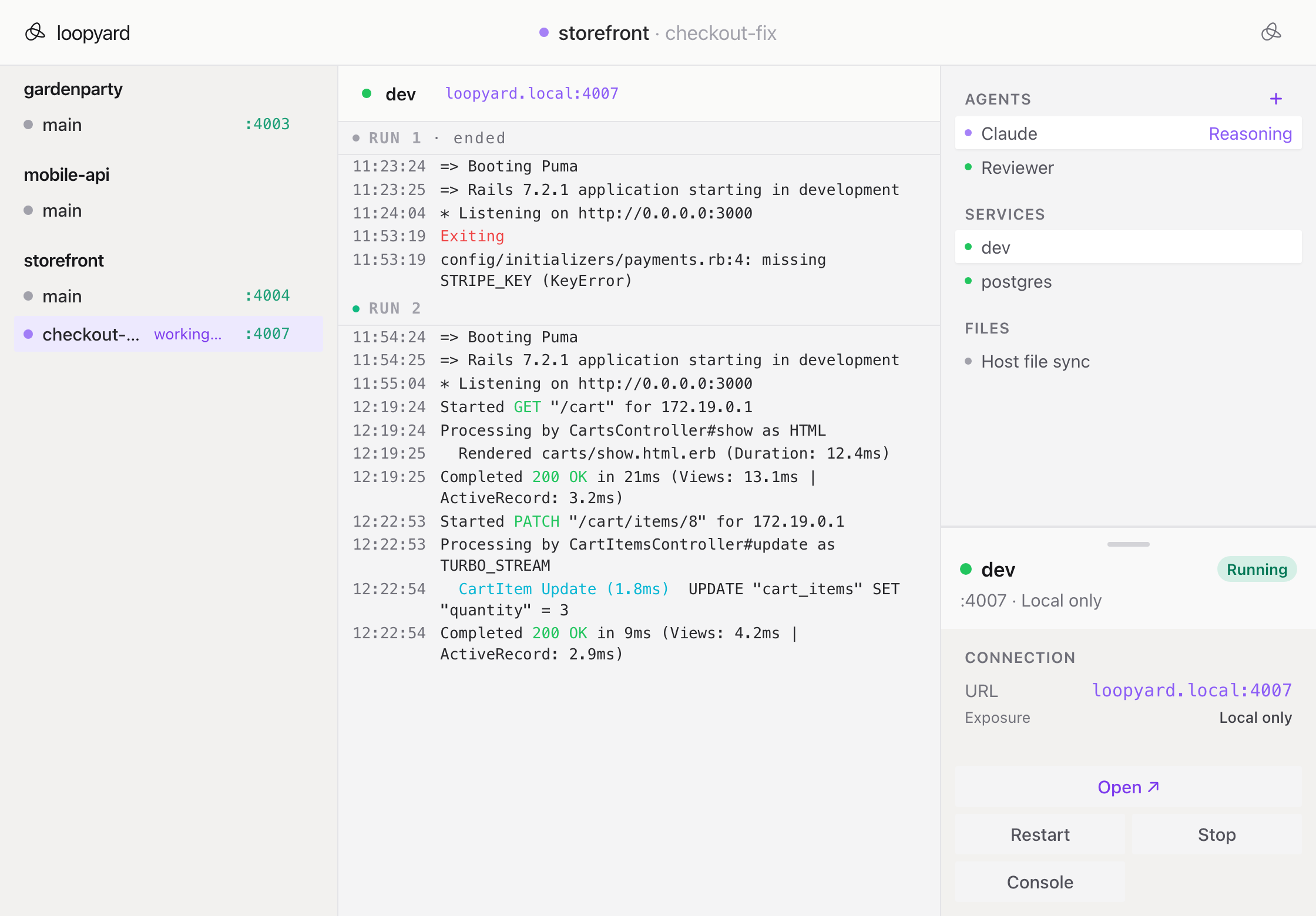
Restart the server. Reboot the laptop. Containers stay where you left them.
A development environment that vanishes the moment you close the laptop isn’t an environment, it’s a script. You spend the first ten minutes of every morning rerunning the same commands, waiting for the same database to migrate, waiting for the same dev server to compile.
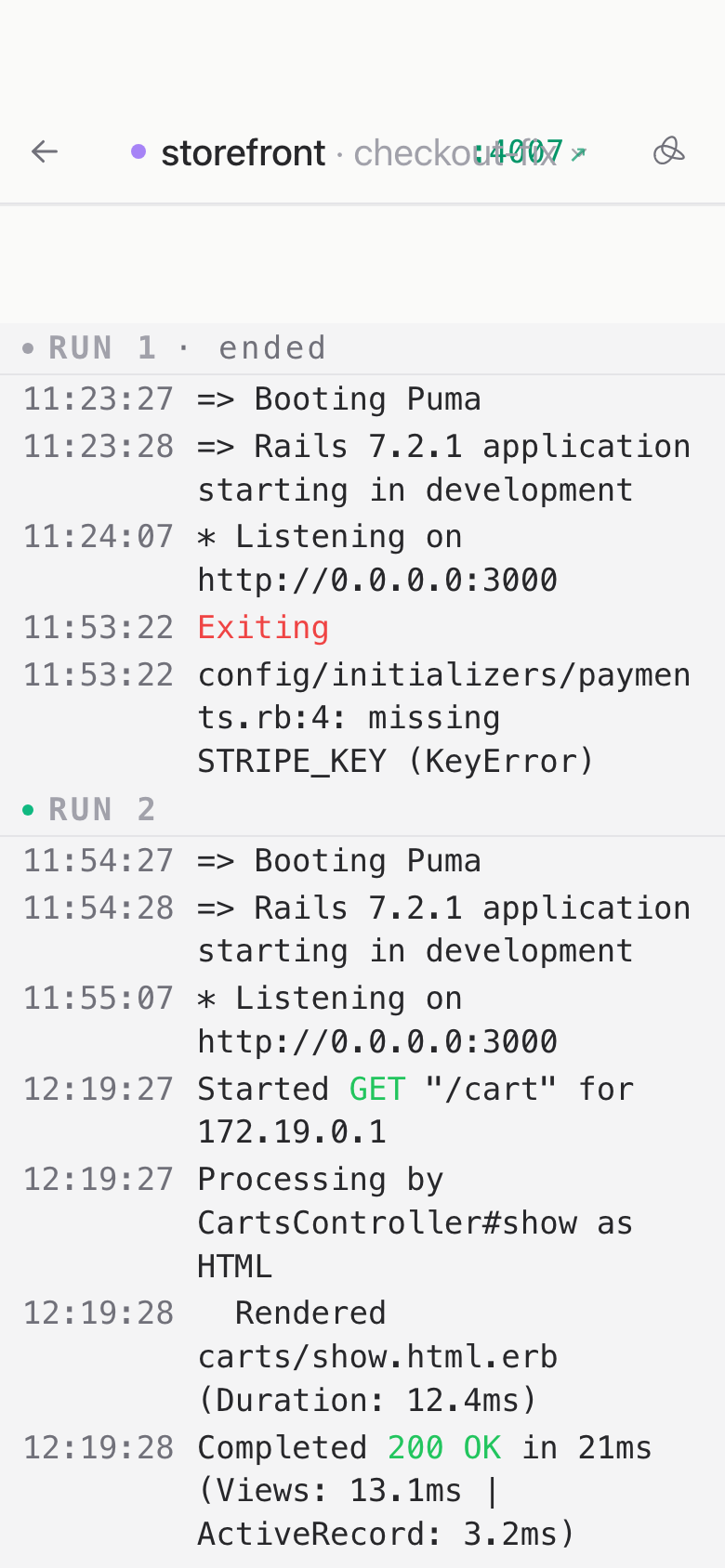
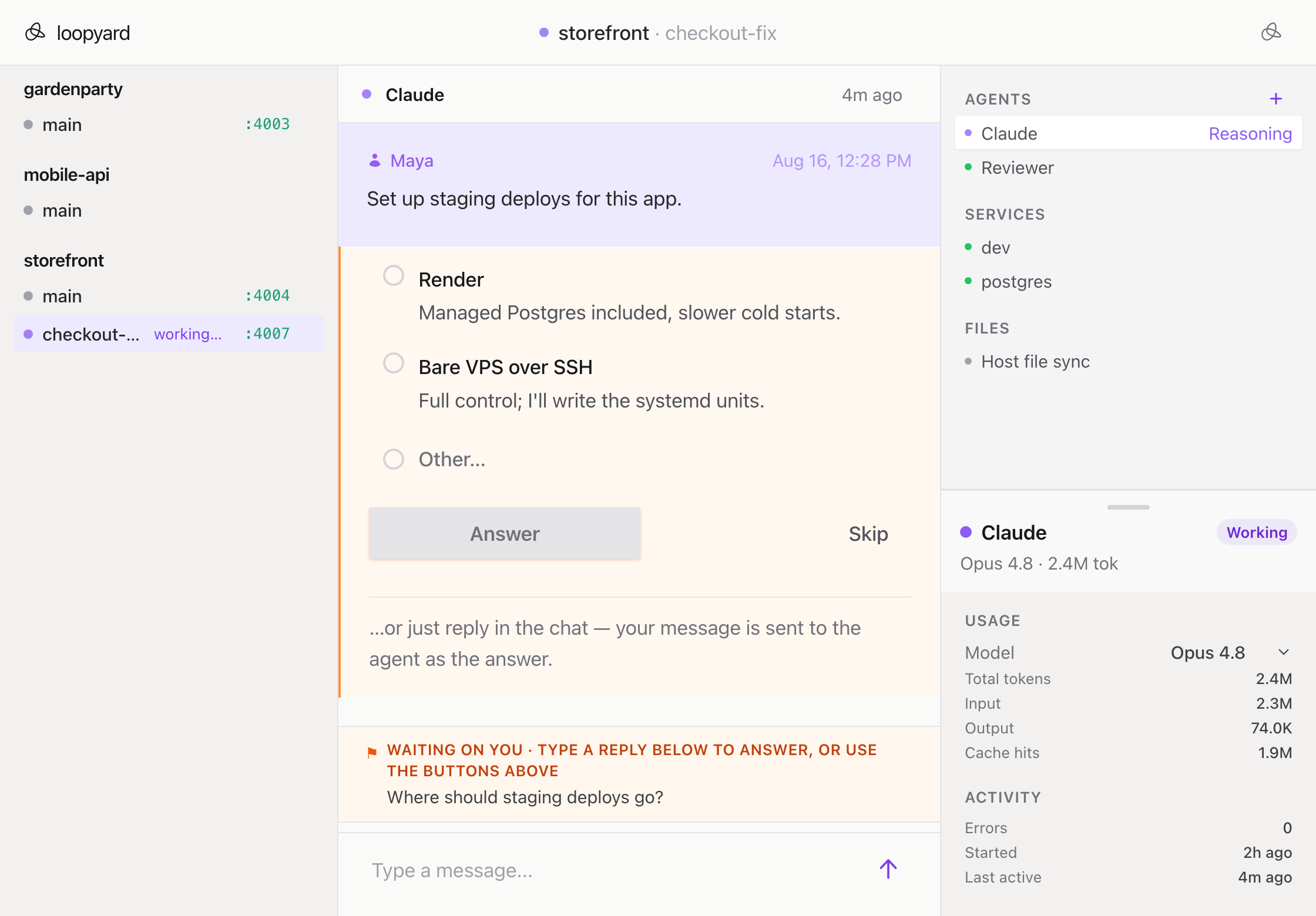
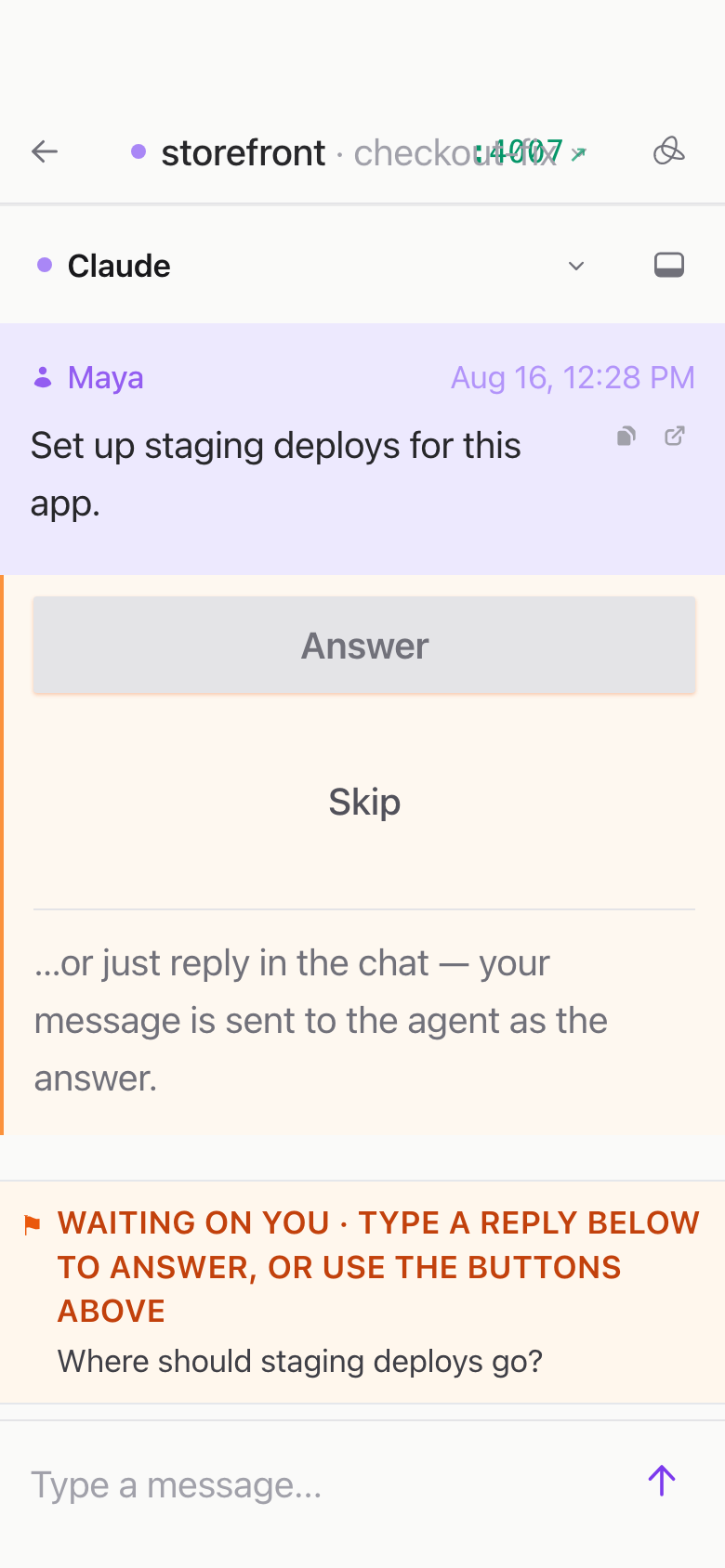
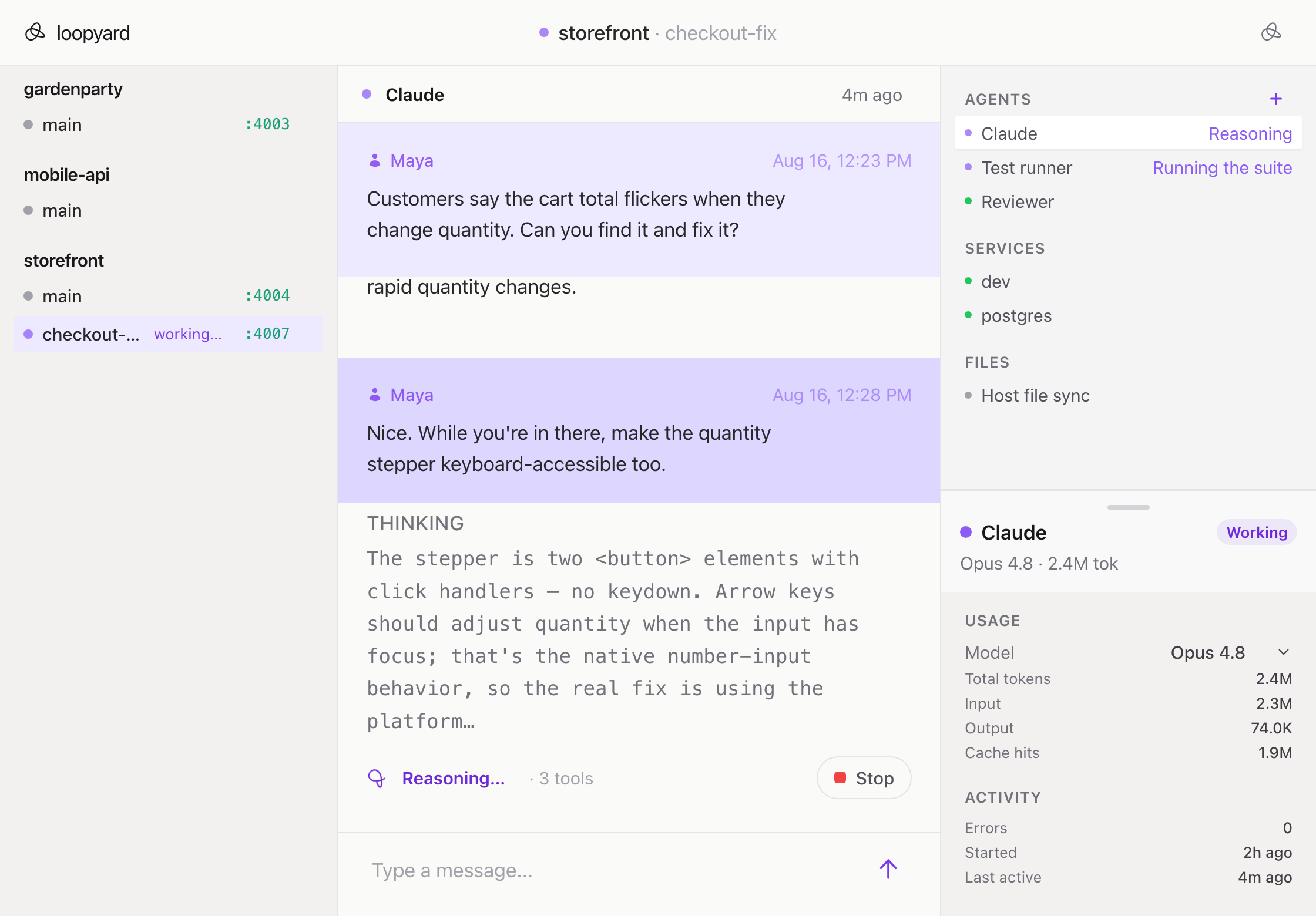
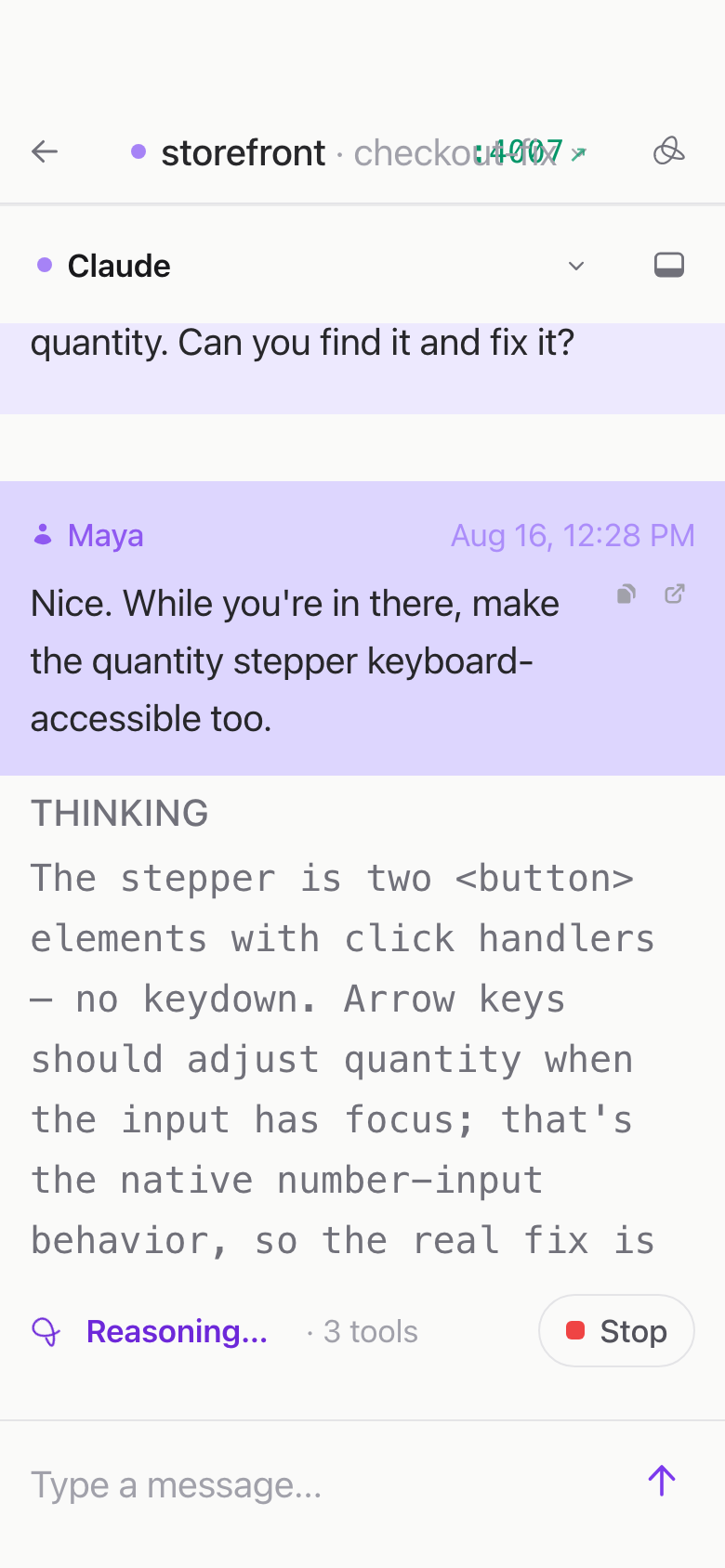
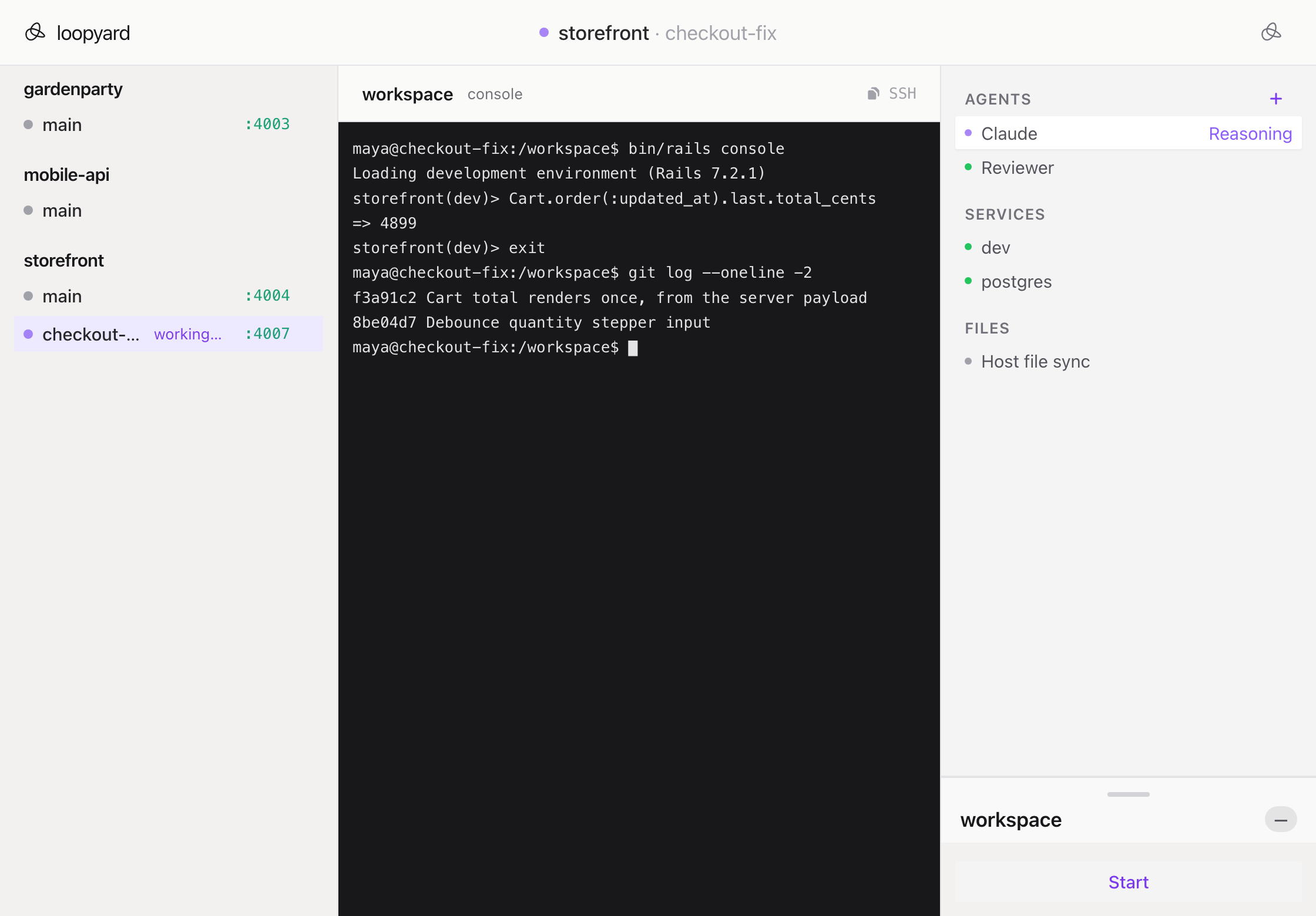
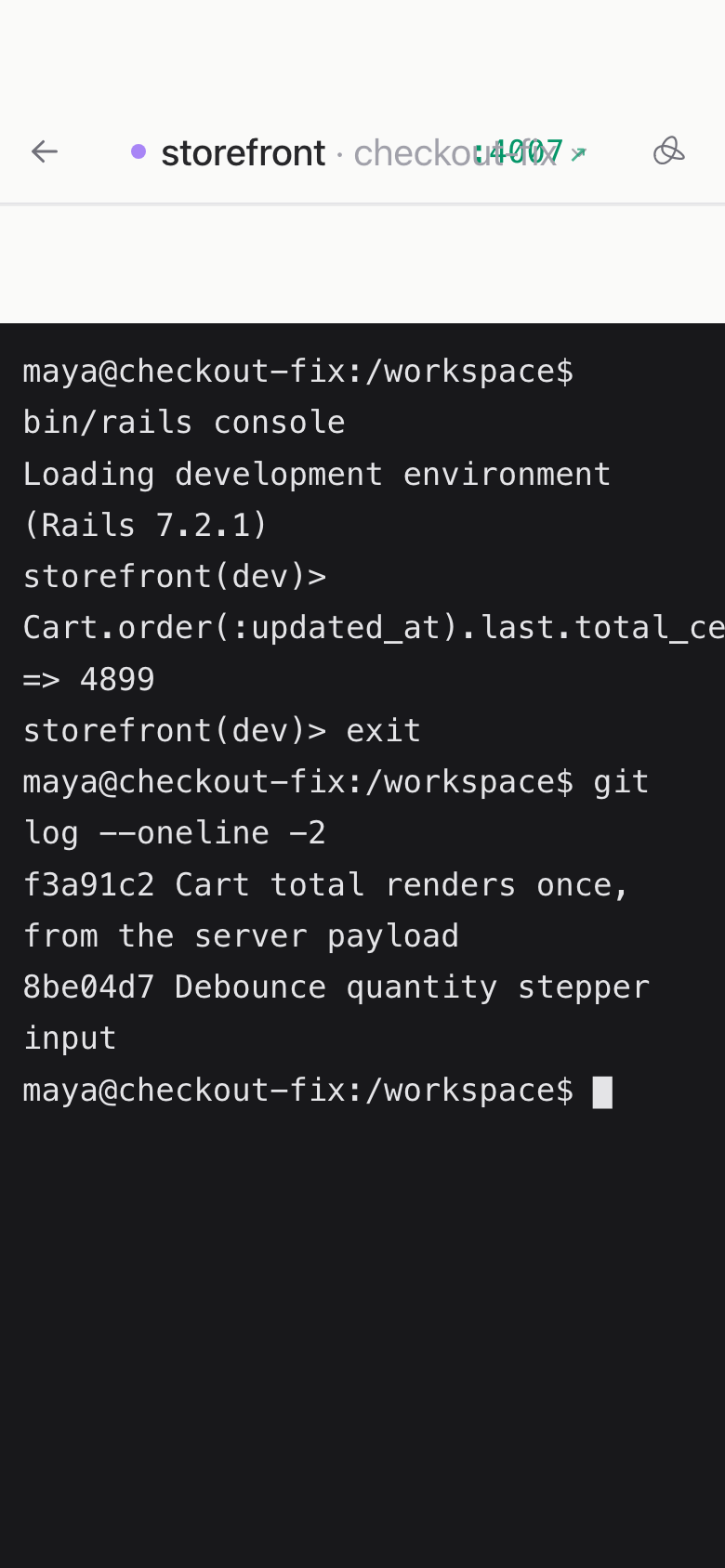
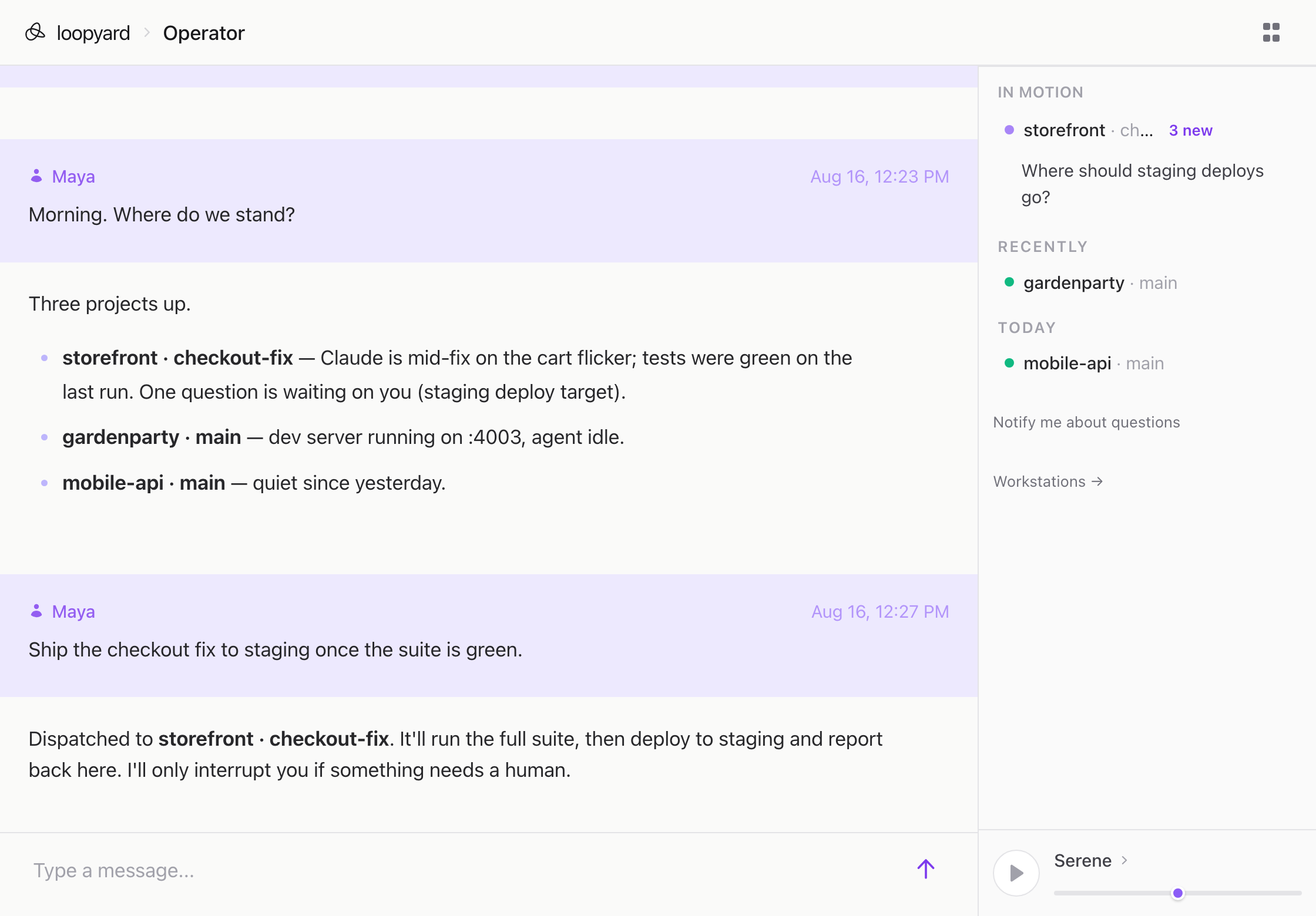
Loopyard’s containers are persistent by default. The workspace, the dev server, the database, the queue: they keep running between sessions. Restart the Loopyard server itself and they’re still there when it comes back up. Restart your machine and they come back with it.
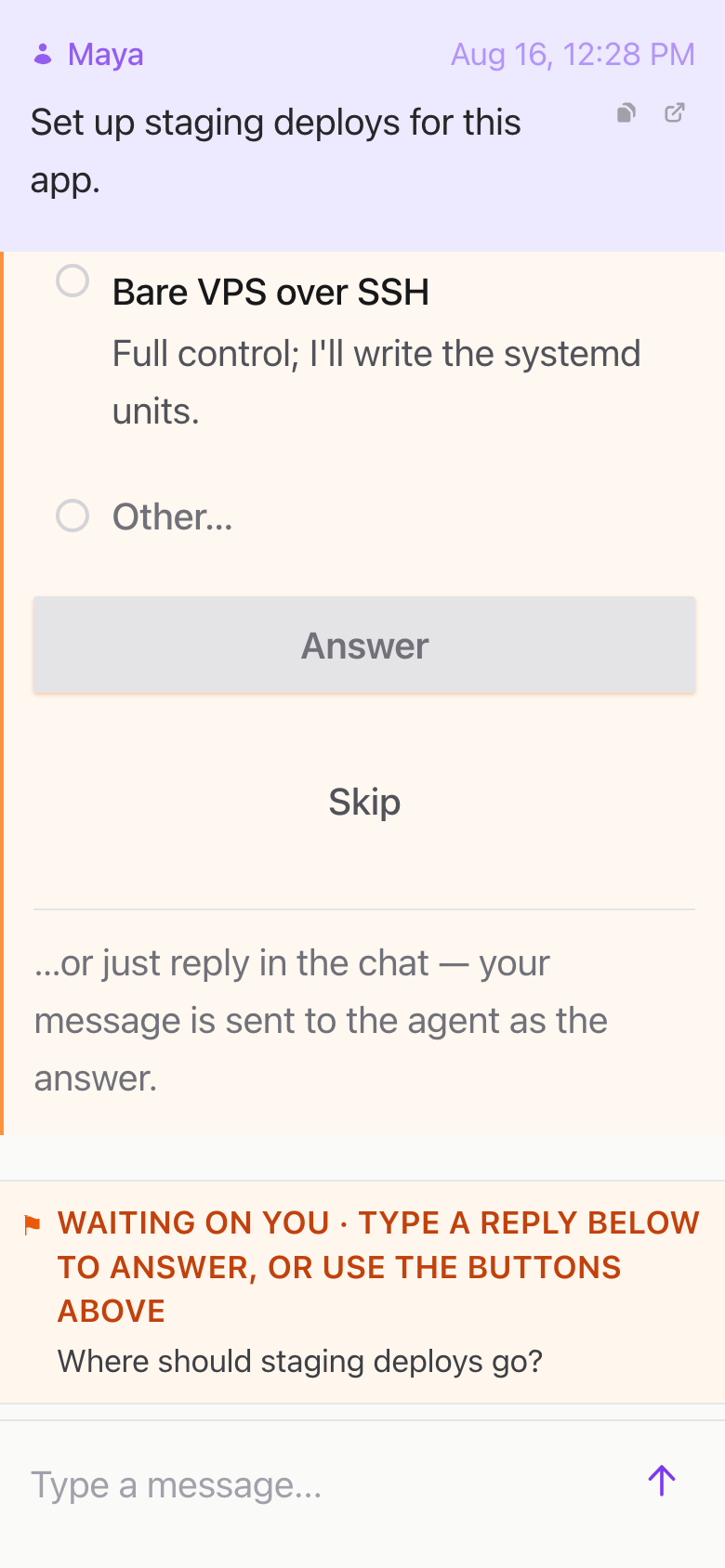
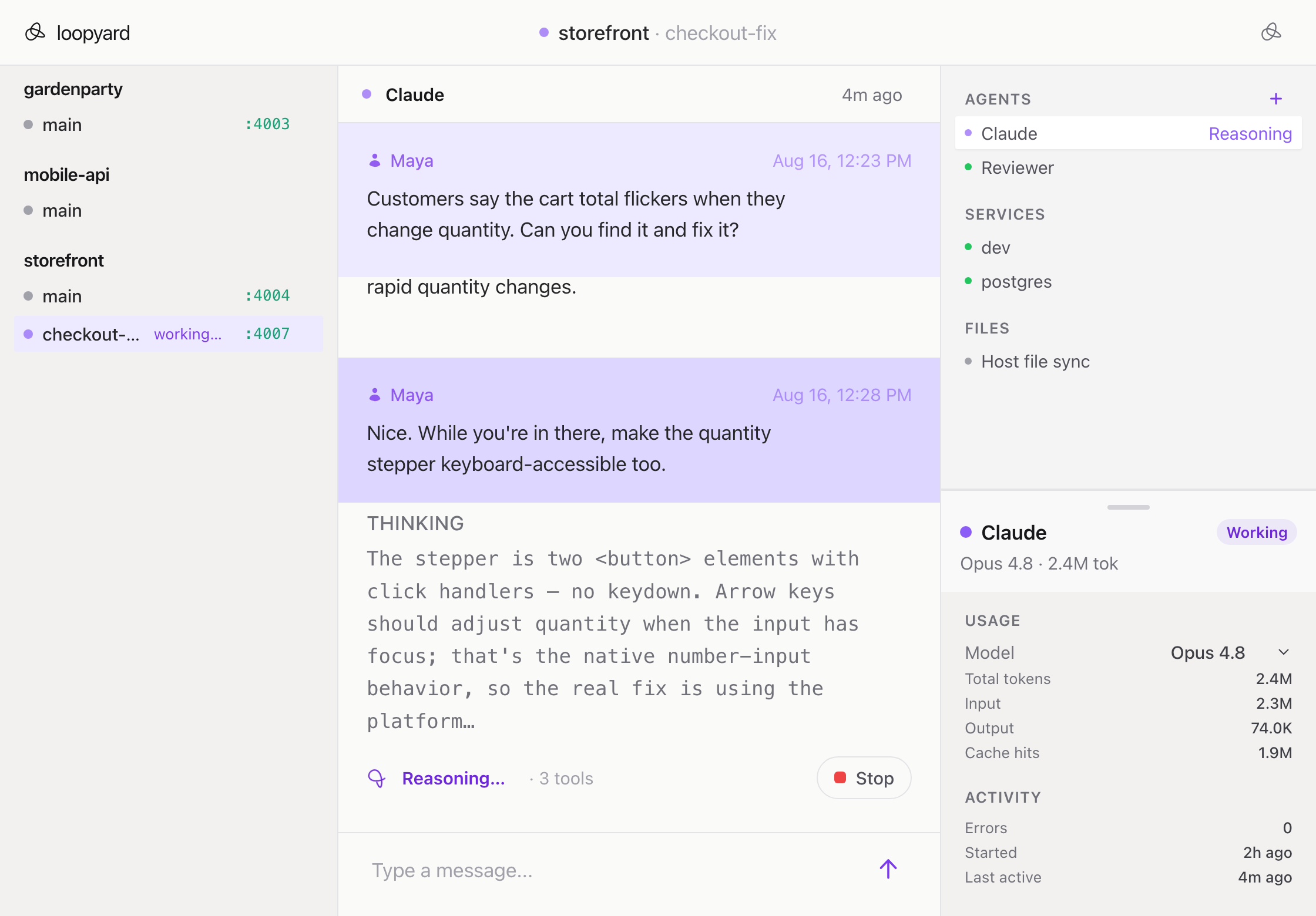
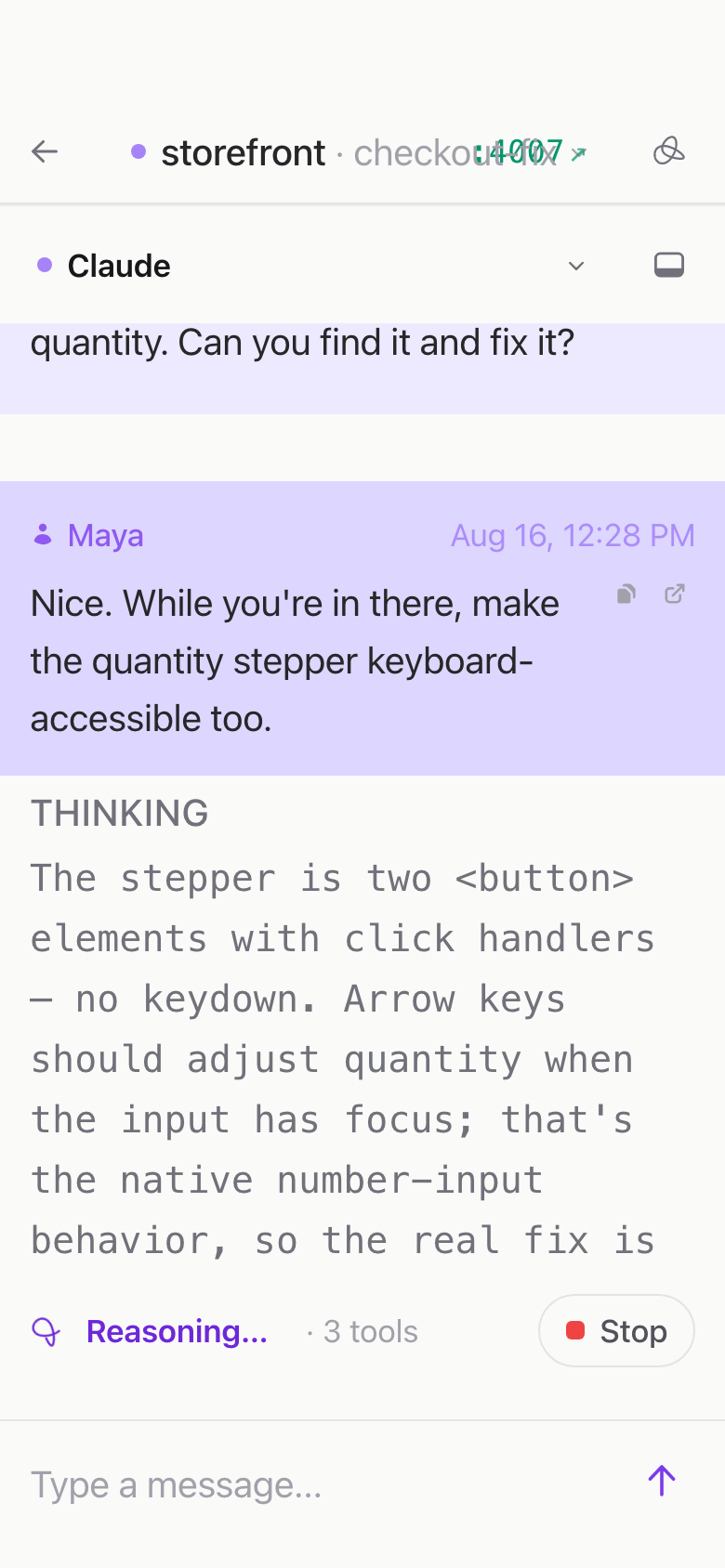
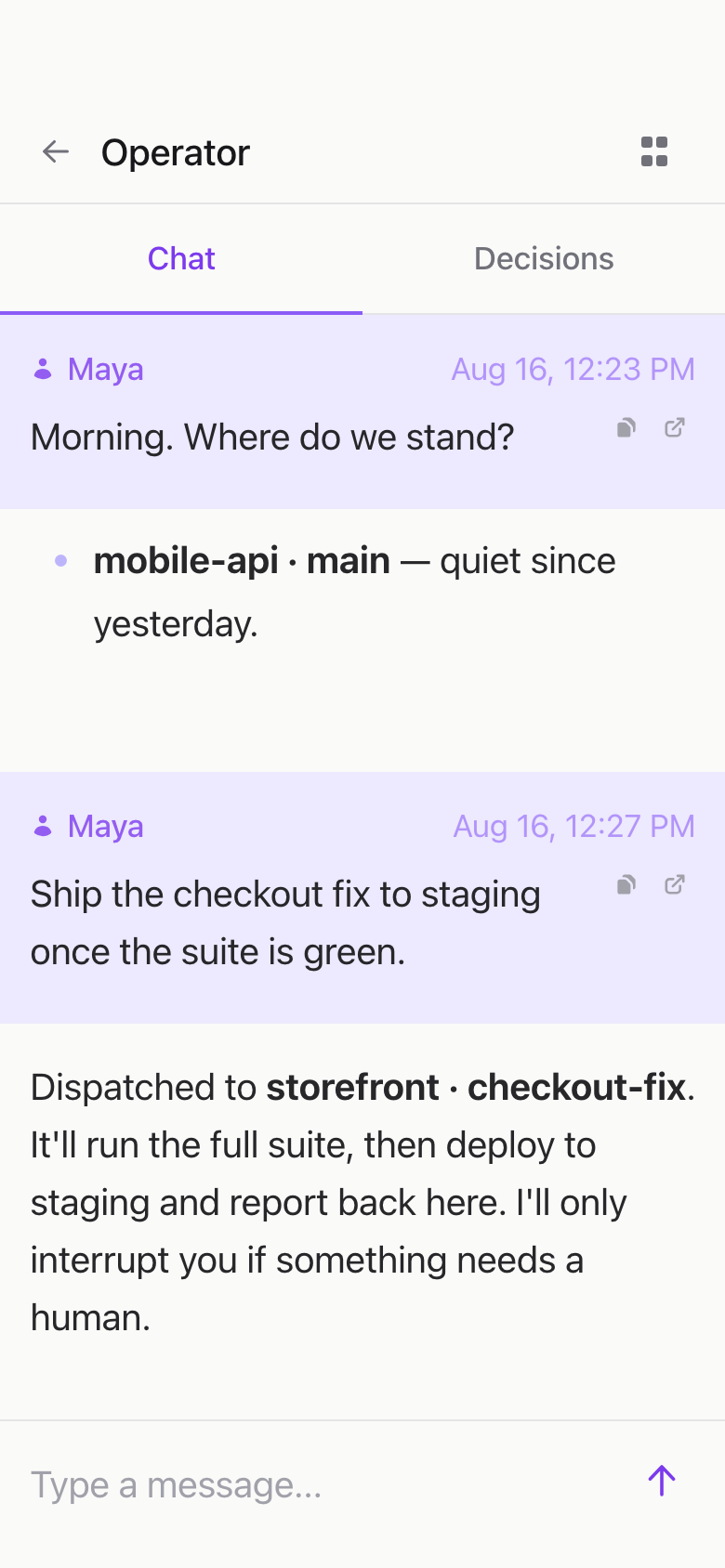
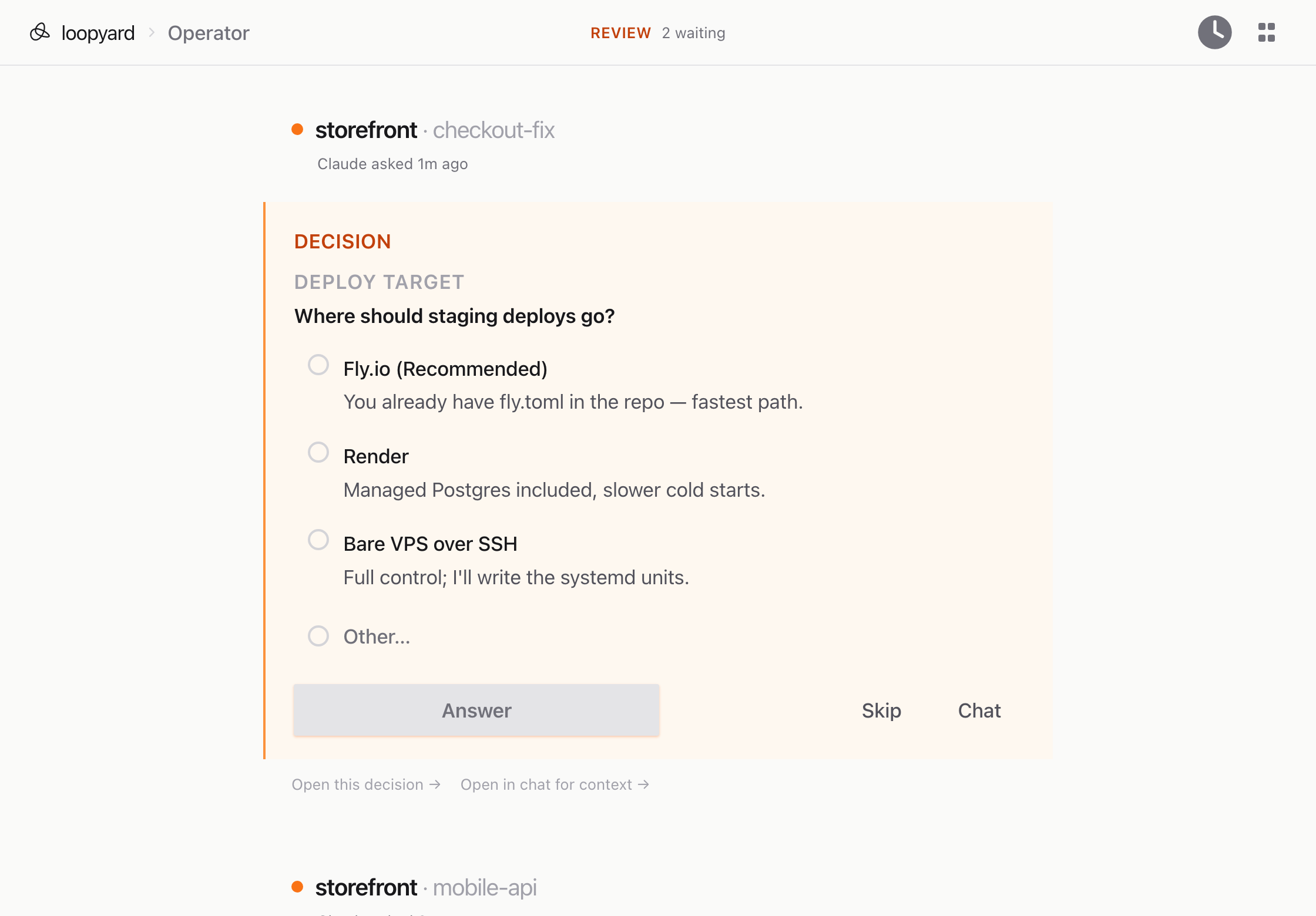
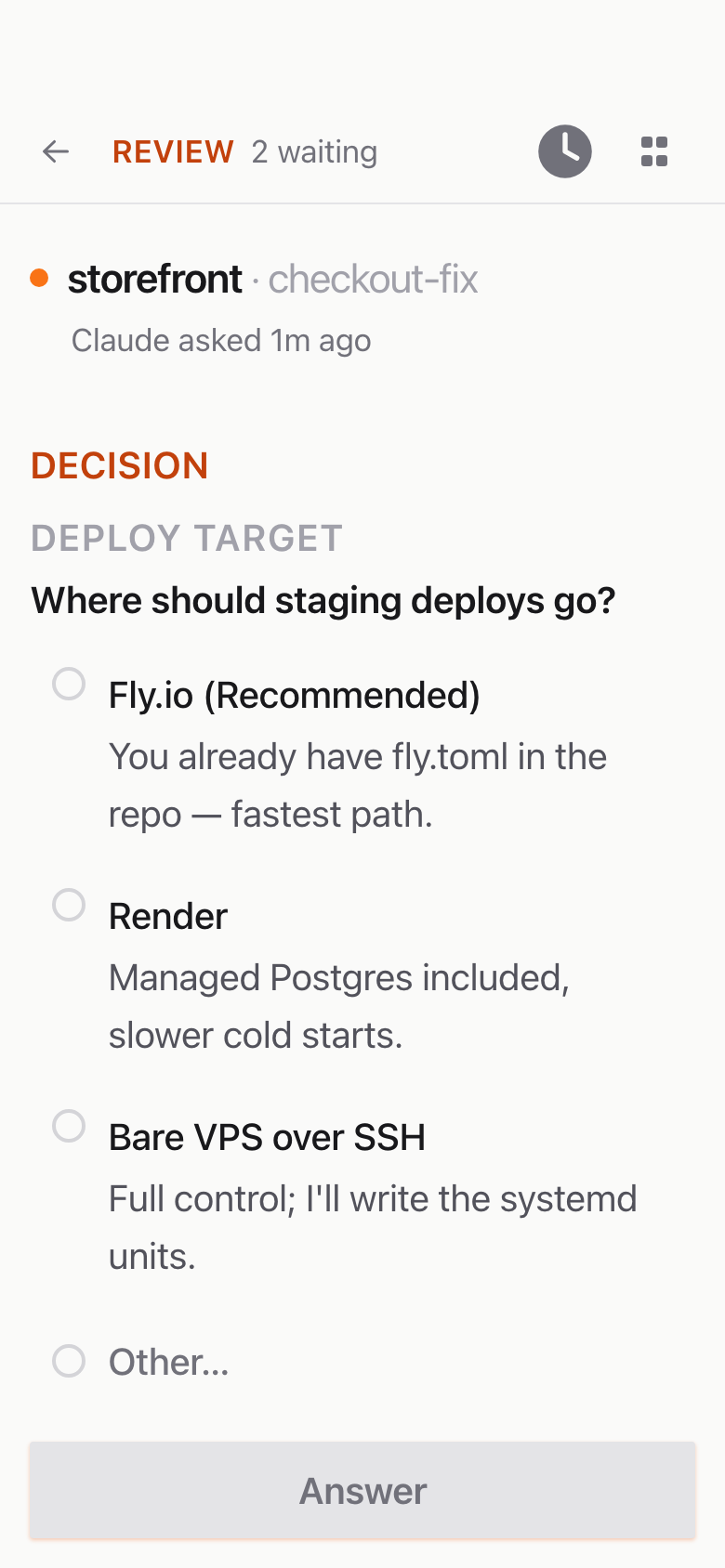
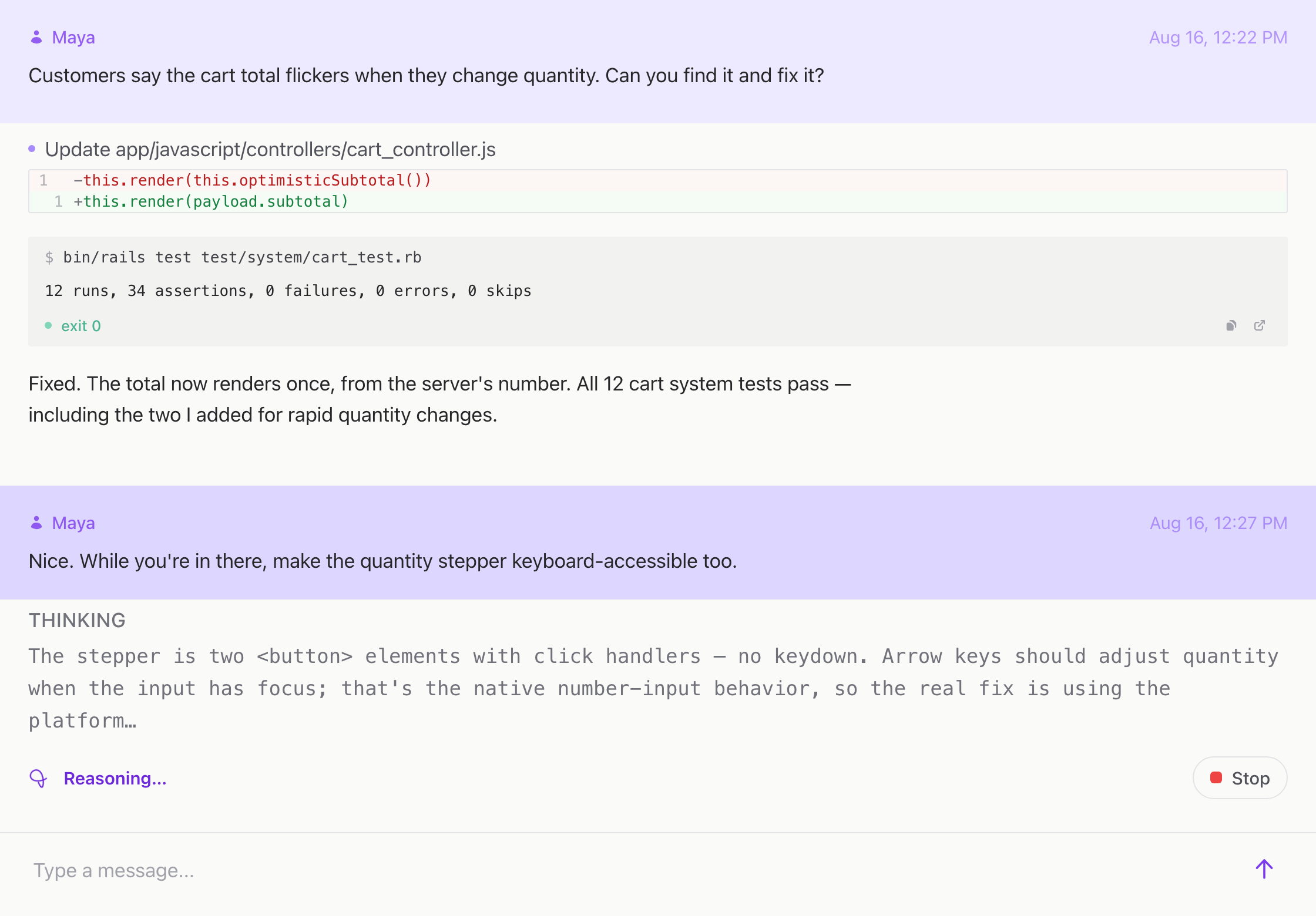
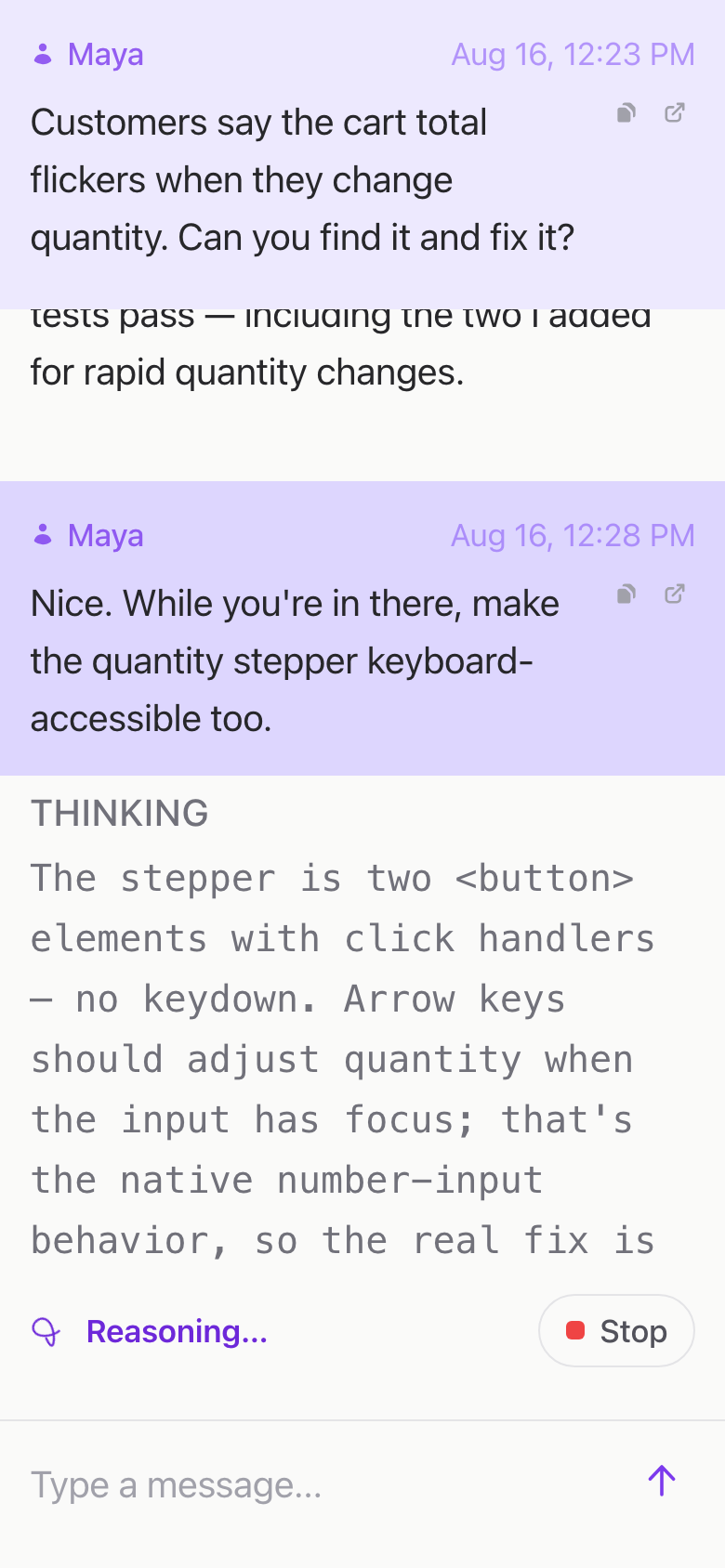
That means caches stay warm, sessions stay logged in, the agent’s working context isn’t reset. When you sit back down, you sit back down inside the same project you left. The branch is where you left it; the failing test is still failing the same way; the agent’s chat scrolls to where the conversation paused.
When you actually want a clean slate, you ask for one. The default is to remember.
More features
-
Zero-config project setup
Clone, launch, work. The setup agent inspects the repo and stands up everything the project needs.
Read more
-
Full Docker stack per project
Each project gets its own Docker Compose. Isolated, reproducible, and gone when you stop it.
Read more
-
Multiplayer by default
Share an agent the way you'd share a Google Doc. Anyone with the link is in the room.
Read more
-
Multiple agents per project
One project, several agents working in parallel. Each in its own session, each visible.
Read more
-
SSH into any container
ssh -p 2222 container-name@localhost. Same session the agent is in. Same shell, same prompt.
Read more
-
Works from any device
Every session is a URL. Every URL works on every device. The agent doesn't care which one is in front of you.
Read more