Loopyard Feature
SSH into any container
A real shared terminal in a real container. Your favorite editor still works.
Sometimes the browser is the wrong tool. You want your prompt, your shell history, your tmux config, your editor with your bindings. You want to poke at a process the agent doesn’t know about. You want to grep a half-gigabyte log without watching it stream through the UI.
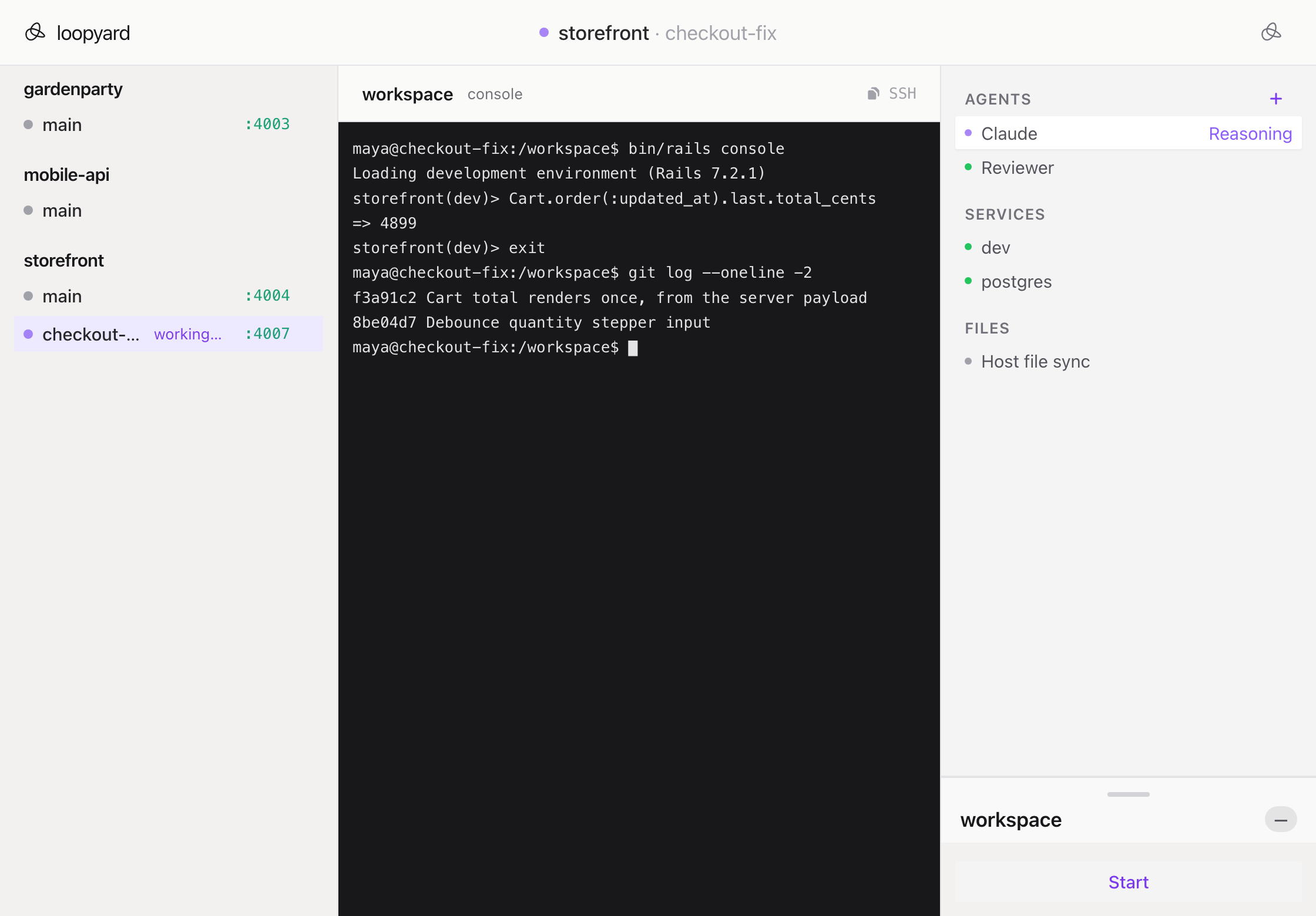
Every workspace container in Loopyard listens on a local SSH port. From your own terminal:
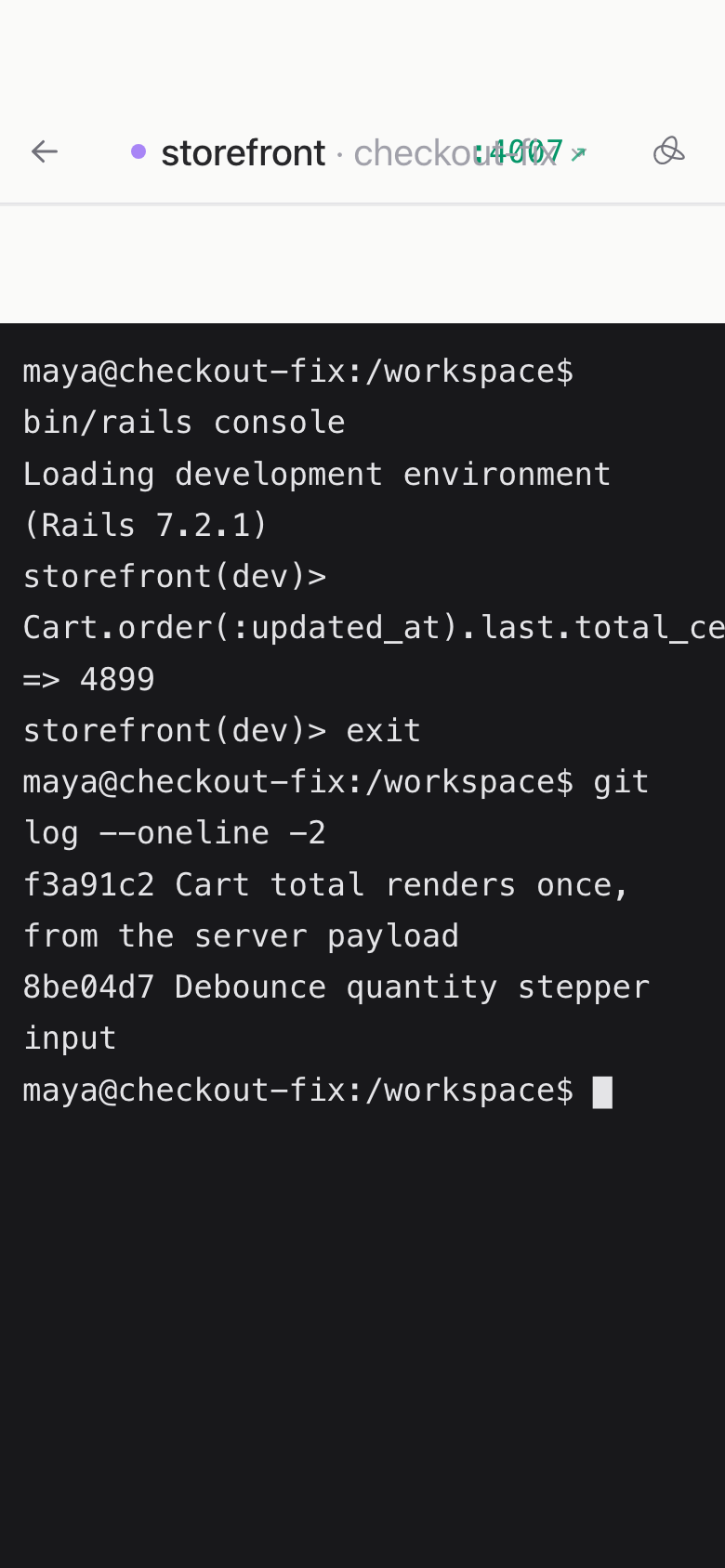
ssh -p 2222 container-name@localhostYou’re dropped into the same session the agent is in. If the agent is running a command and you connect, you see it run; if you tail a file and the agent starts writing to it, you see the writes. It’s a real shared terminal, not a screen recording.
This isn’t a backdoor or an escape hatch. It’s an acknowledgement that people work in terminals and agents work in terminals, and there’s no reason they shouldn’t work in the same one. Edit a file from your shell; the agent sees it. Have the agent edit a file; you see it. The shell is the meeting point, not the agent’s private workspace.
More features
-
Zero-config project setup
Clone, launch, work. The setup agent inspects the repo and stands up everything the project needs.
Read more
-
Full Docker stack per project
Each project gets its own Docker Compose. Isolated, reproducible, and gone when you stop it.
Read more
-
Multiplayer by default
Share an agent the way you'd share a Google Doc. Anyone with the link is in the room.
Read more
-
Multiple agents per project
One project, several agents working in parallel. Each in its own session, each visible.
Read more
-
Works from any device
Every session is a URL. Every URL works on every device. The agent doesn't care which one is in front of you.
Read more
-
Persistent containers
A project keeps running between sessions. Come back tomorrow, the dev server is already up.
Read more