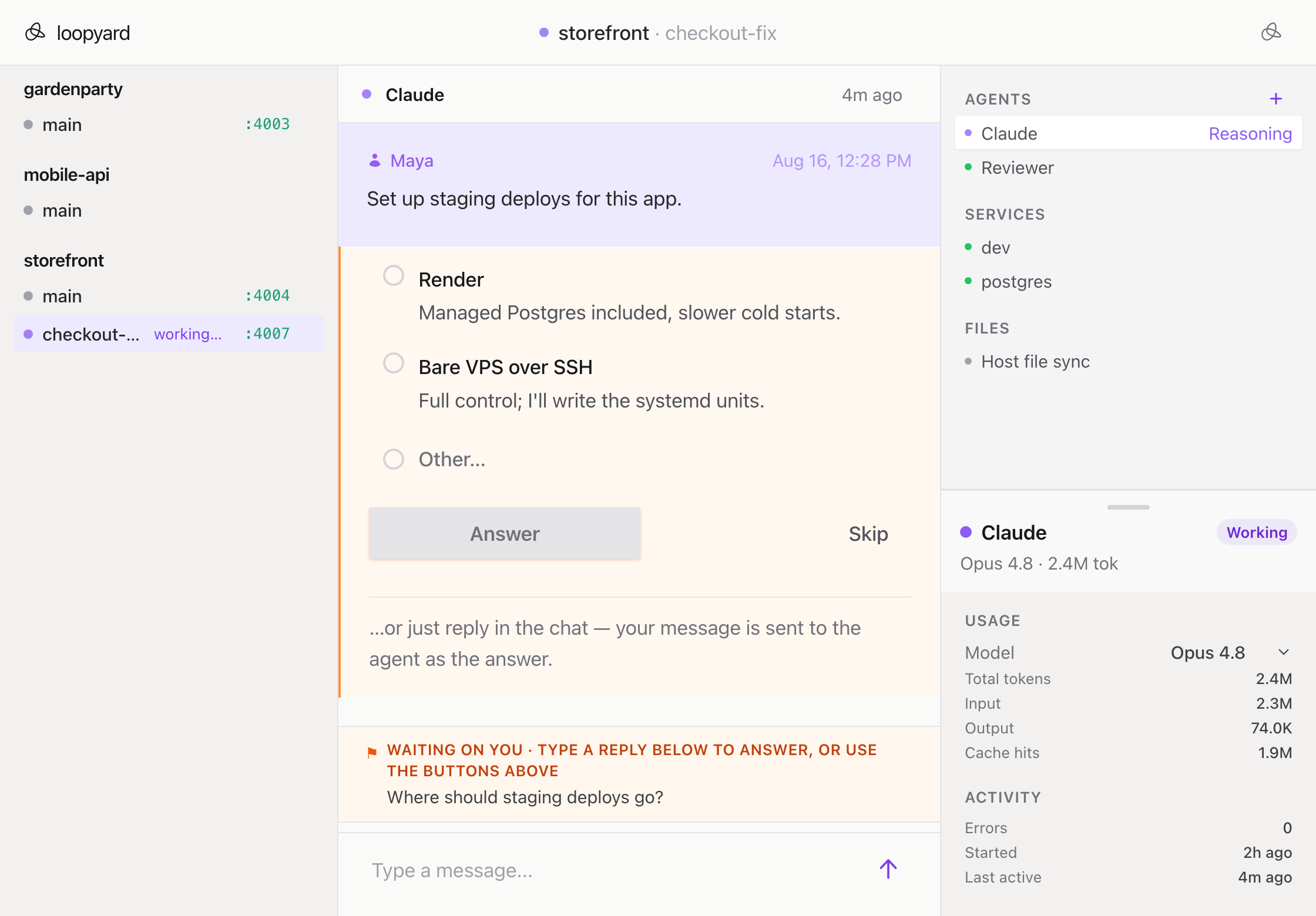
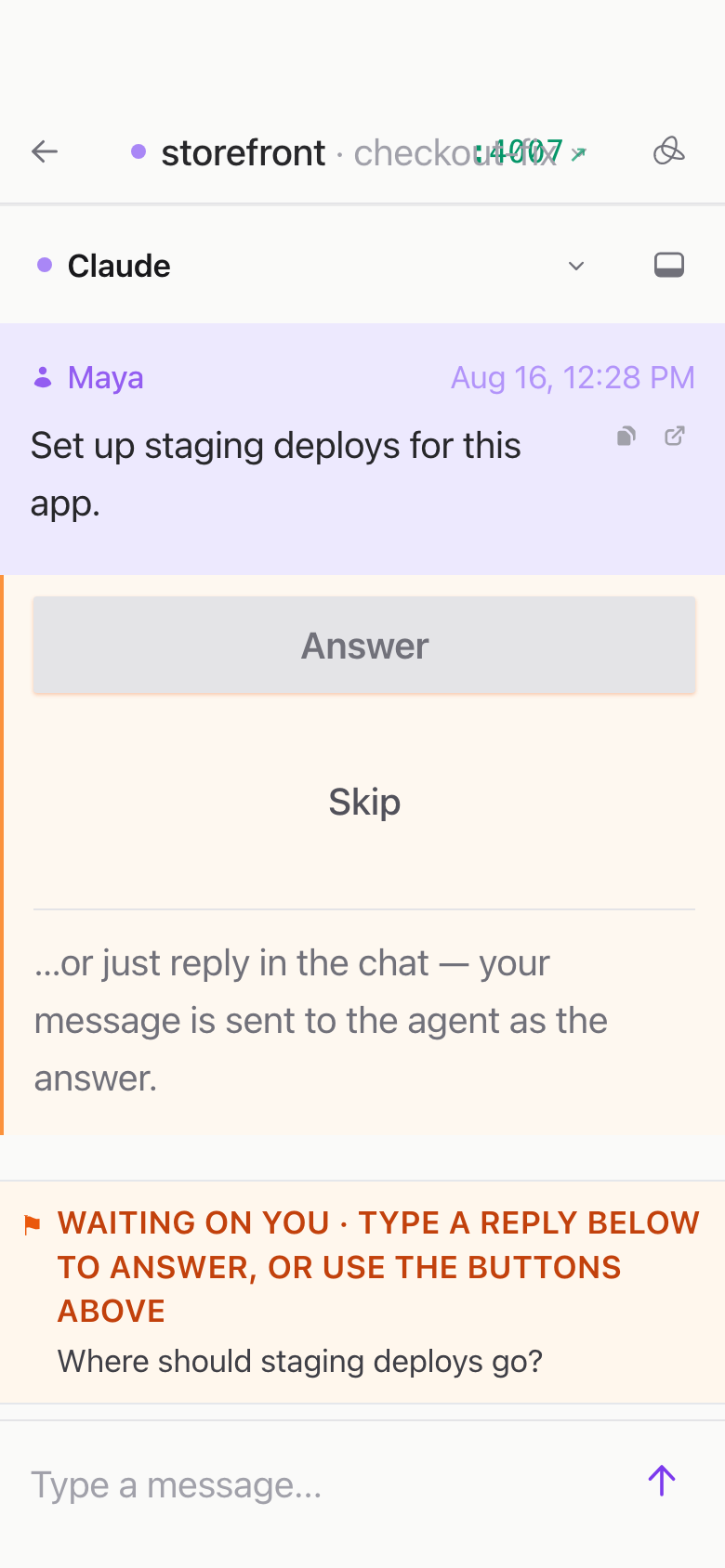
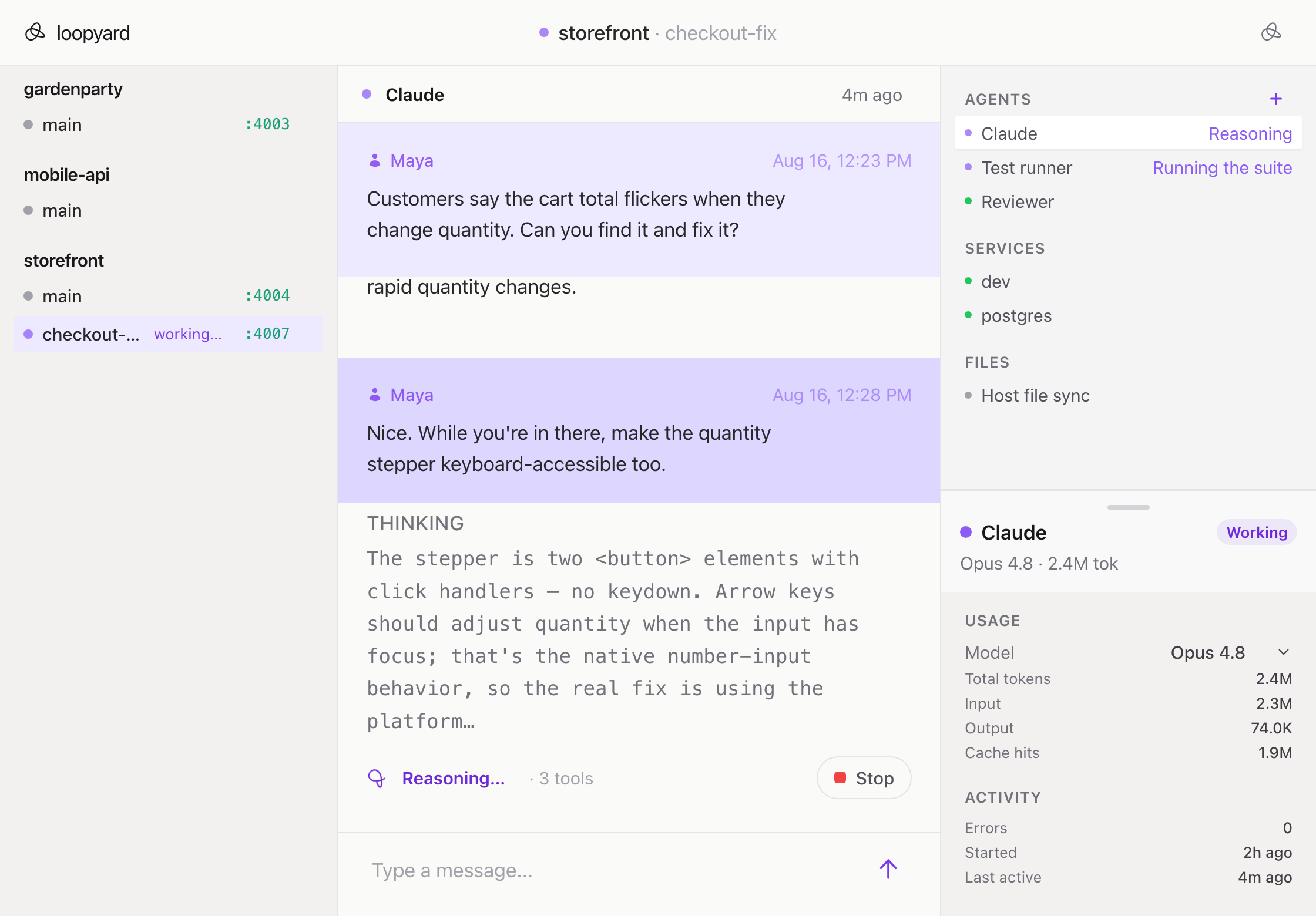
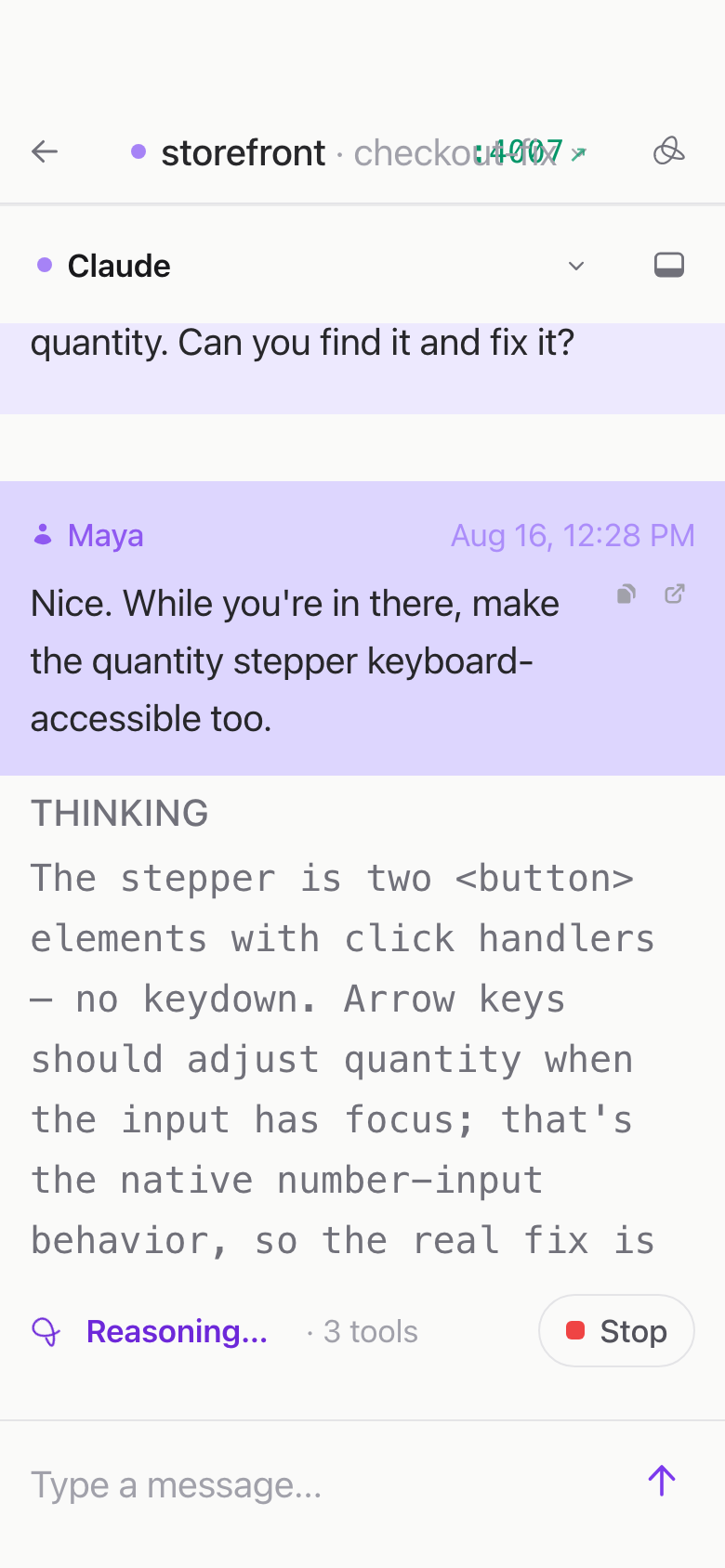
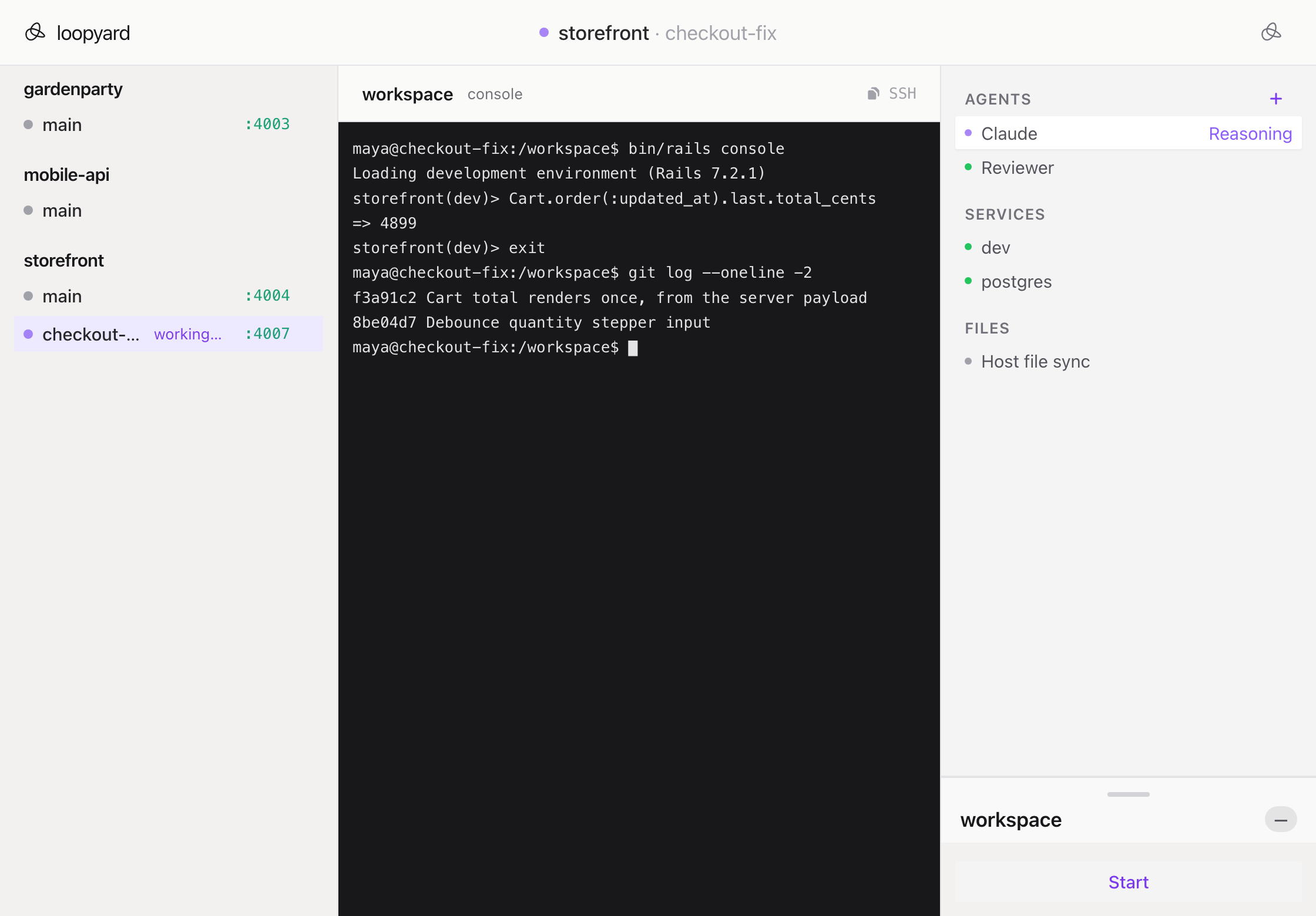
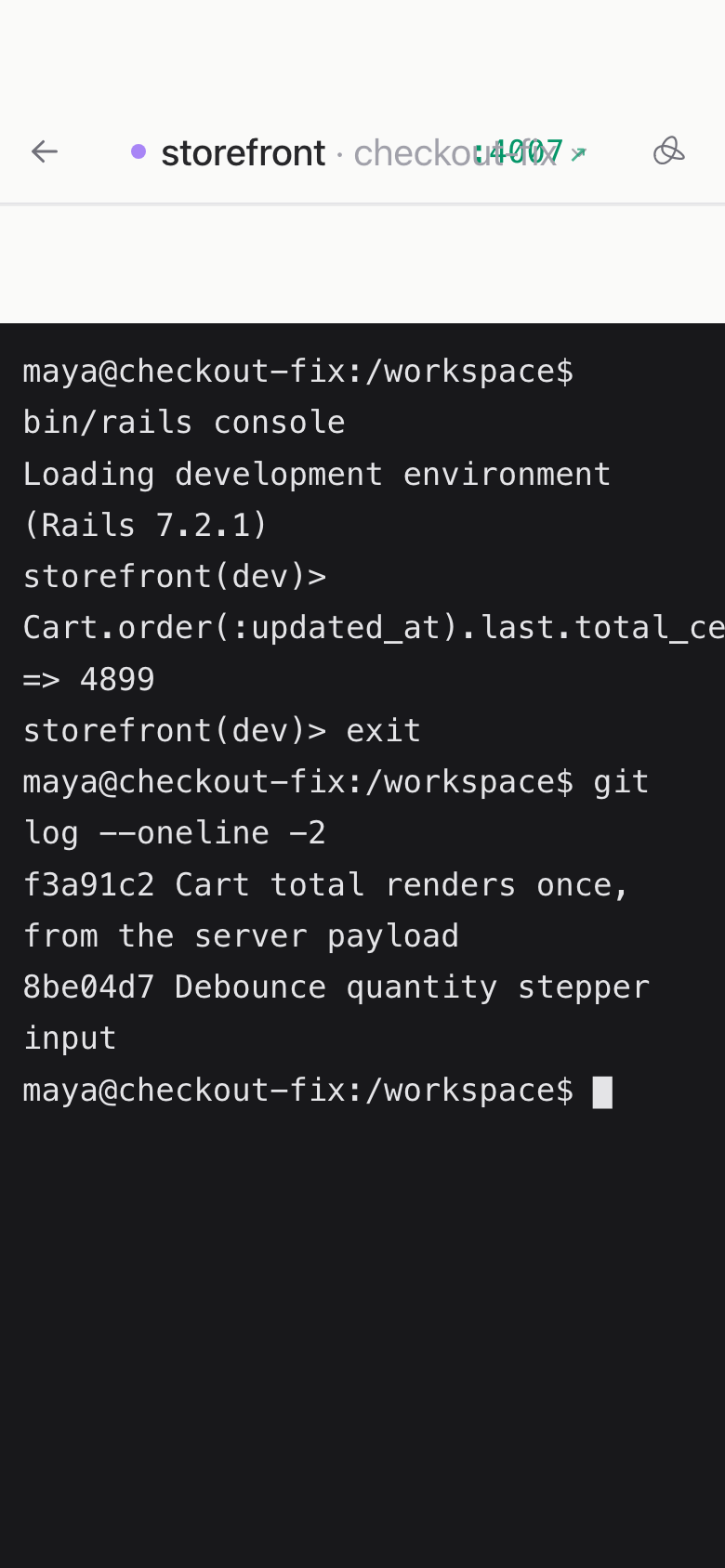
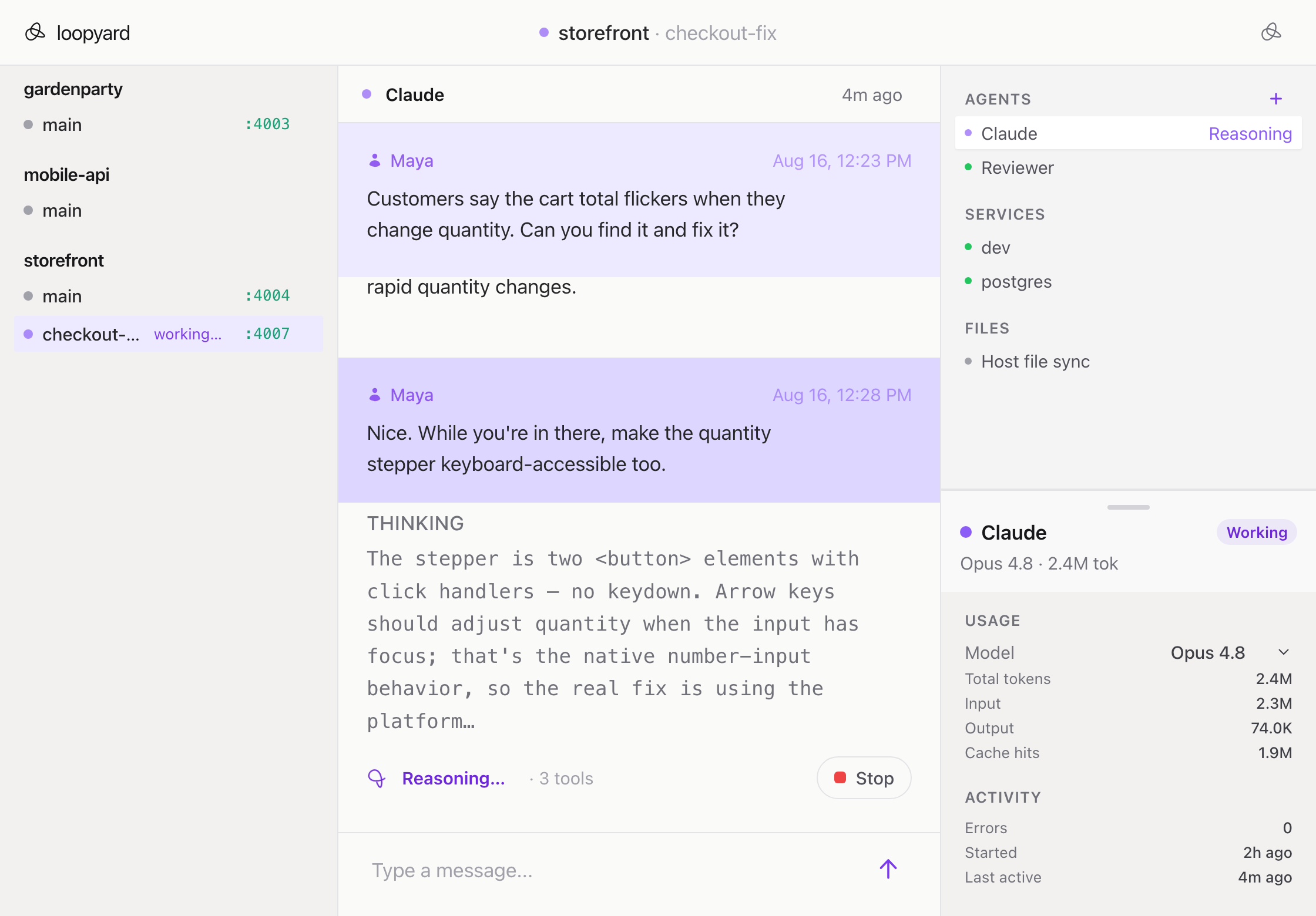
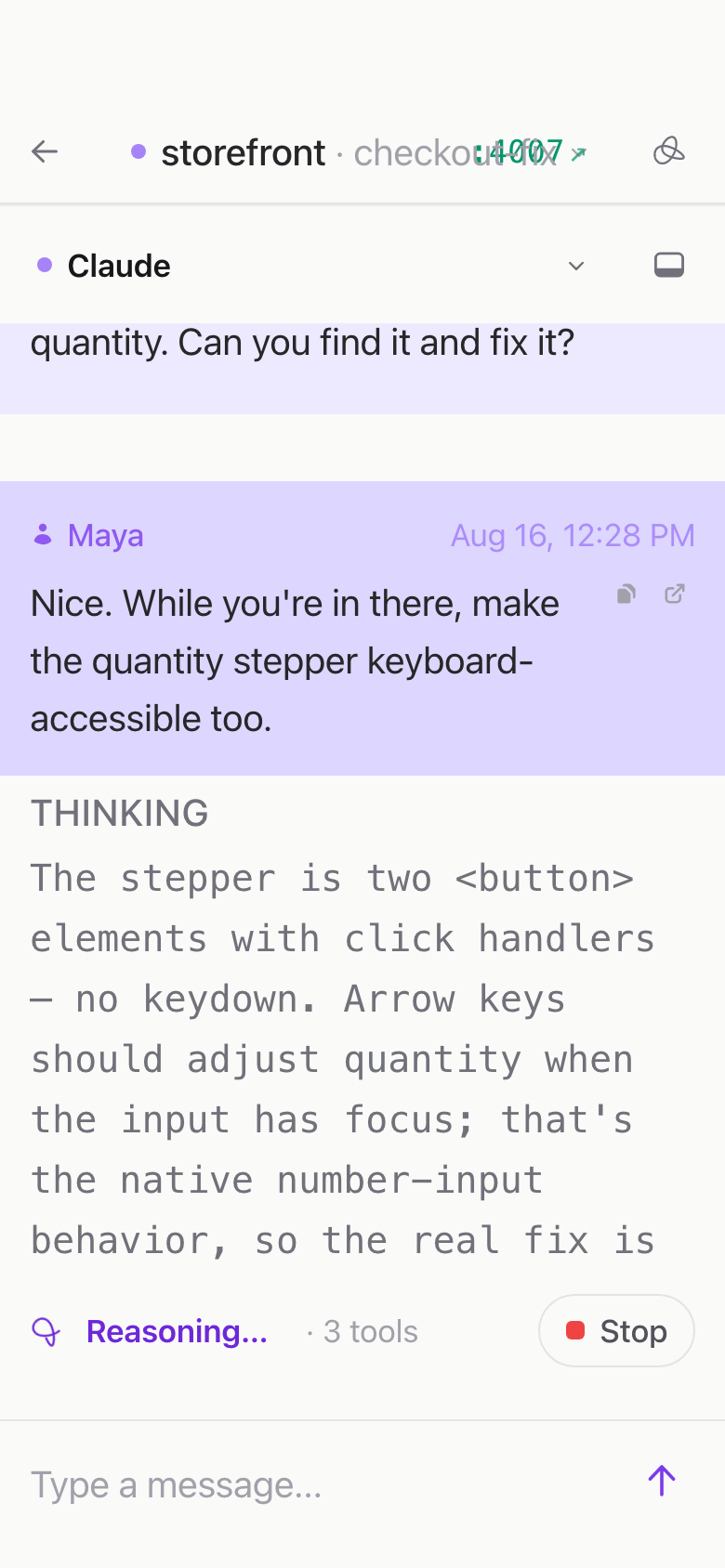
How it works
- Launch a project. Point Loopyard at any git repo.
- The agent reads the repo and detects the stack: language, framework, databases, services. One agent, no separate setup mode.
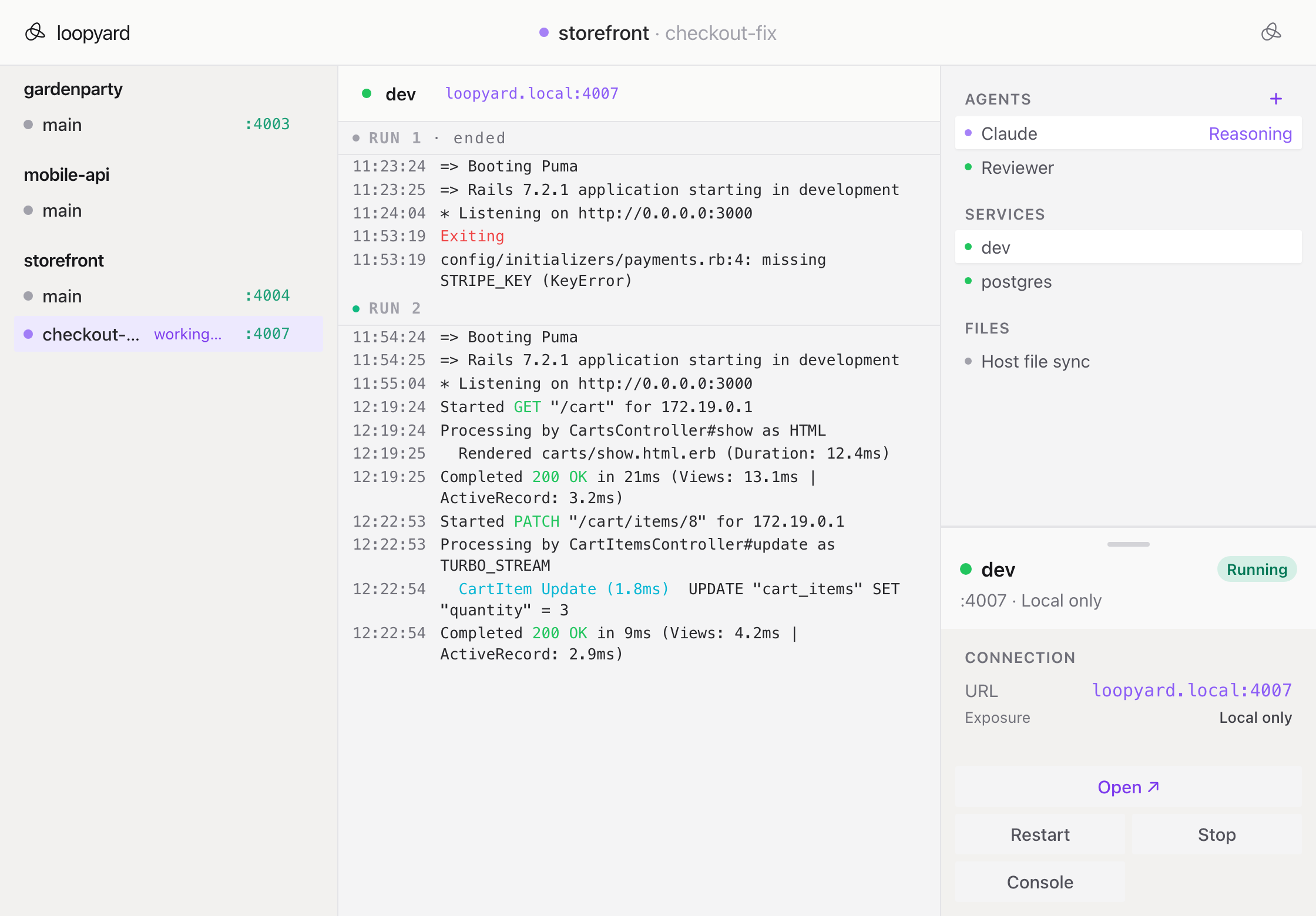
- It writes the Dockerfile and Docker Compose, then builds and runs everything: workspace container, dev server, databases.
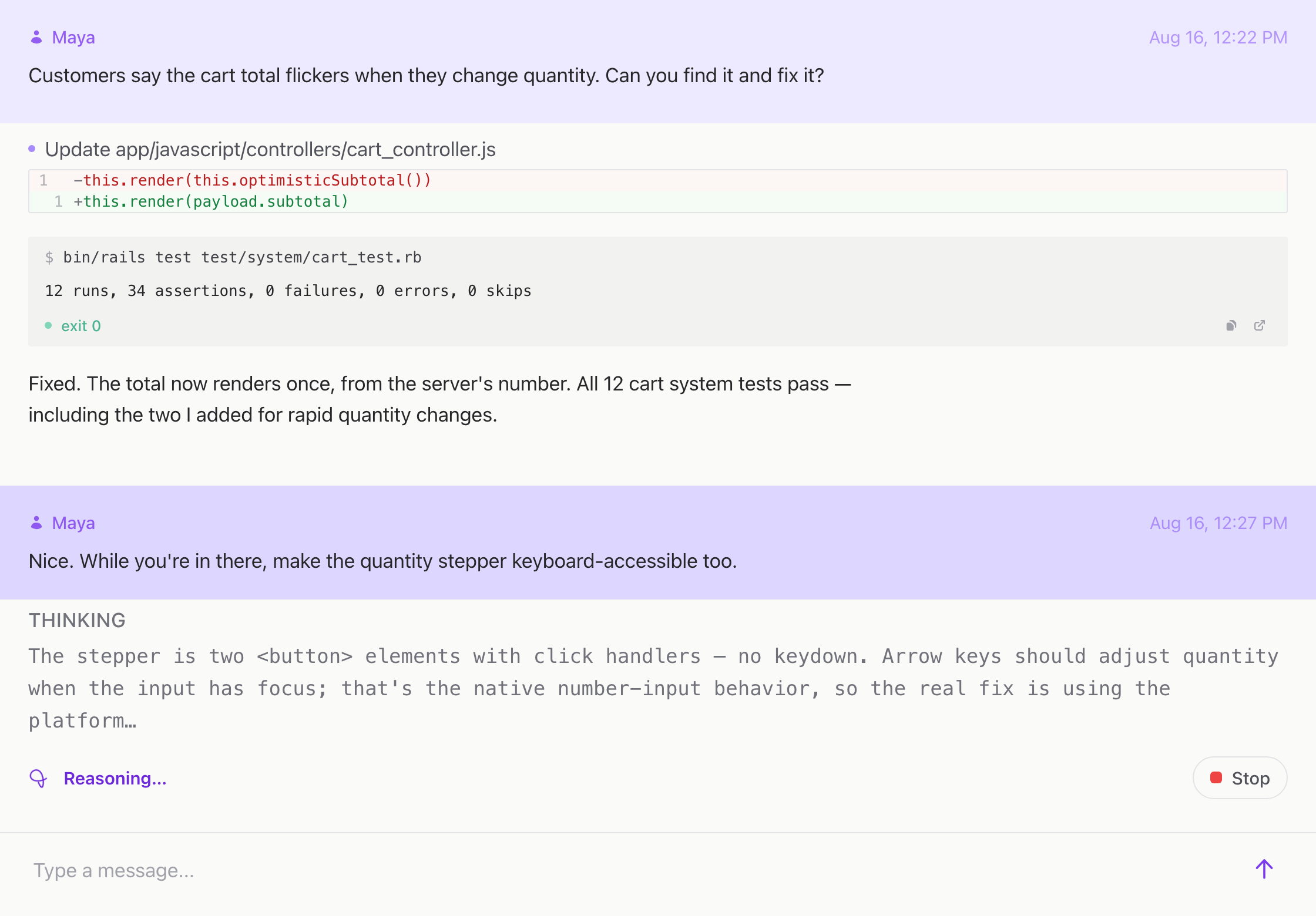
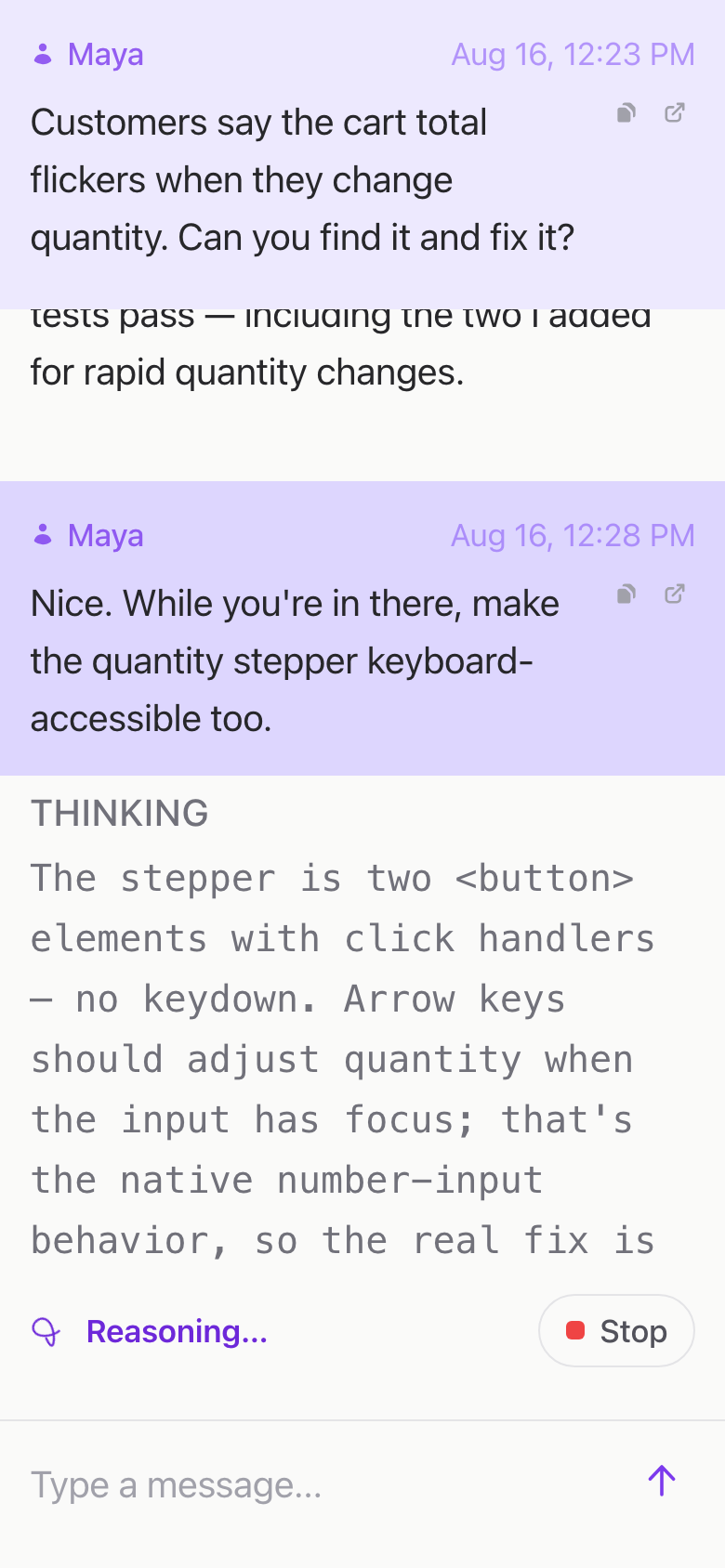
- Agents exec into the workspace container to write code, run tests, and debug issues.
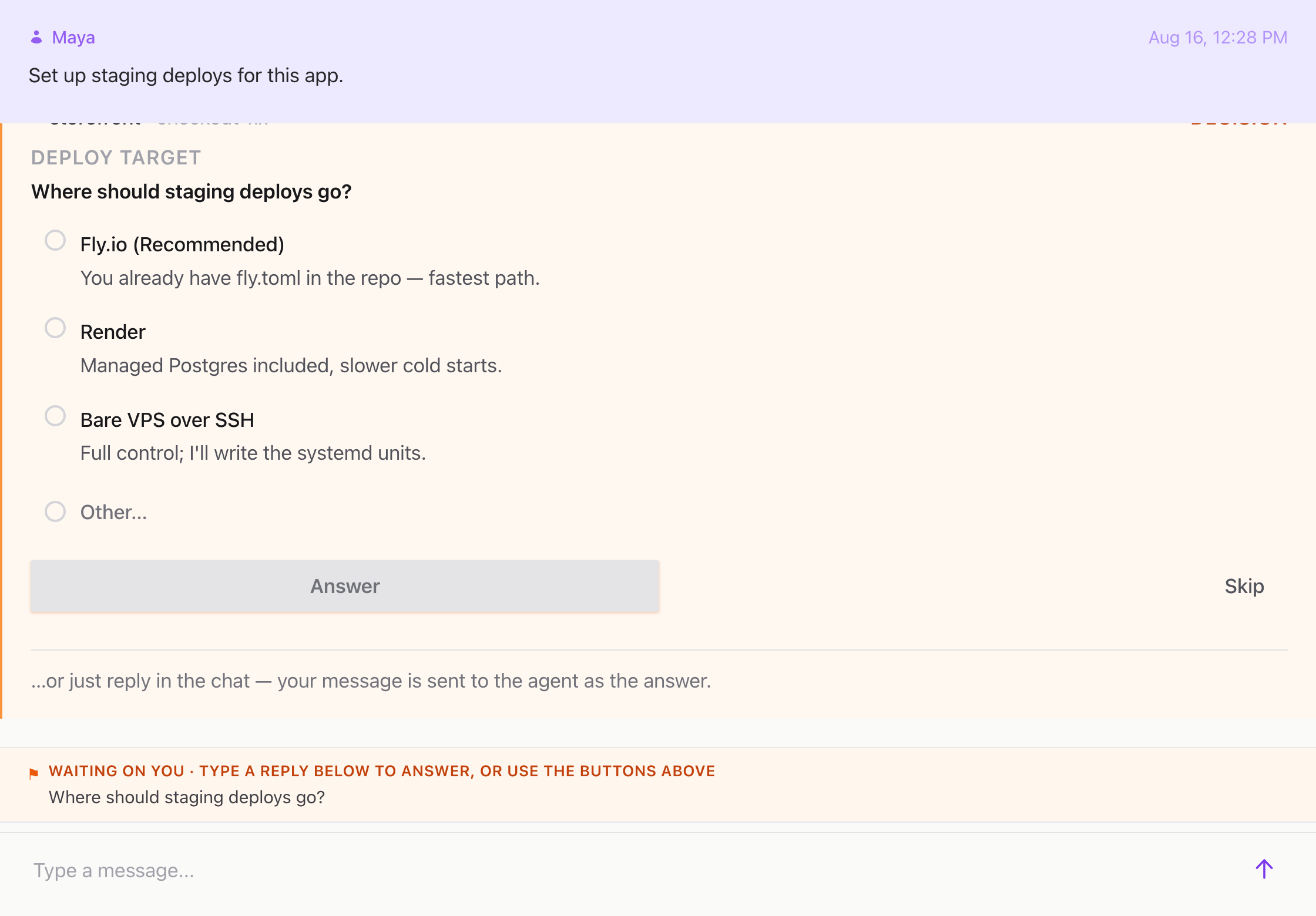
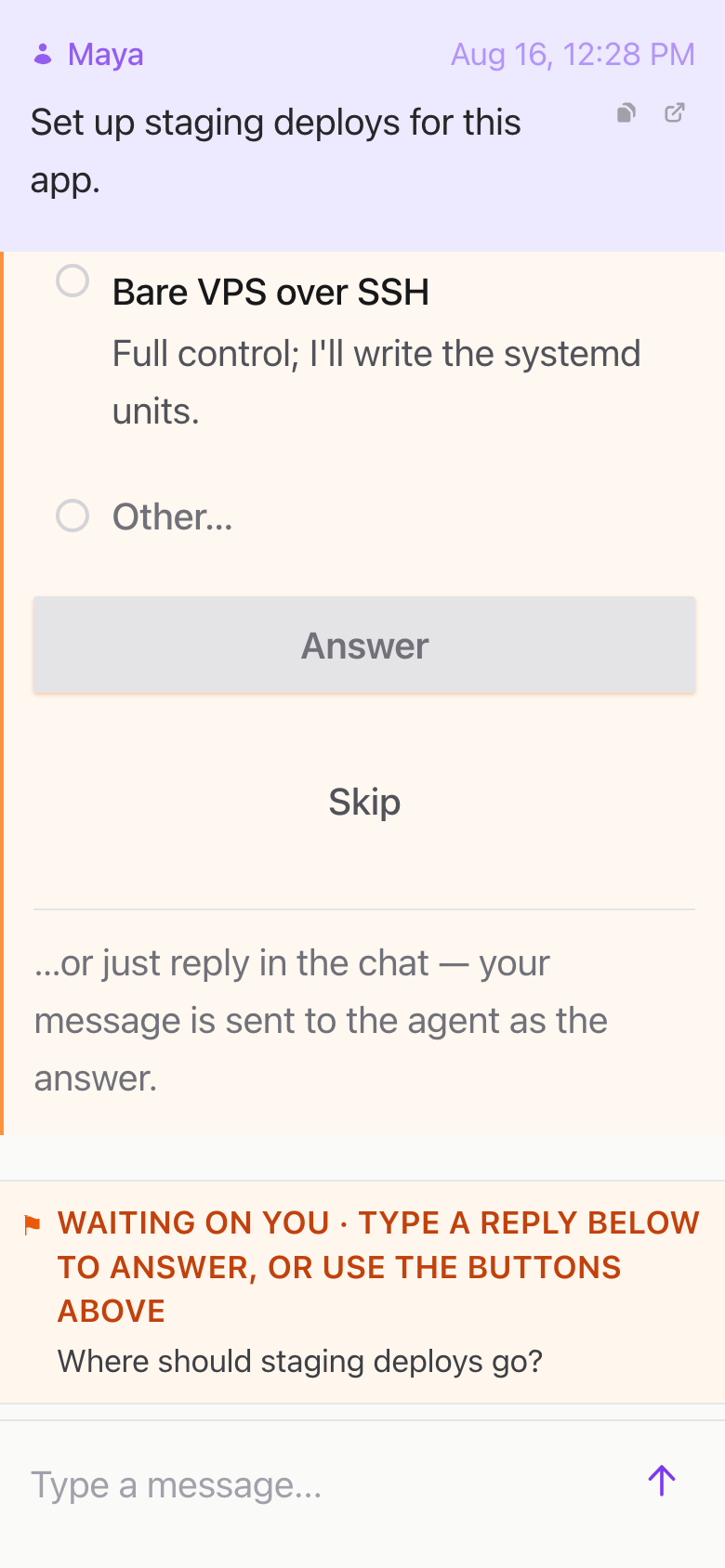
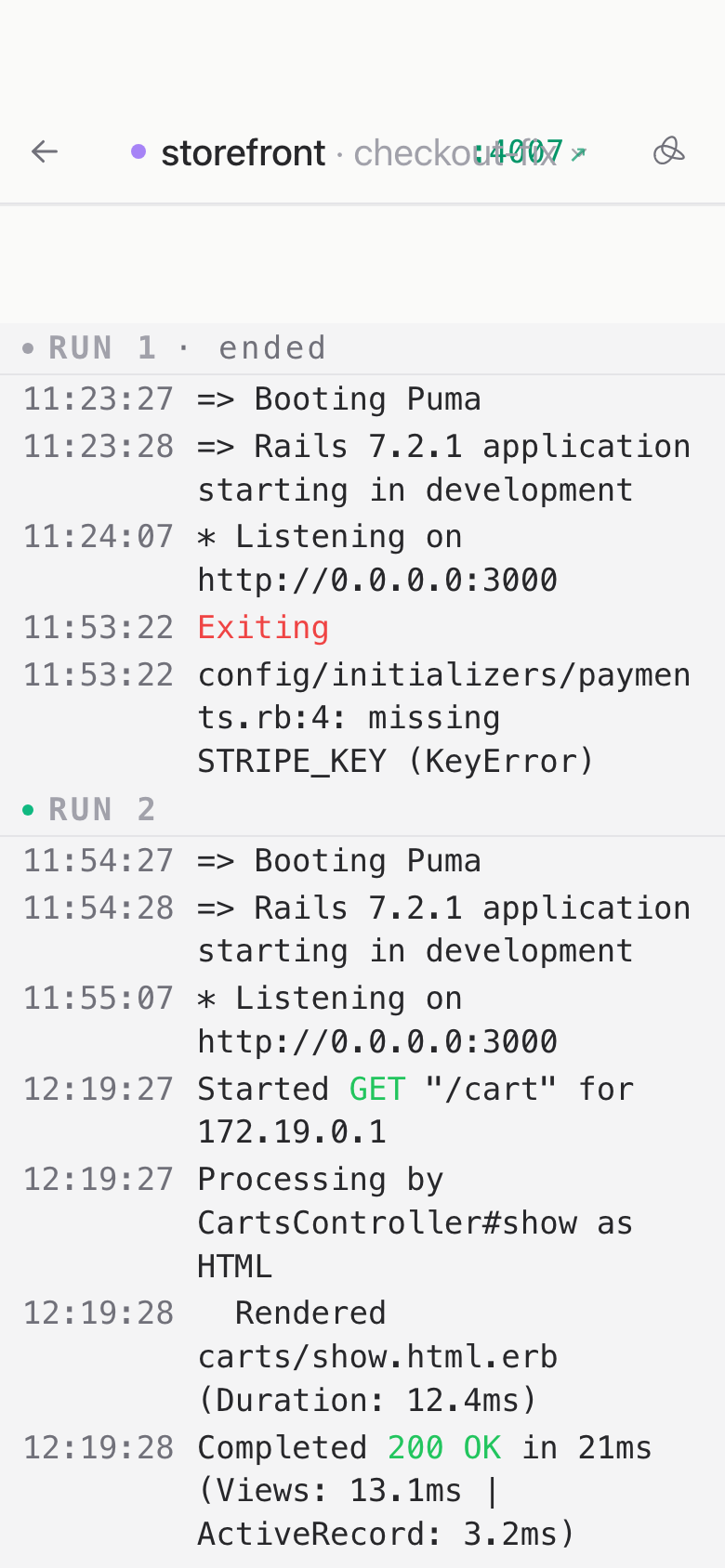
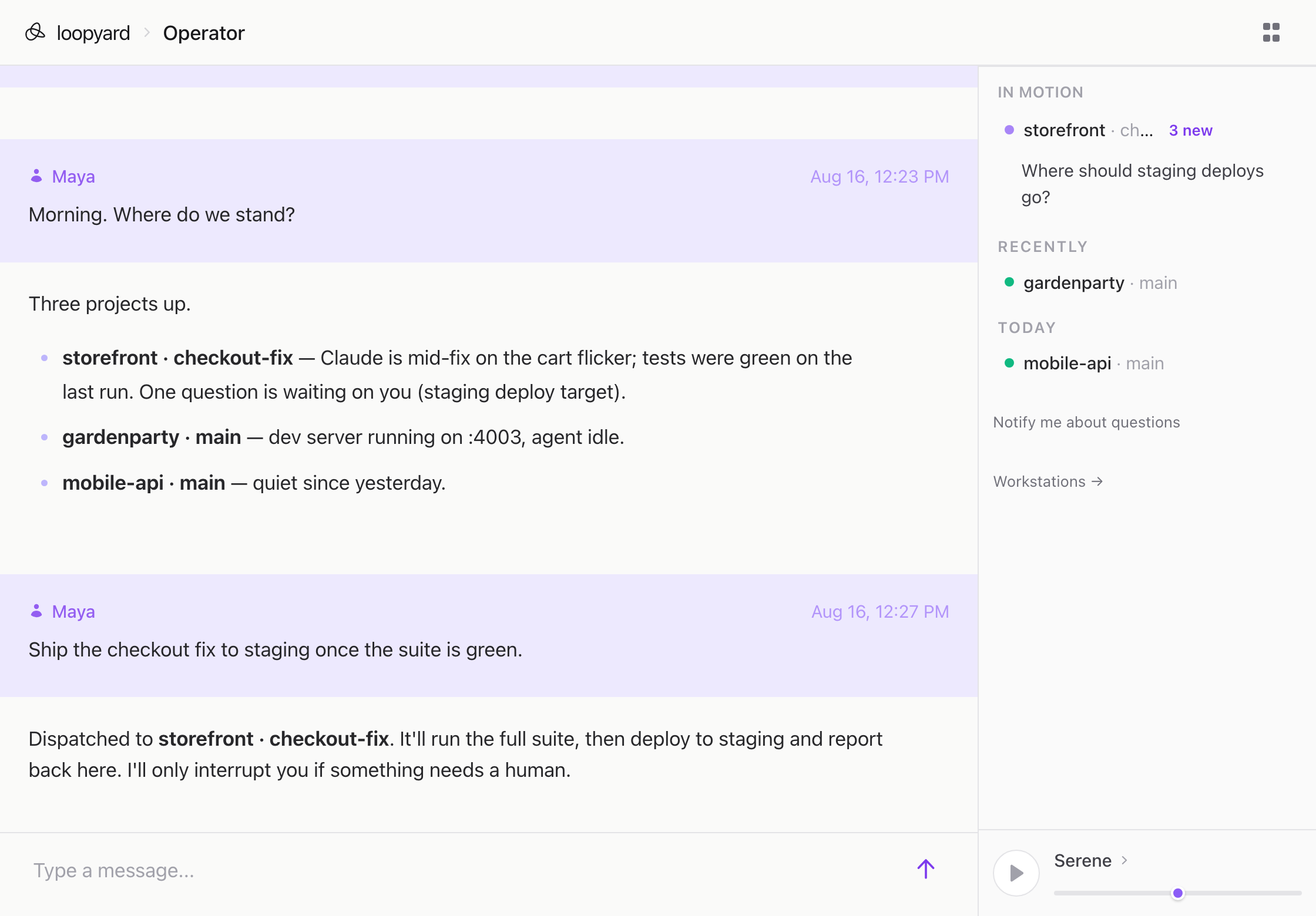
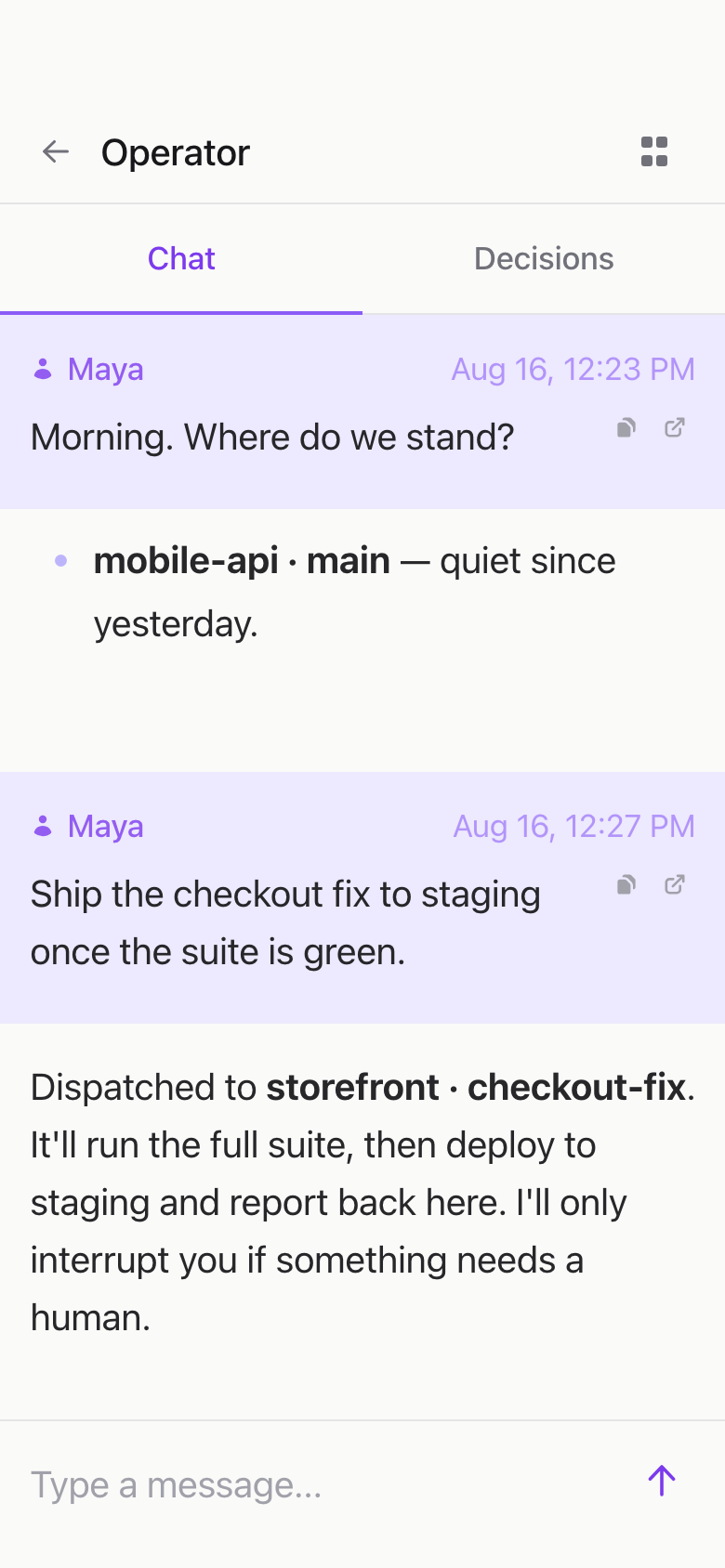
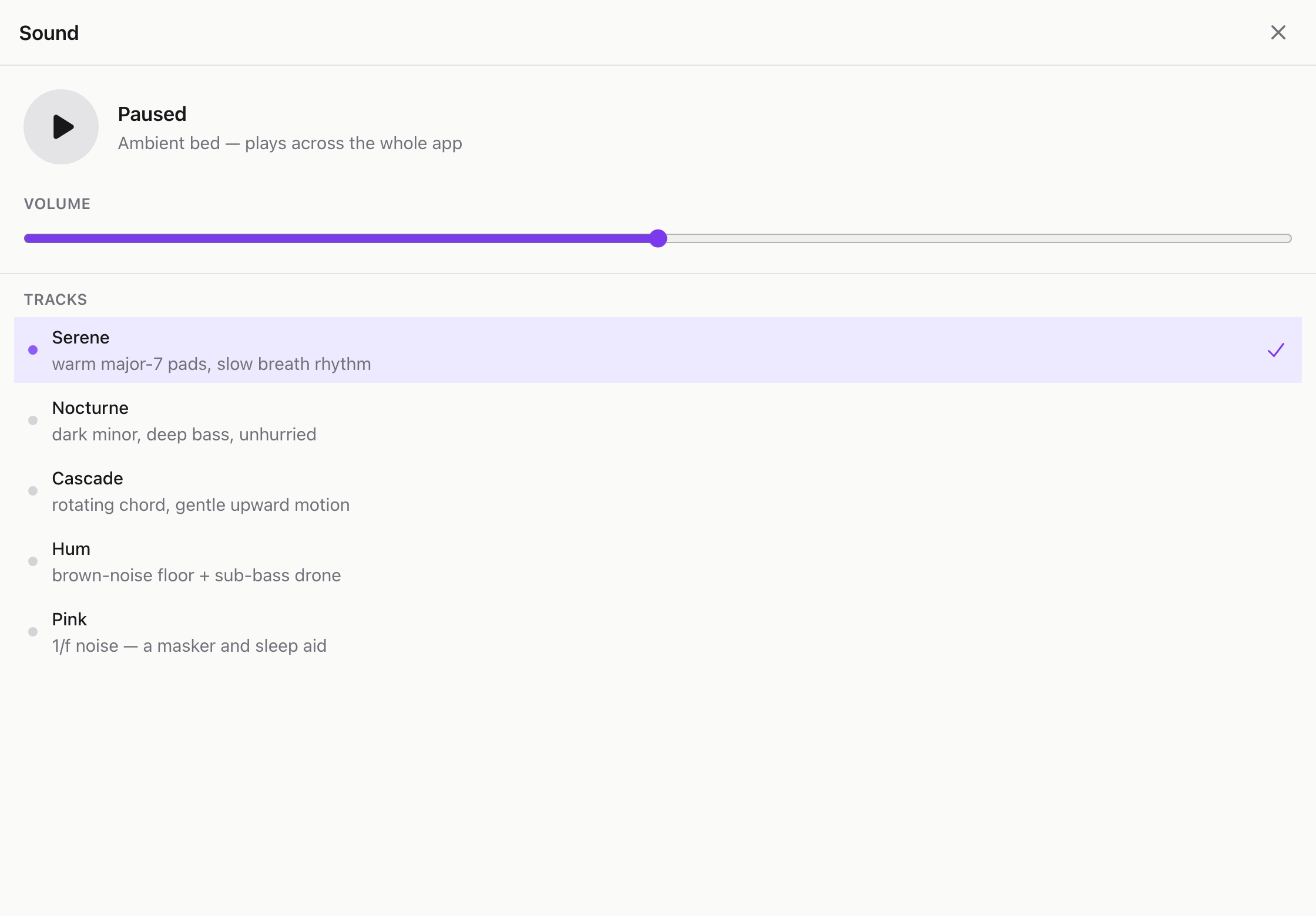
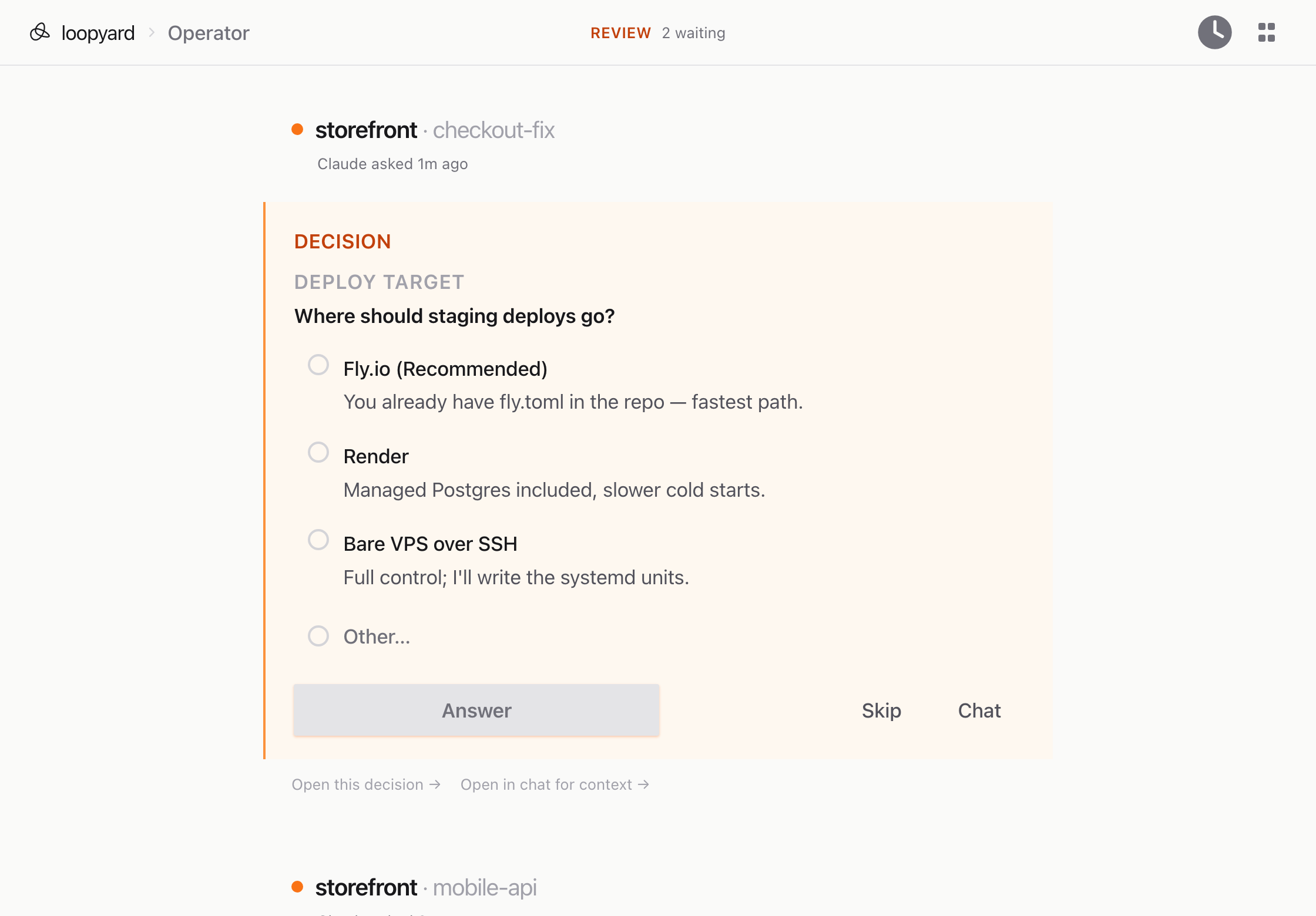
- You watch, interact, and collaborate. Every view is a live, multiplayer URL.
Why this exists
Coding agents do their best work when you stop approving every step and let them run. The catch is that an agent running unsupervised on your laptop can reach everything on it: your SSH keys, your dotfiles, your other repos. So you either approve each action, which is slow, or turn the prompts off and hope.
Loopyard hands the agent a container instead of your machine. It works in Docker with no route back to the host, so you can turn the prompts off and let it run overnight. If it wrecks something, you delete the container and rebuild in about a minute.
Inside that boundary the agent builds the environment as well as the code: the Dockerfile, the services, the dev server, the environment variables. Then it works inside what it built. Same Claude Code, same abilities, in a setup your team can watch and reproduce.
Compared to
The right tool depends on how you work:
- Claude Code CLI: Loopyard runs it; this page explains what the harness adds.
- Claude Code Desktop: the official app for local sessions.
- Commander: a native Mac app for reviewing coding-agent work.
- OpenCode: an open-source, provider-agnostic coding agent.
- Codex: OpenAI’s agent across CLI, IDE, and cloud.
- Cursor: an AI editor with agents in the IDE and its cloud.