Loopyard Feature
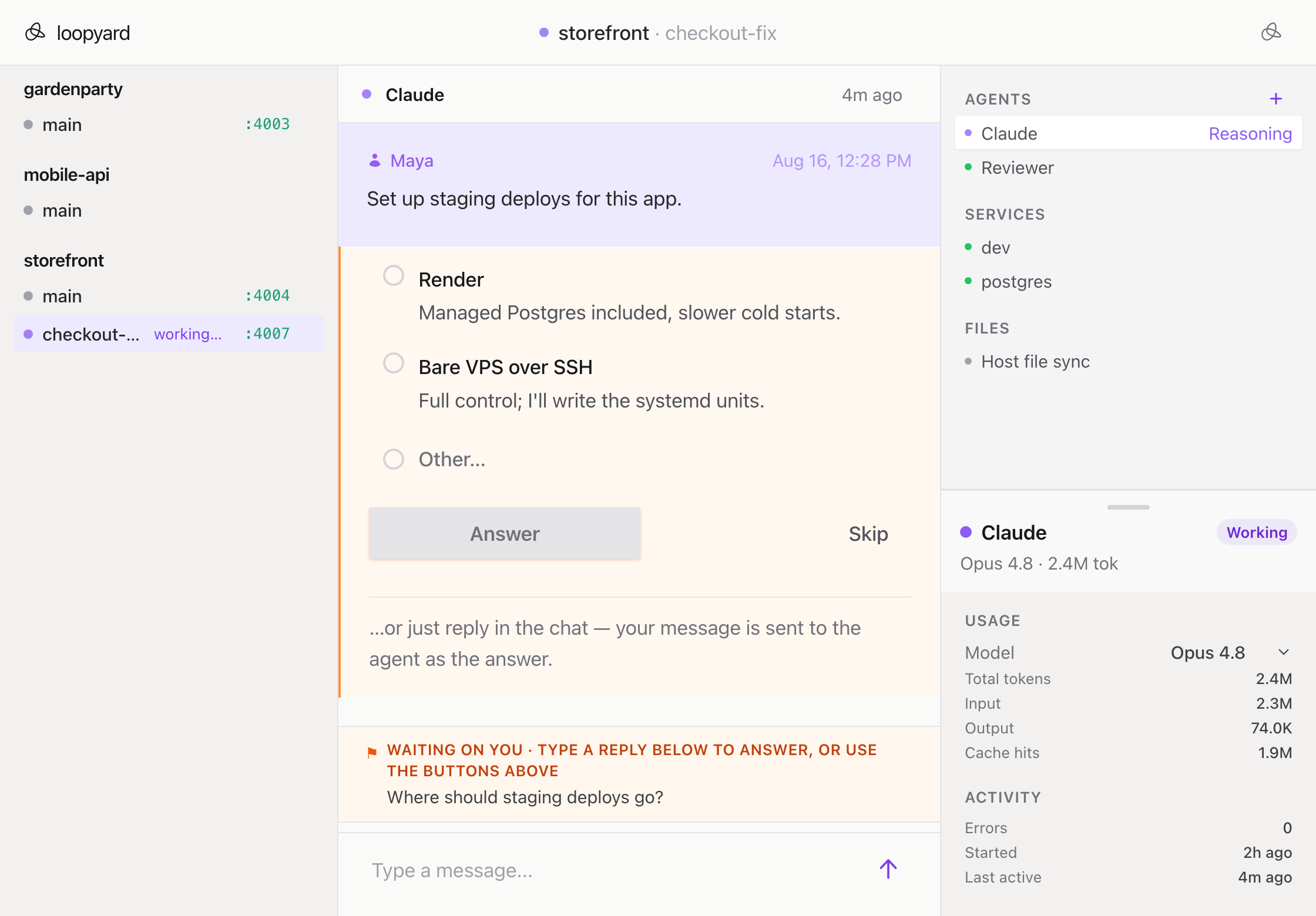
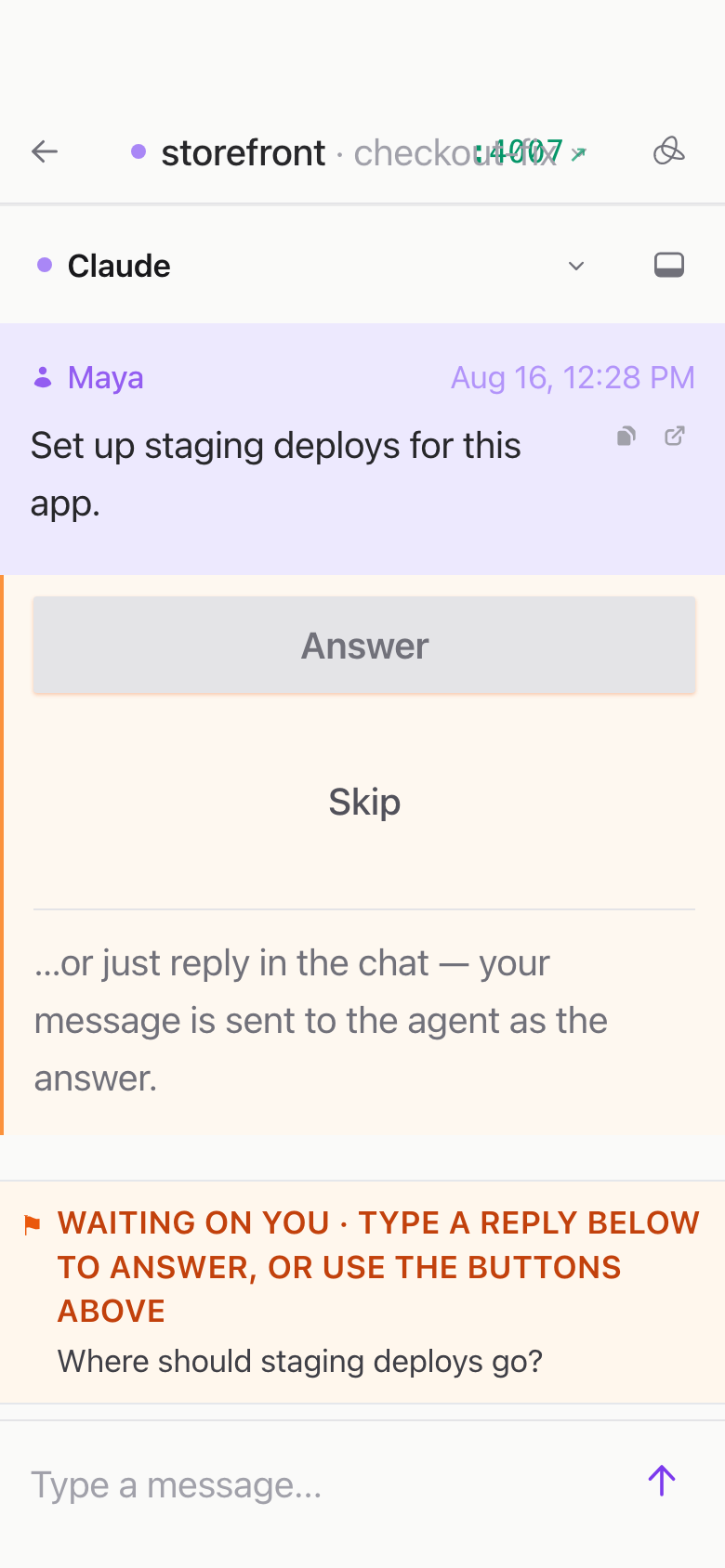
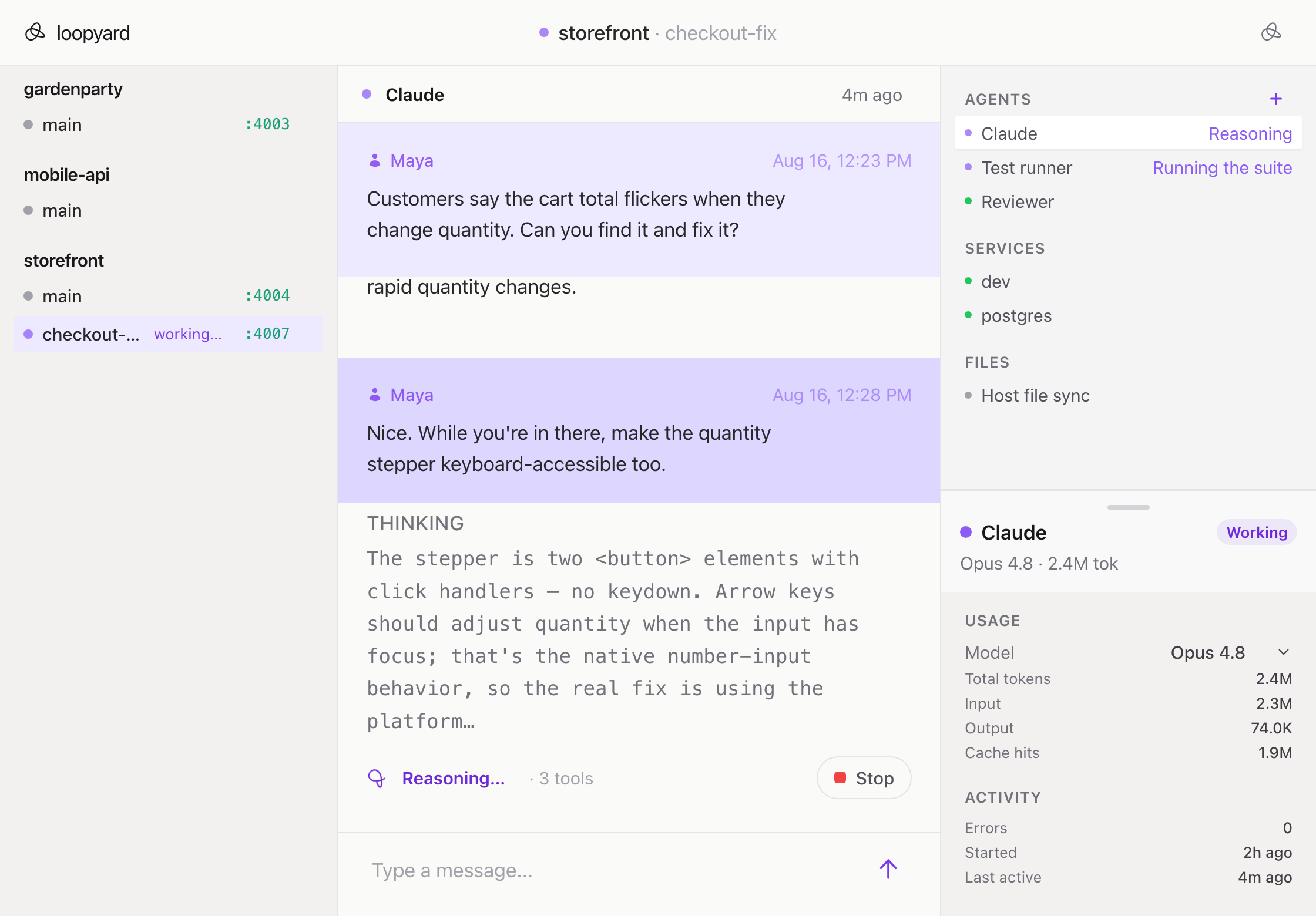
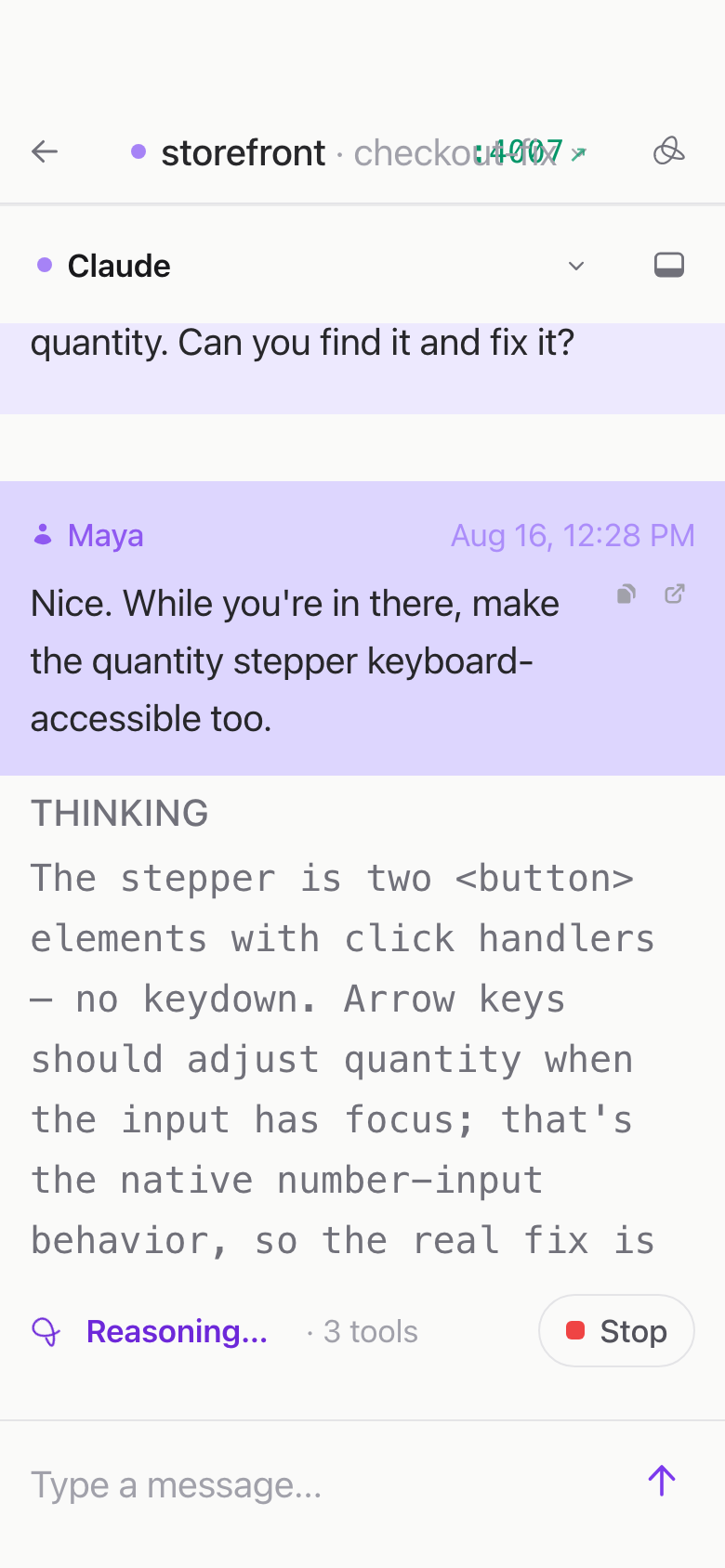
Works from any device
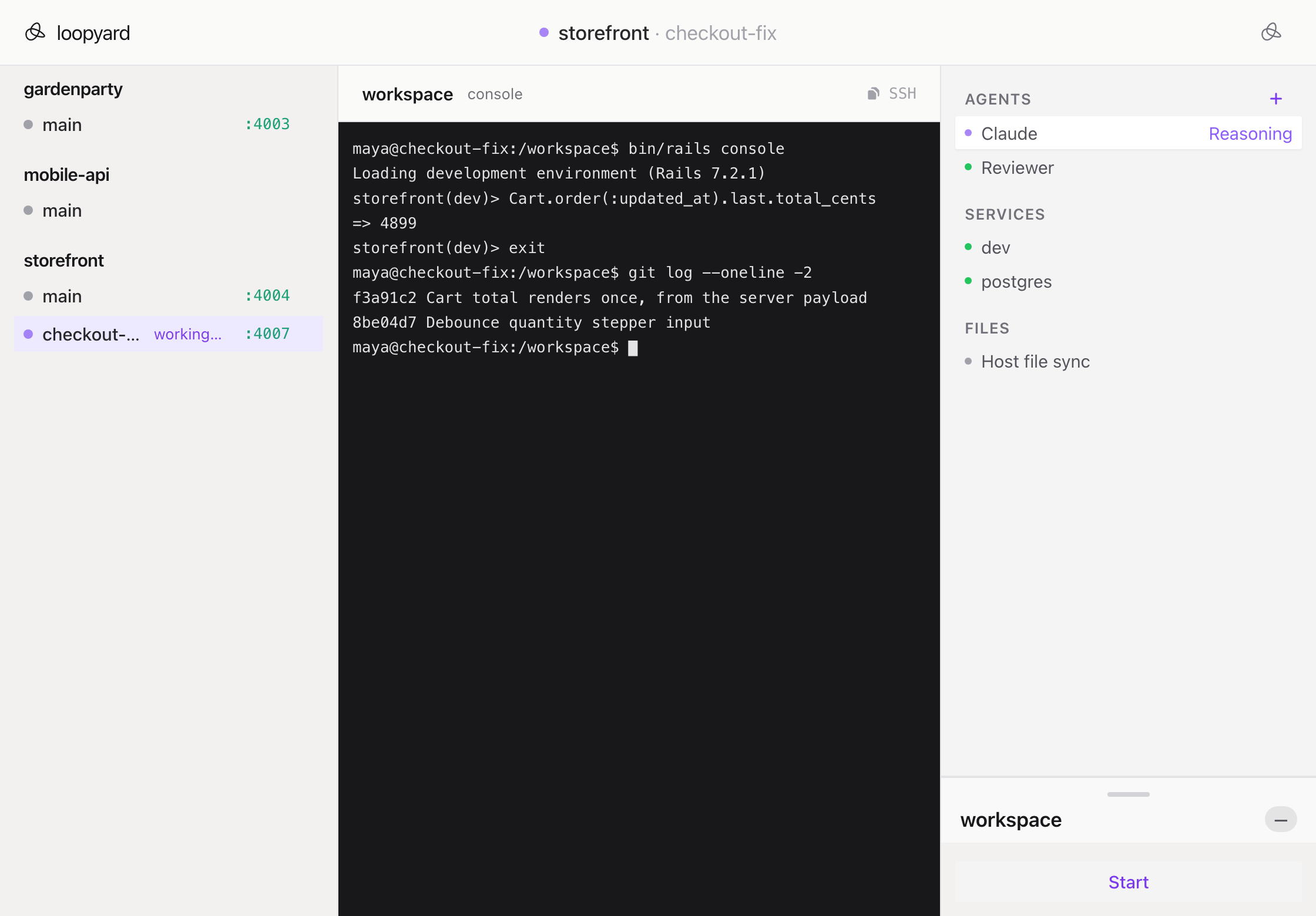
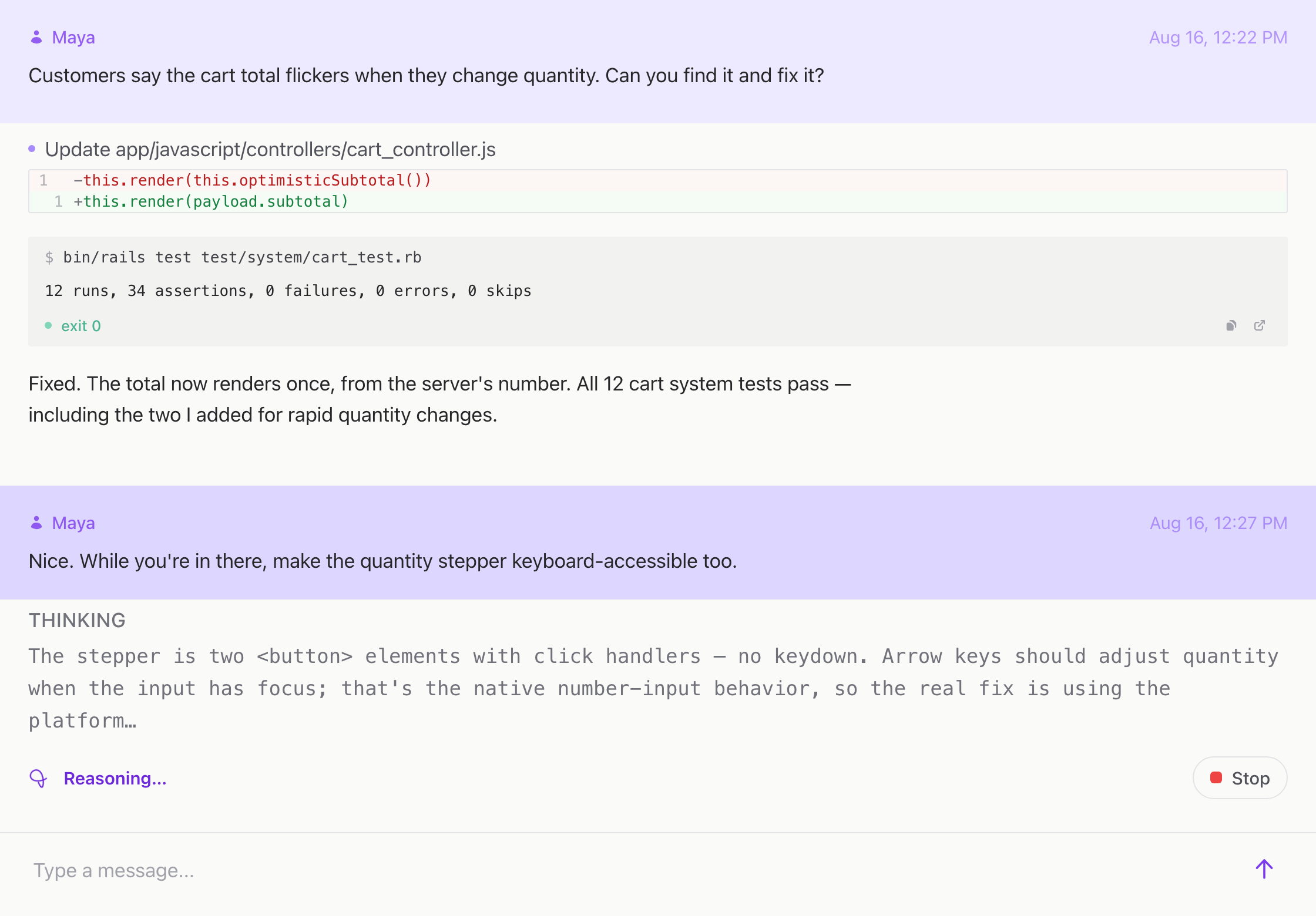
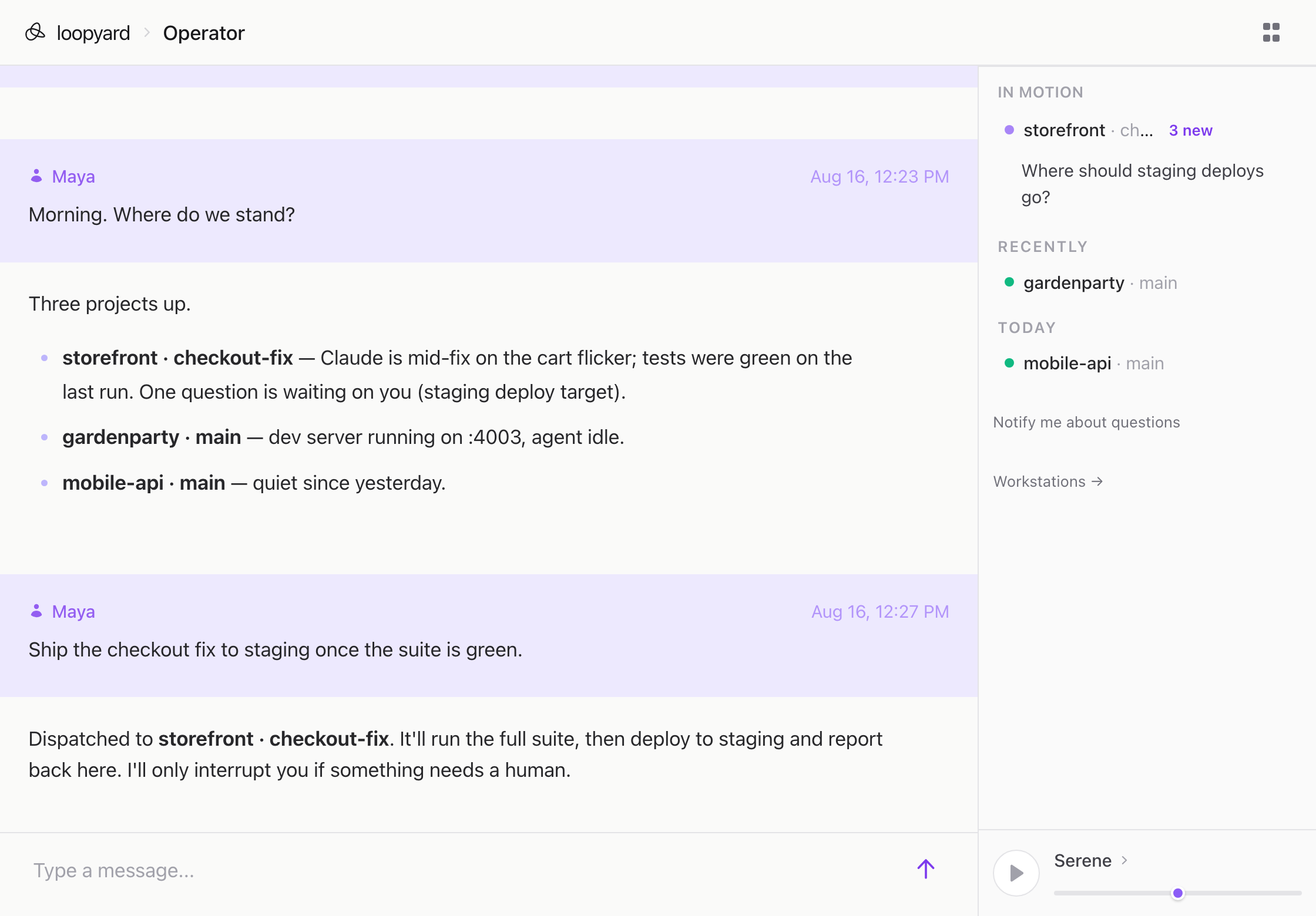
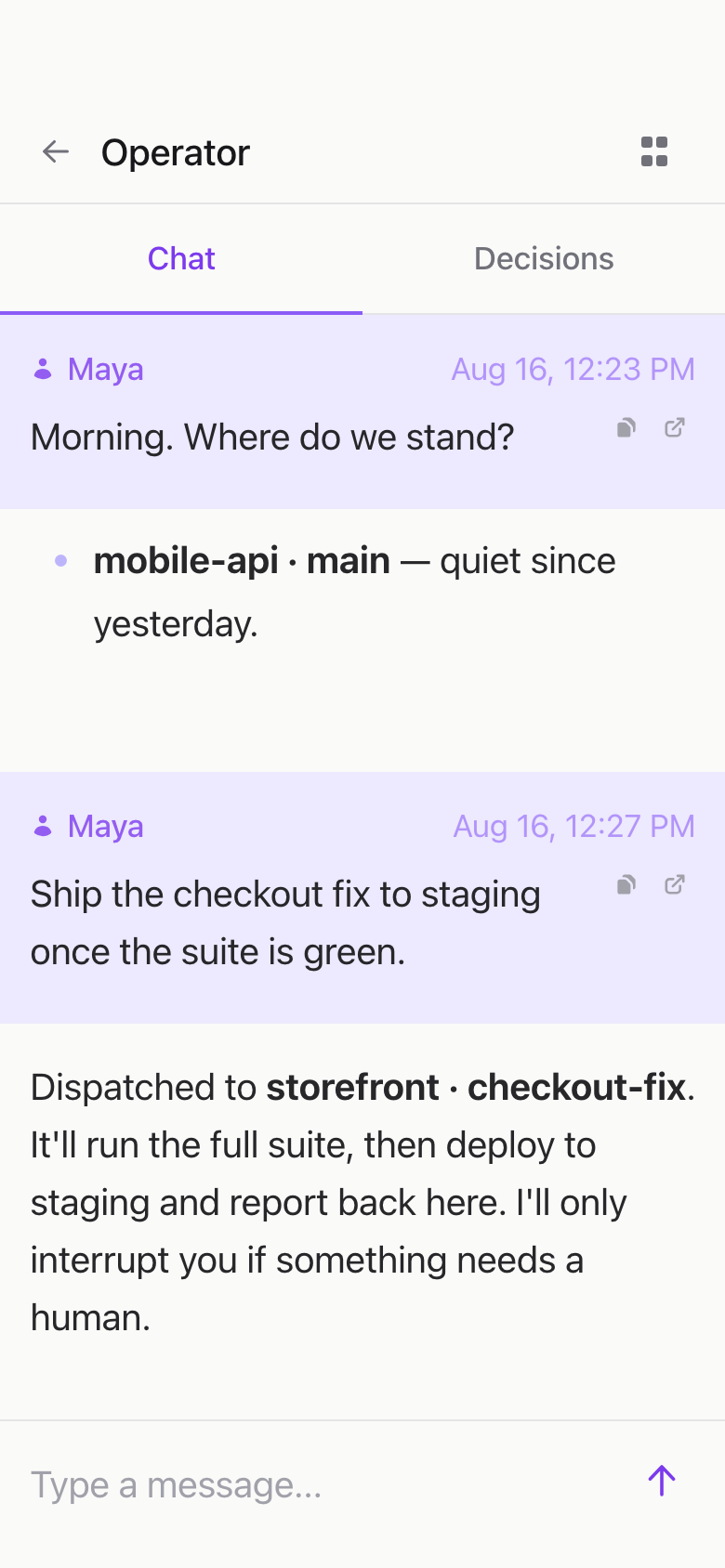
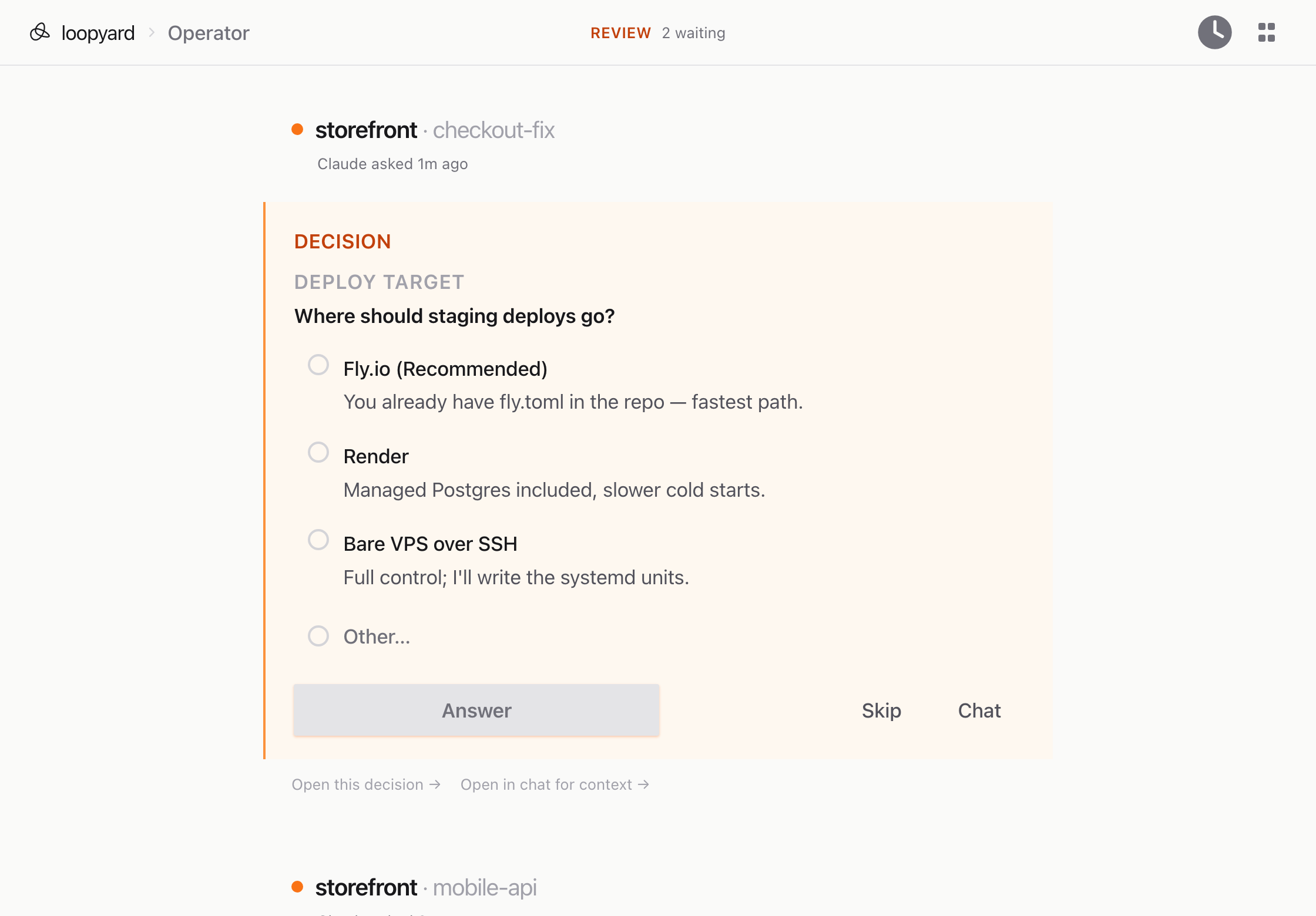
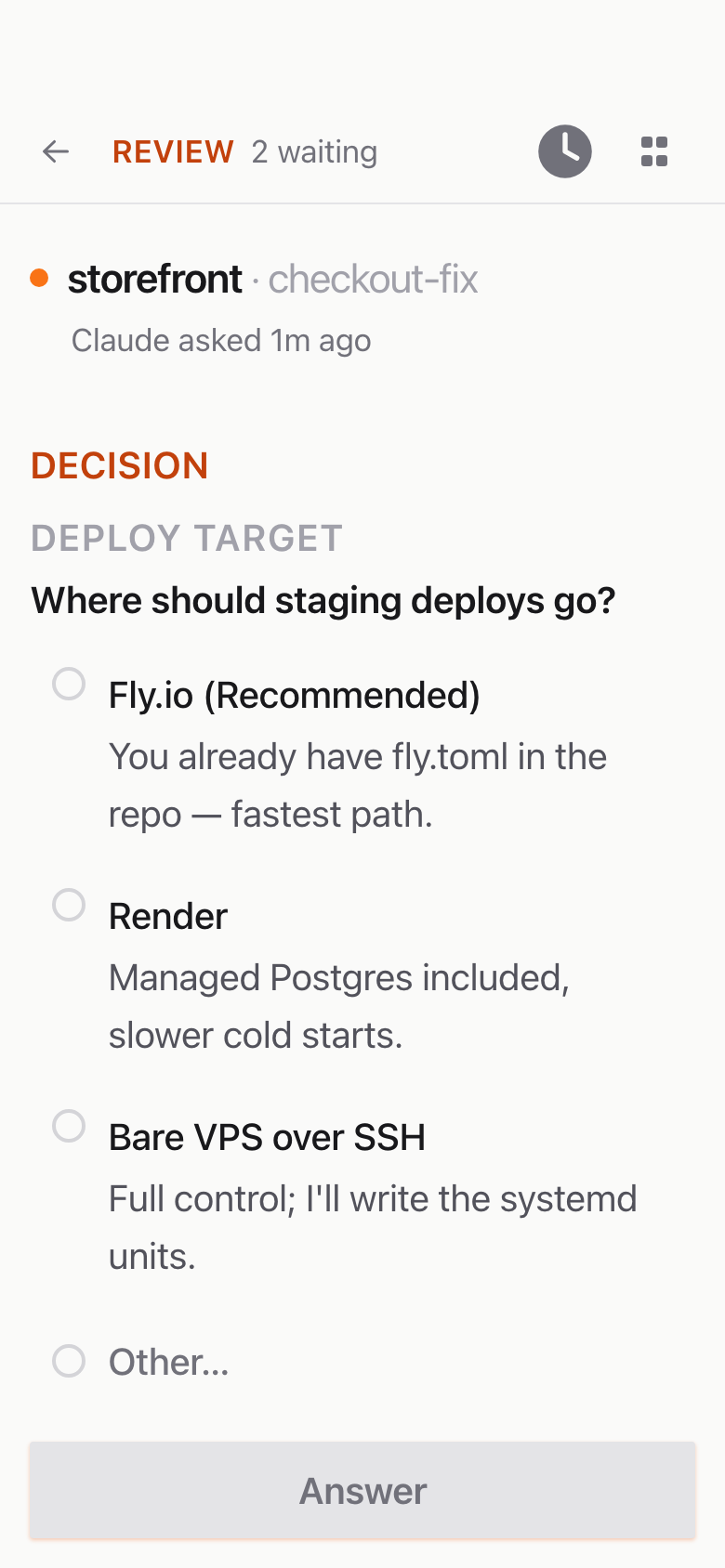
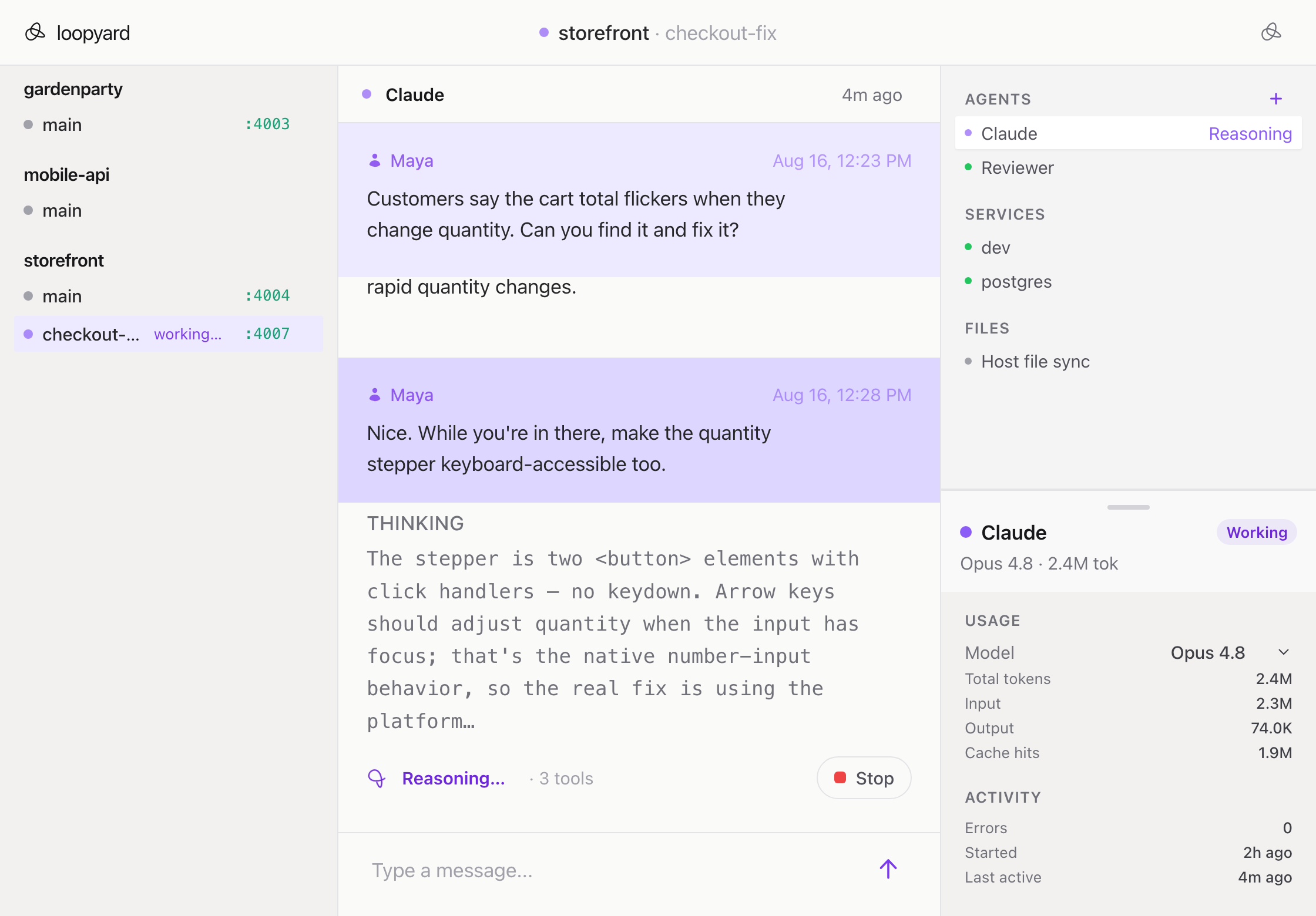
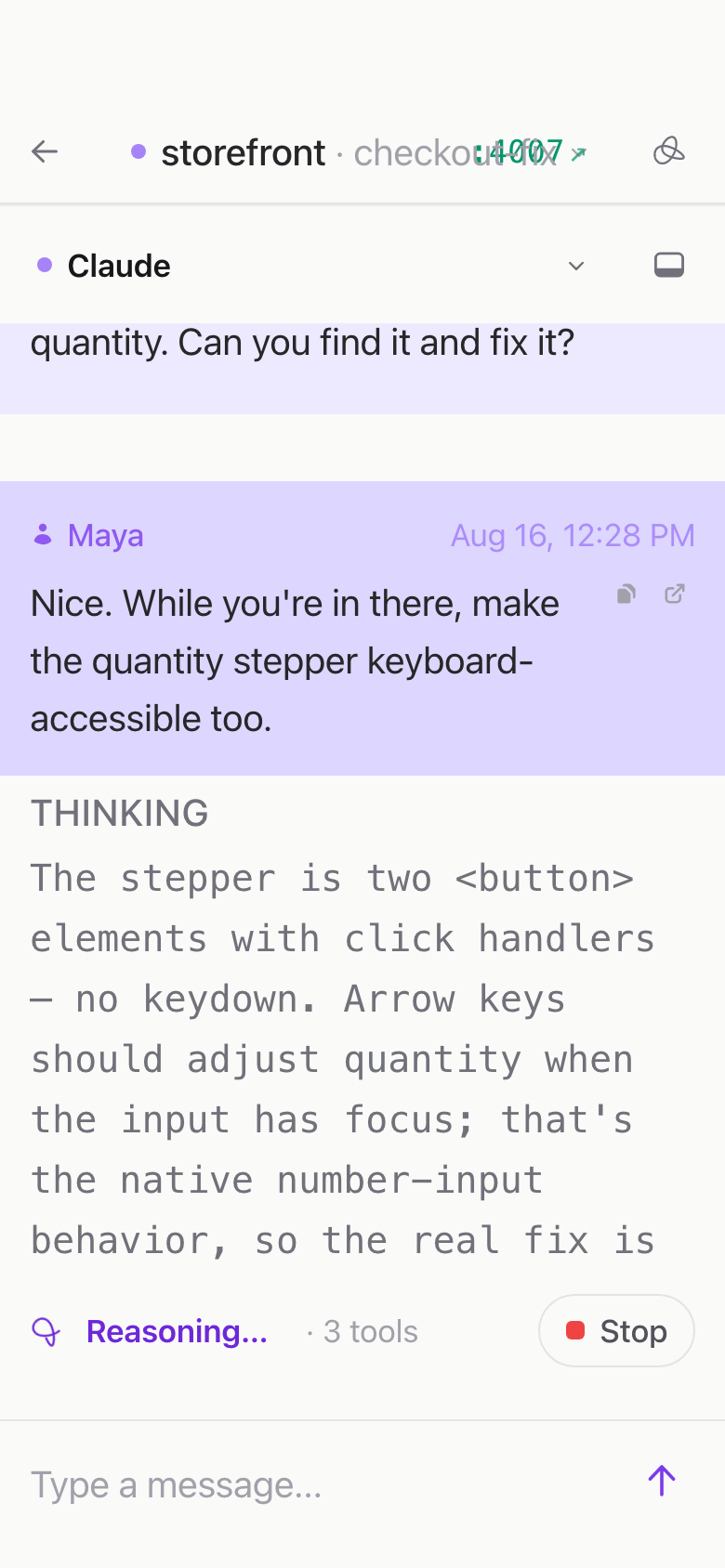
Start on your laptop, check in from your phone, finish on your desktop.
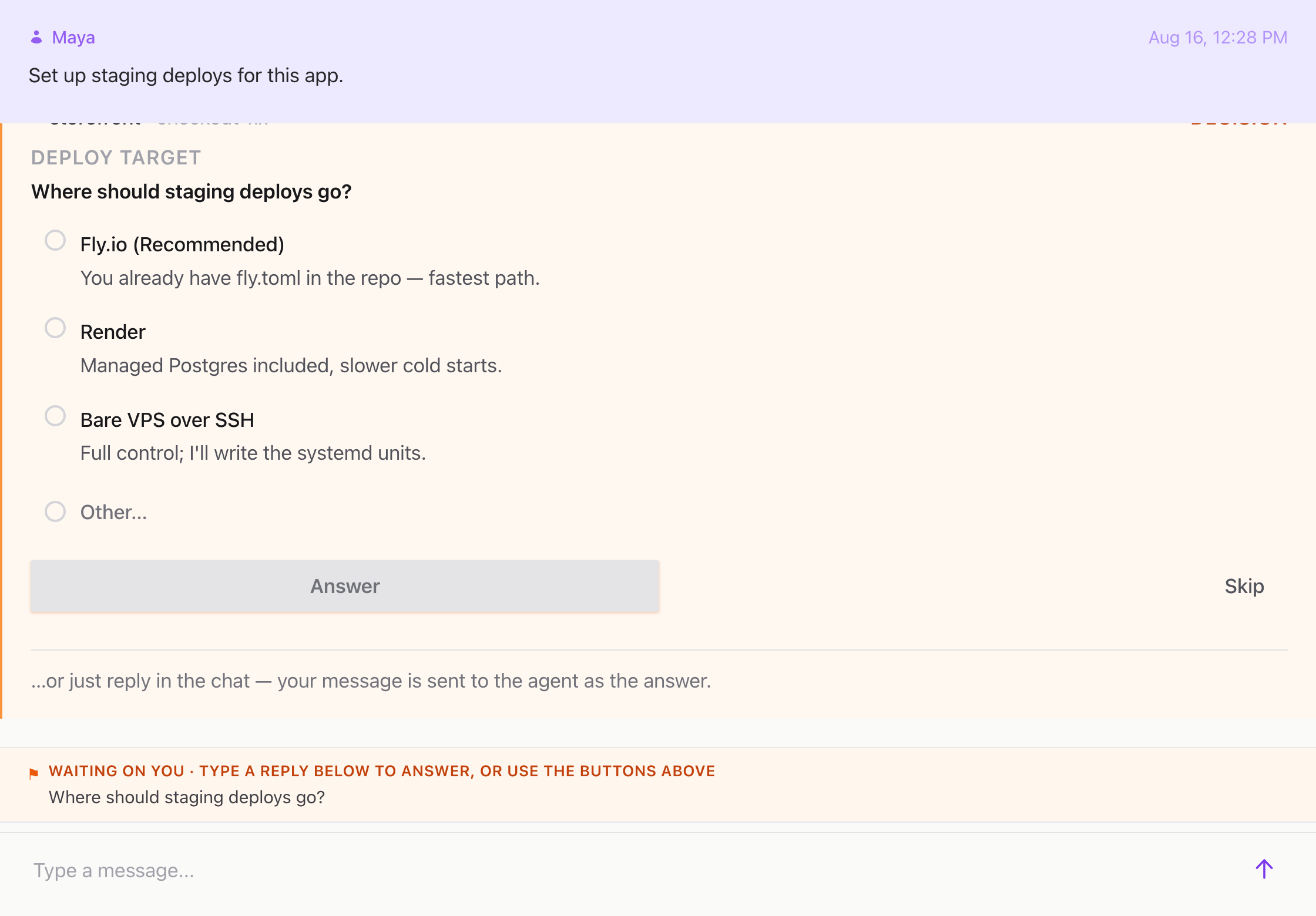
Real work happens across the day. You’re at your desk, then you’re on the couch, then you’re walking, then you’re in a meeting room with the laptop on someone else’s desk. The agent’s work shouldn’t end when you stand up.
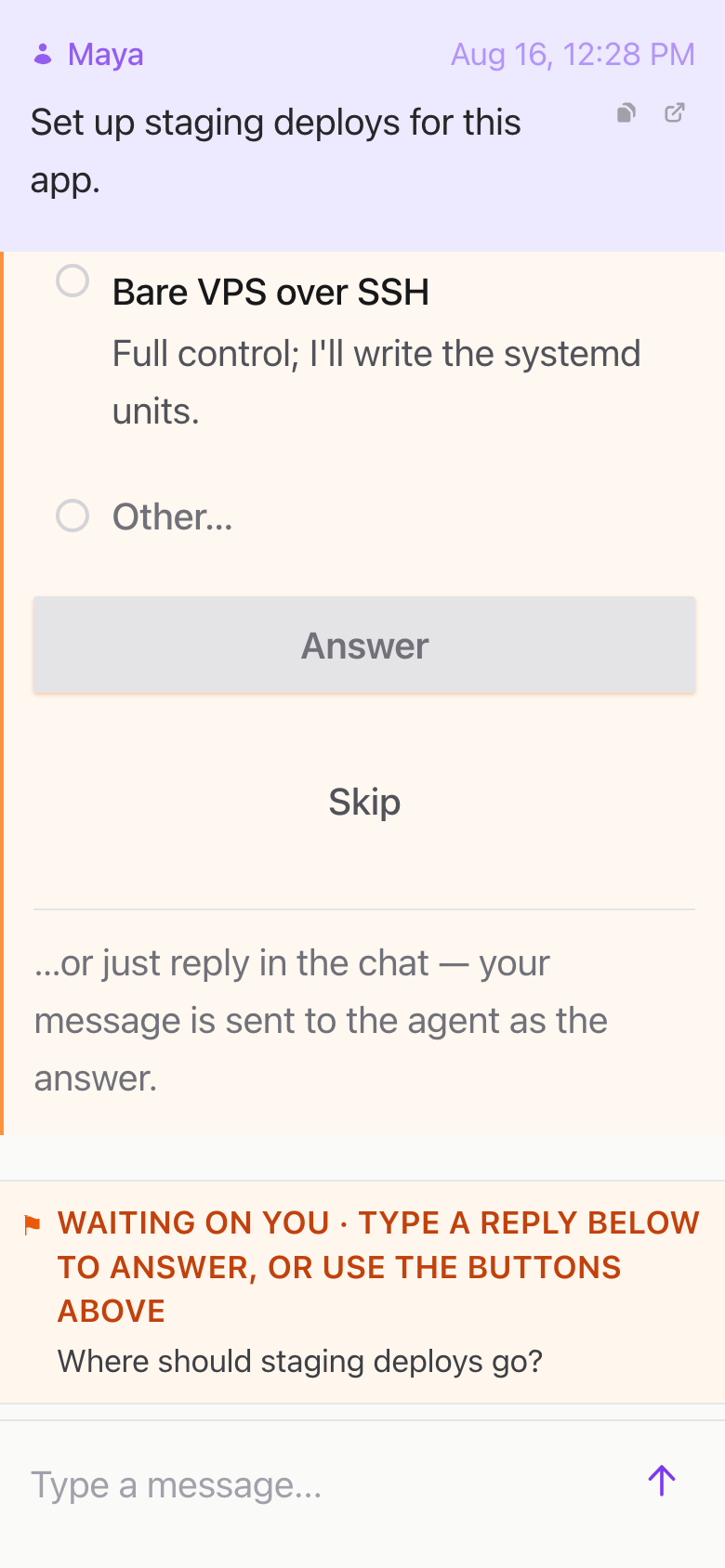
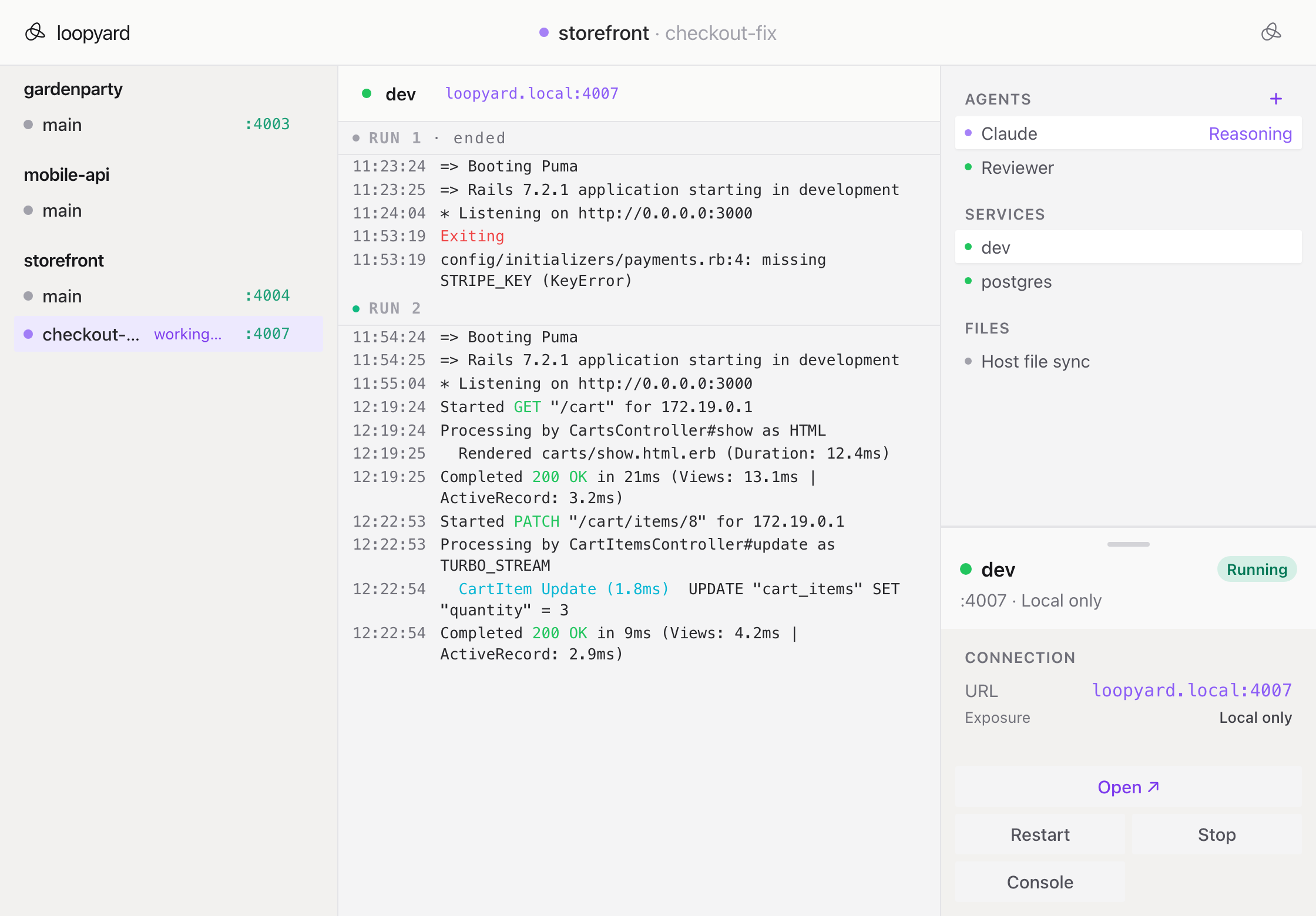
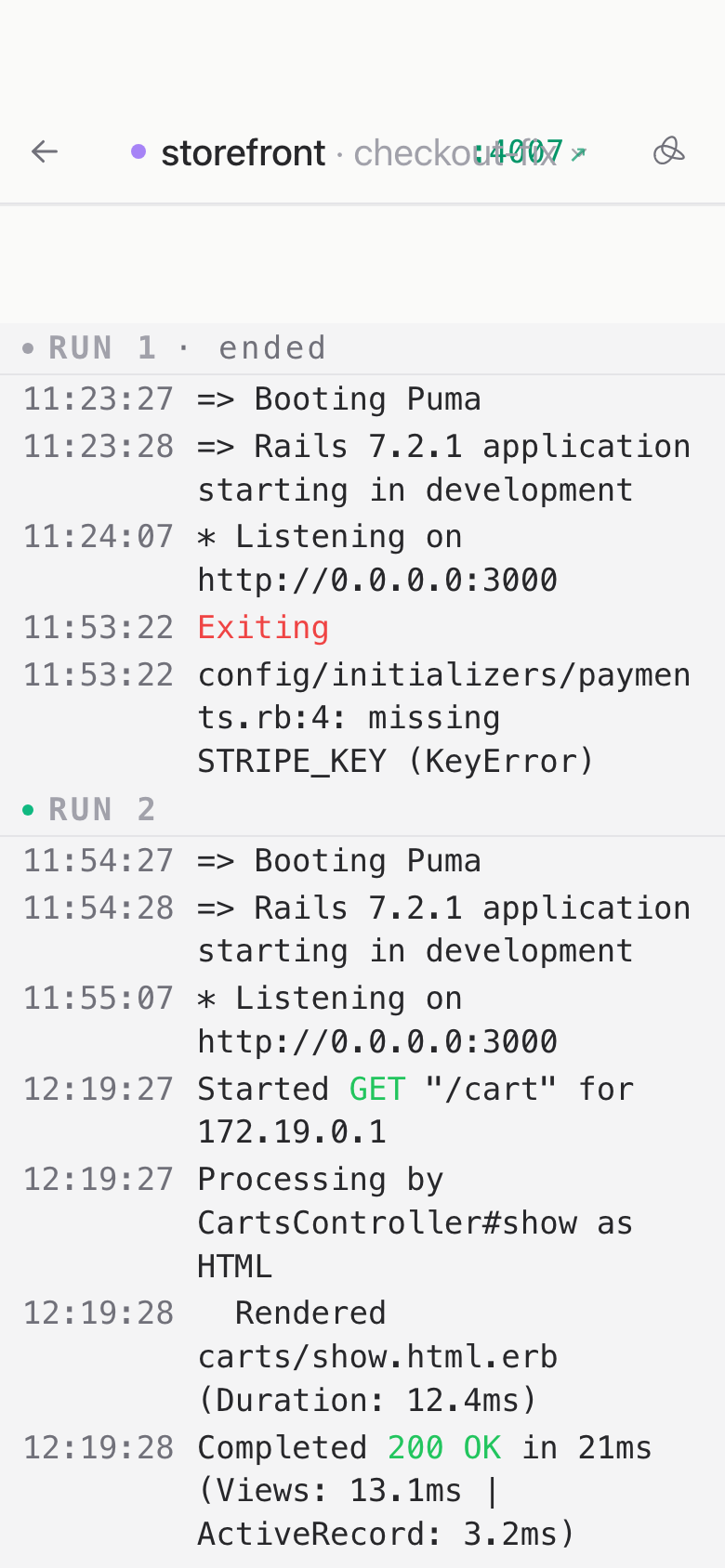
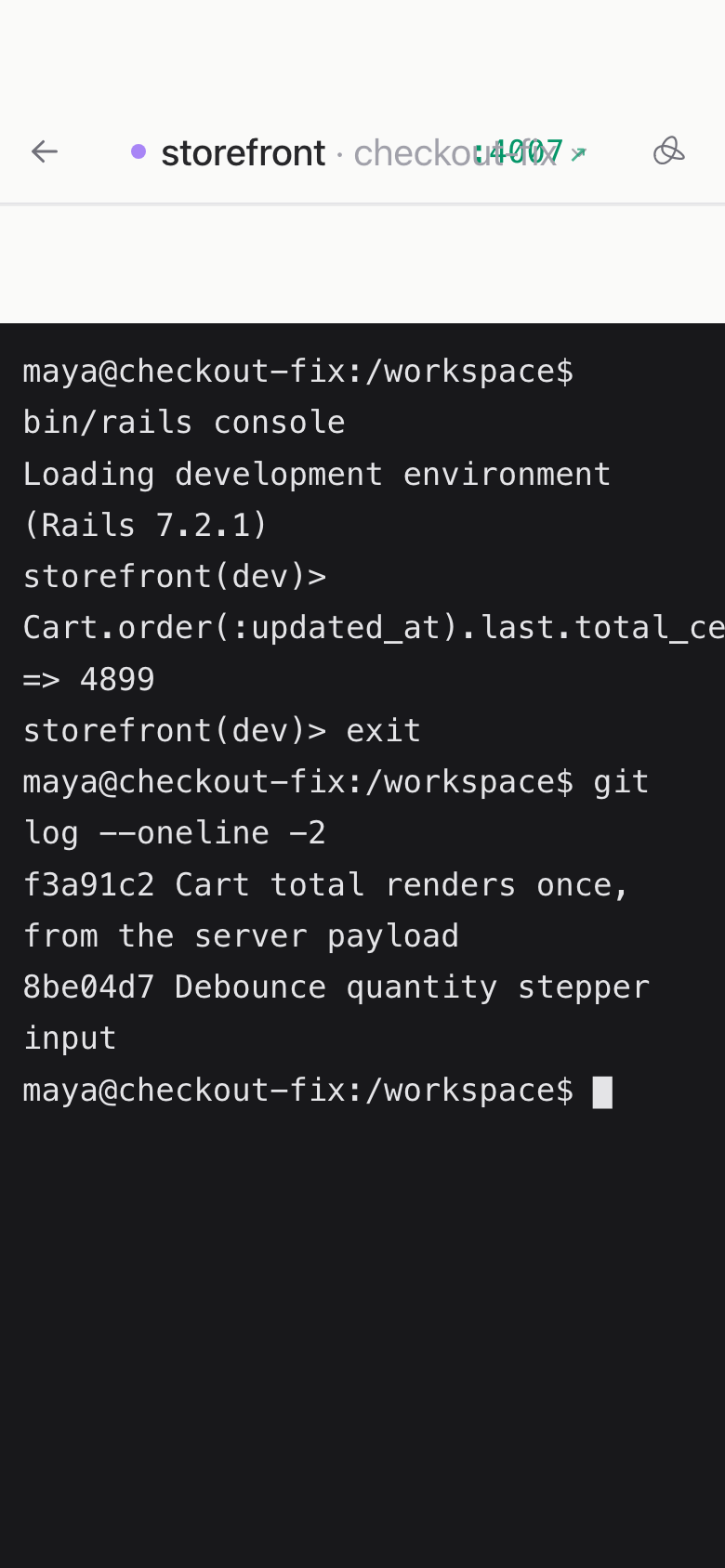
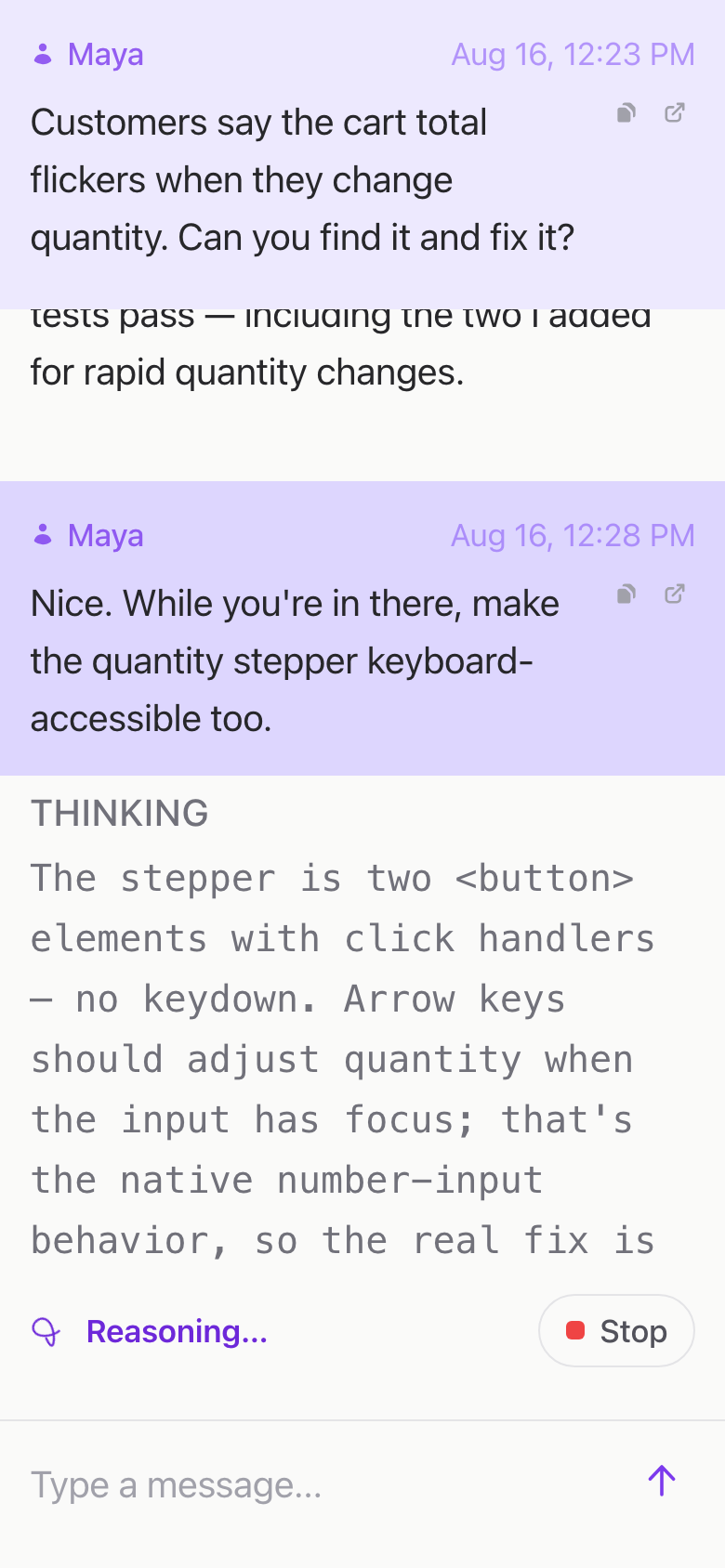
Loopyard is built so every session is a URL and every URL works on every device. Kick off a setup run from your laptop in the morning, peek at it from your phone while you’re getting coffee, pick it up on your desktop when you sit down. The state is the same. The cursor is the same. The terminal you scrolled to is the terminal you come back to.
This isn’t a responsive screenshot of the desktop UI. The phone view is designed for one-handed reading: chat at the right size, terminal you can follow, controls big enough to tap without aiming. You’re not going to write a feature on a phone, but you can absolutely tell an agent it’s going down the wrong path and bring it back.
The implementation is boring on purpose. URLs, sessions, live updates. The web works.
More features
-
Zero-config project setup
Clone, launch, work. The setup agent inspects the repo and stands up everything the project needs.
Read more
-
Full Docker stack per project
Each project gets its own Docker Compose. Isolated, reproducible, and gone when you stop it.
Read more
-
Multiplayer by default
Share an agent the way you'd share a Google Doc. Anyone with the link is in the room.
Read more
-
Multiple agents per project
One project, several agents working in parallel. Each in its own session, each visible.
Read more
-
SSH into any container
ssh -p 2222 container-name@localhost. Same session the agent is in. Same shell, same prompt.
Read more
-
Persistent containers
A project keeps running between sessions. Come back tomorrow, the dev server is already up.
Read more