Most projects come with a README that’s half right, a .env.example that’s half full, and a setup script that worked on the author’s laptop in 2023. You spend an afternoon getting it to boot before you write your first line of code.
Loopyard skips that afternoon. Point it at a git repo and the agent reads the codebase the way a new hire would: package.json, Gemfile, mix.exs, requirements.txt, the migration folder, the docker-compose file if there is one. It figures out the language, the framework, the databases, the queue, and what your dev server is called. Then it writes the Dockerfile, writes the compose file, fills in sensible defaults, and starts everything up.
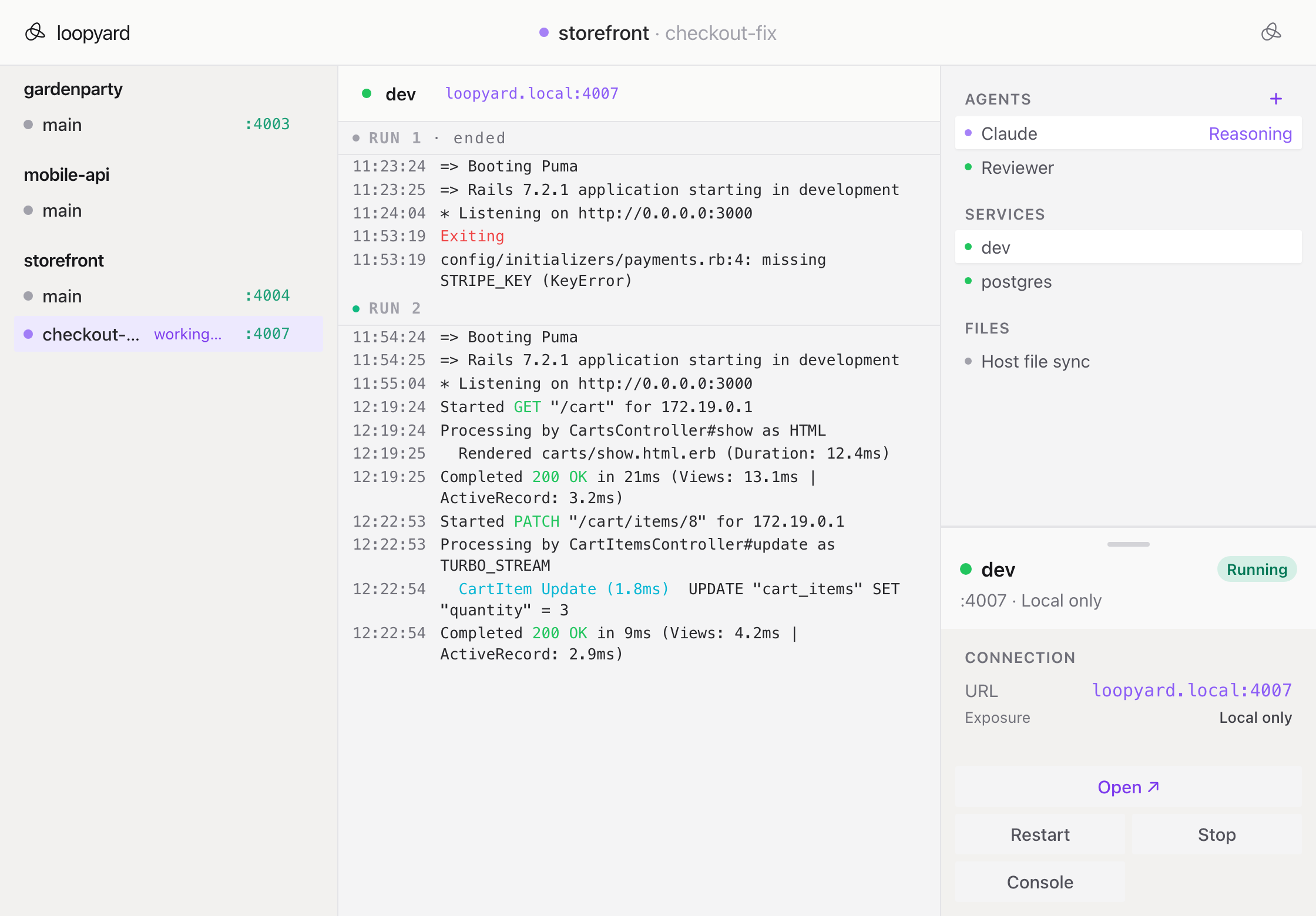
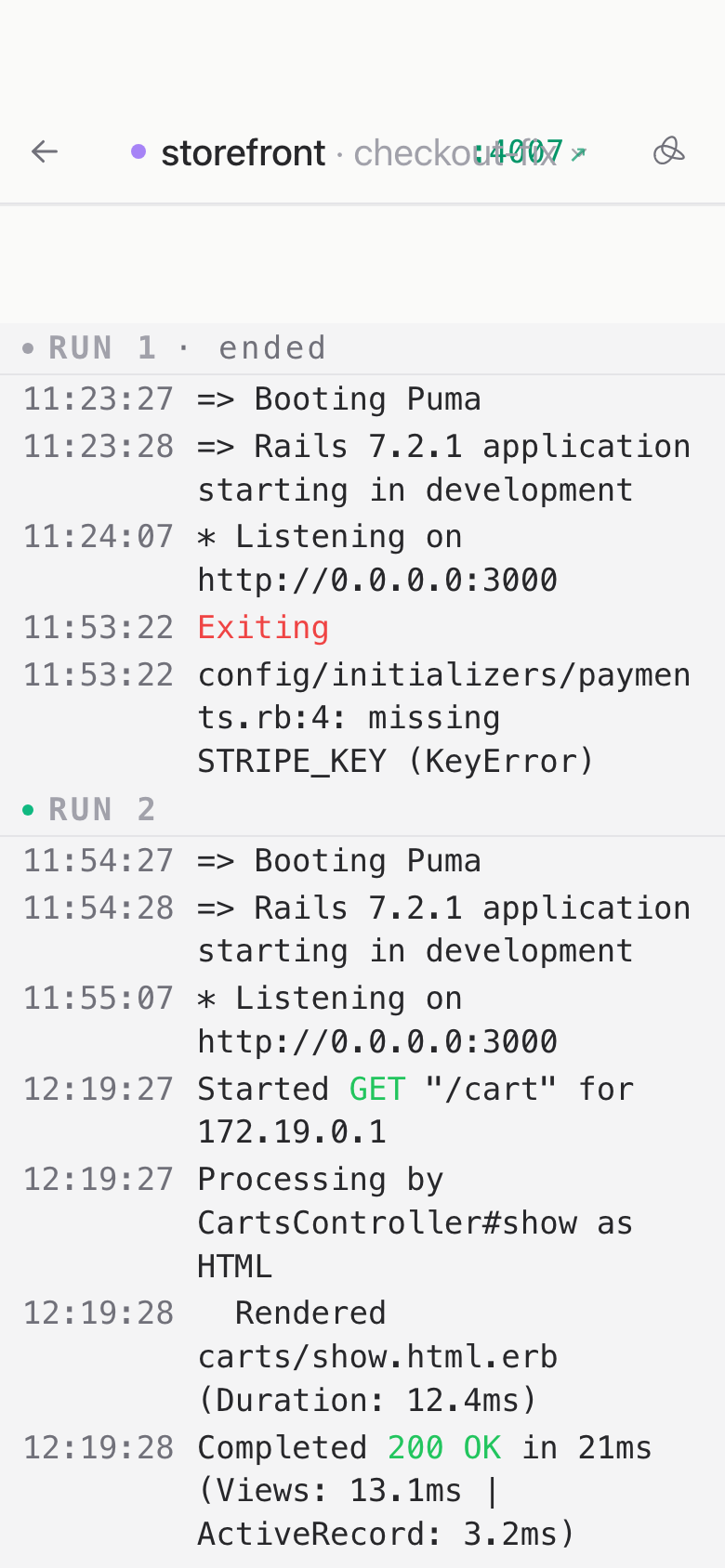
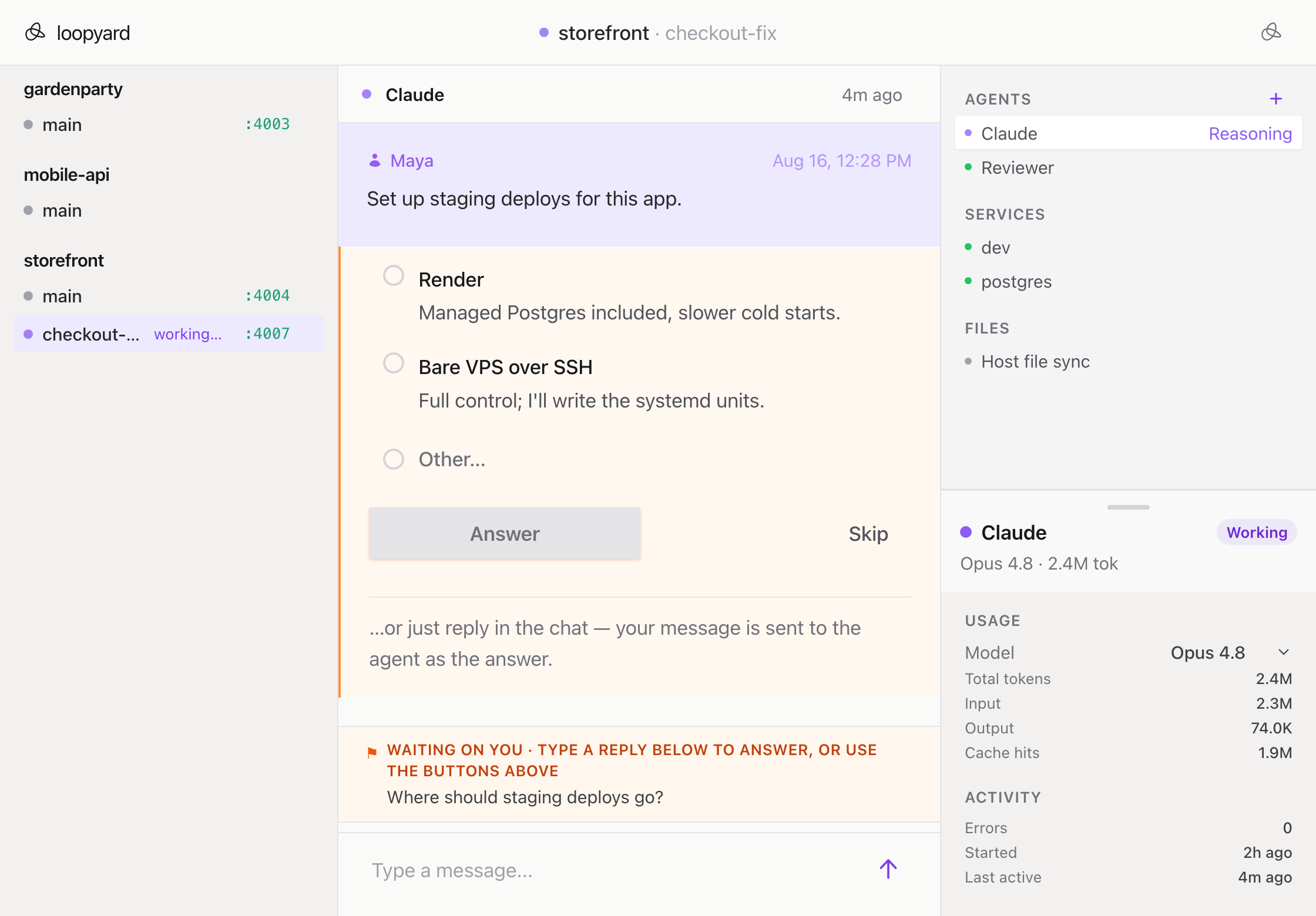
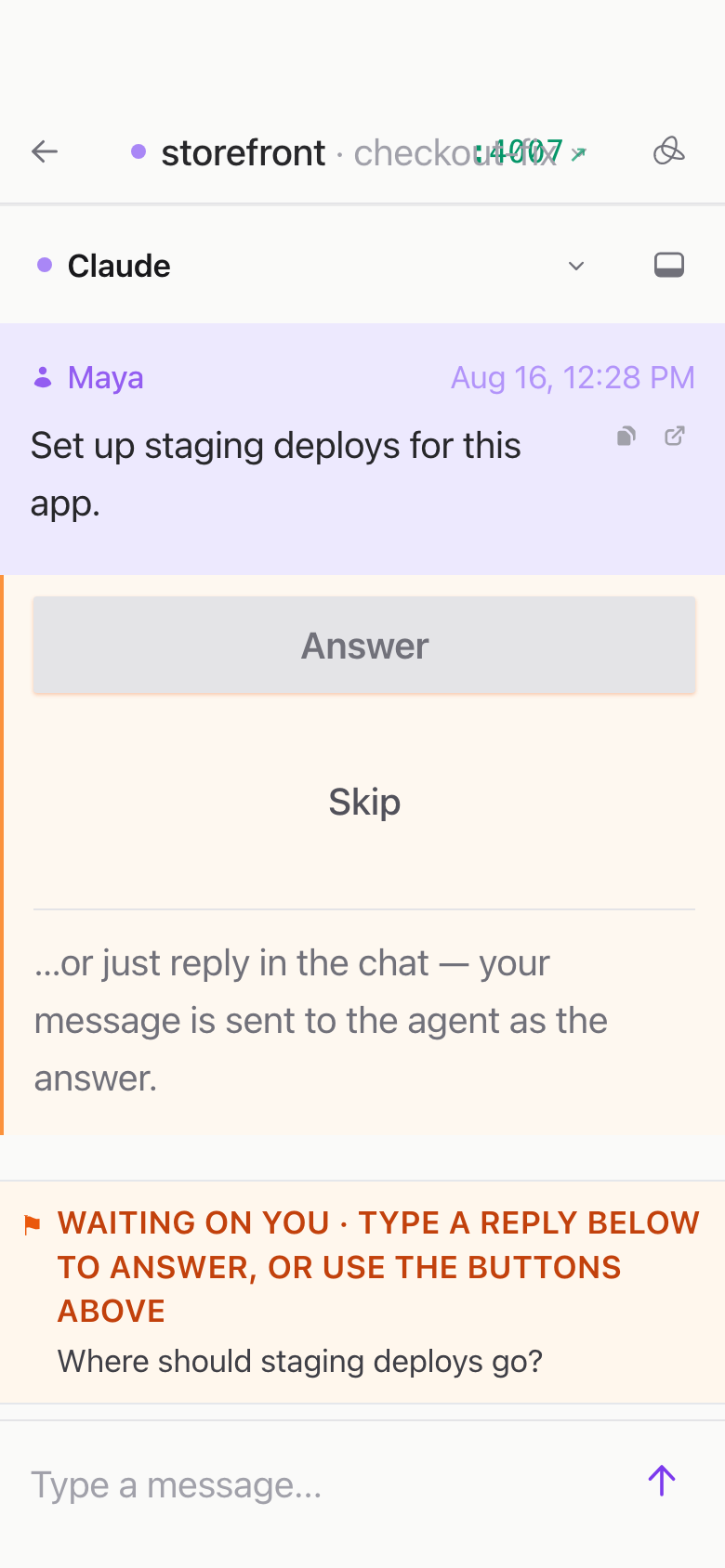
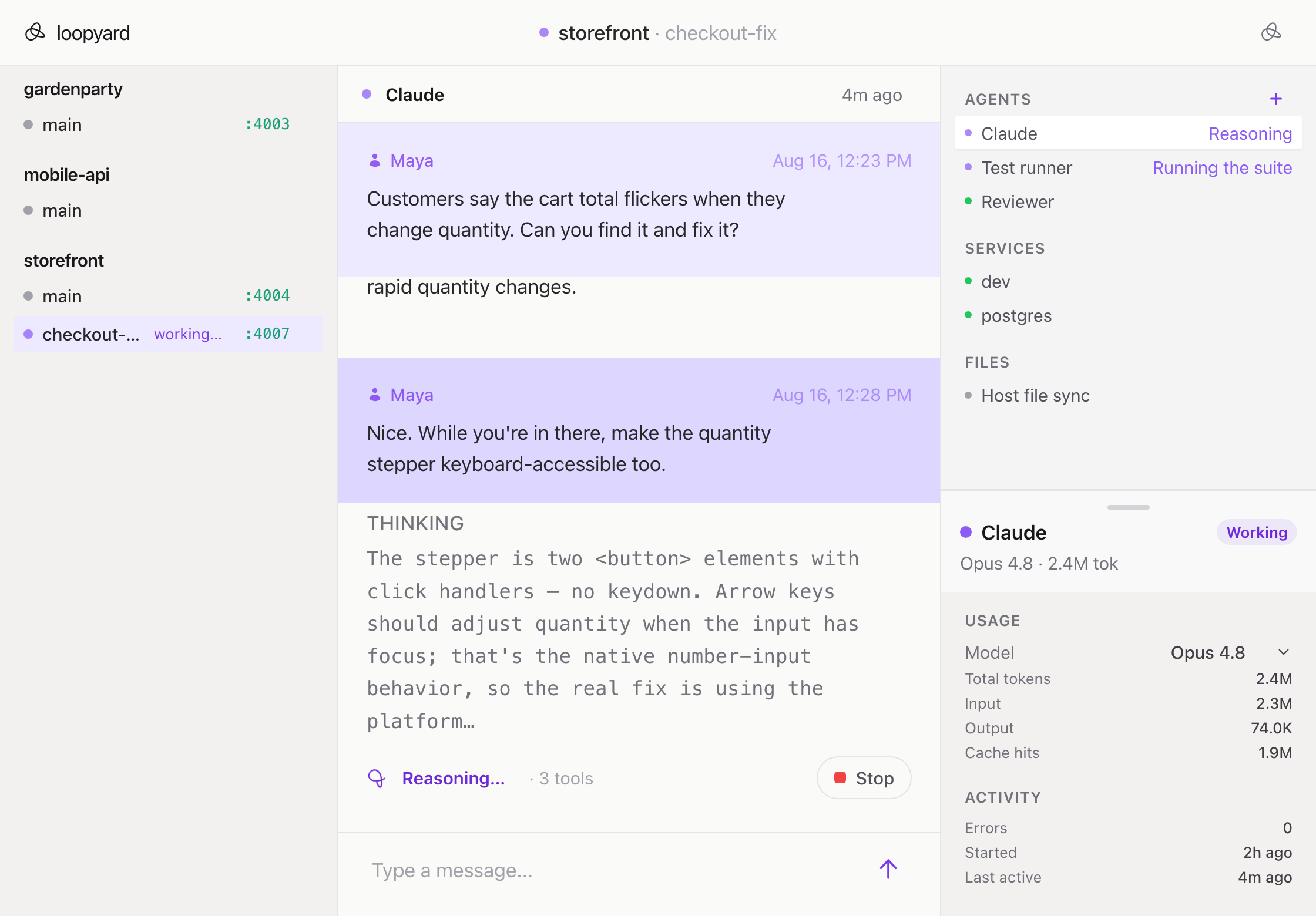
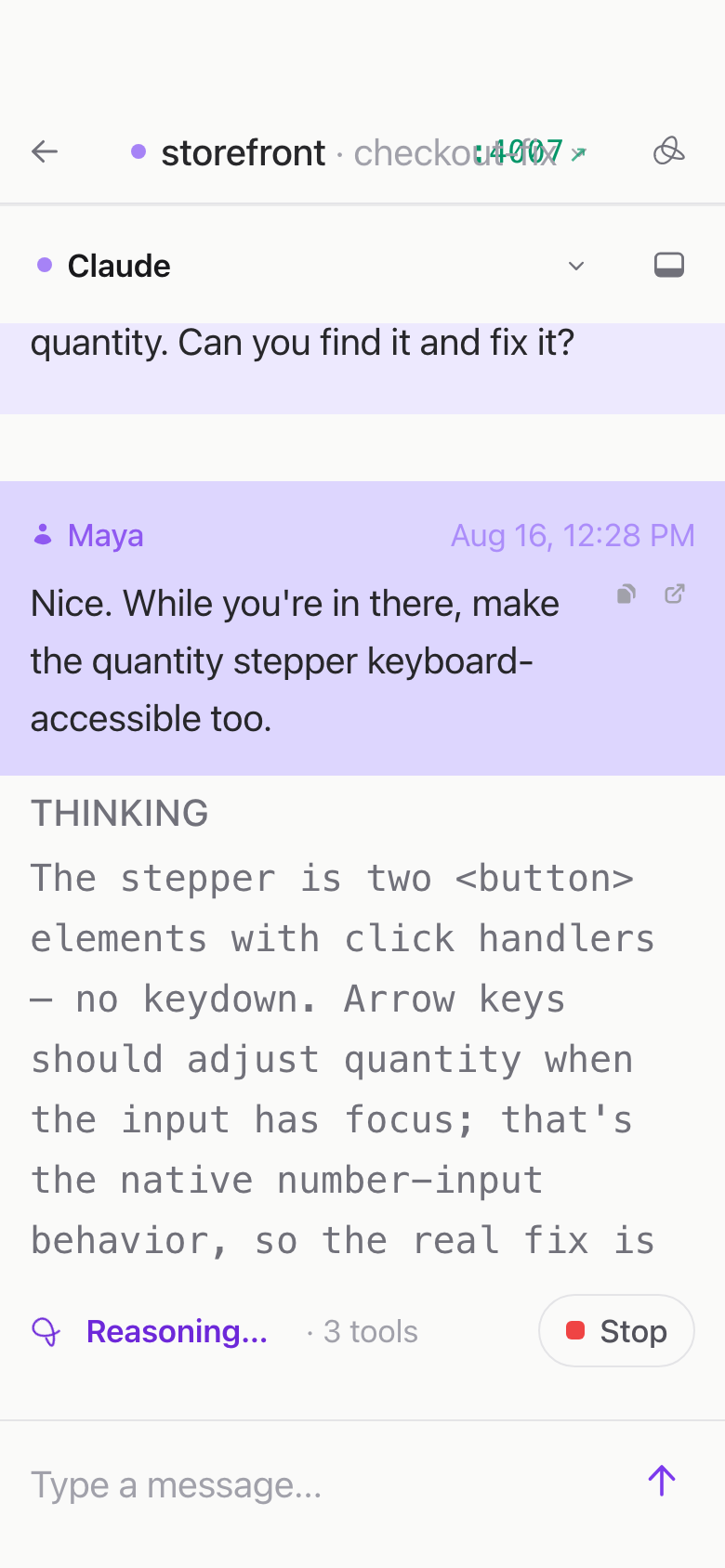
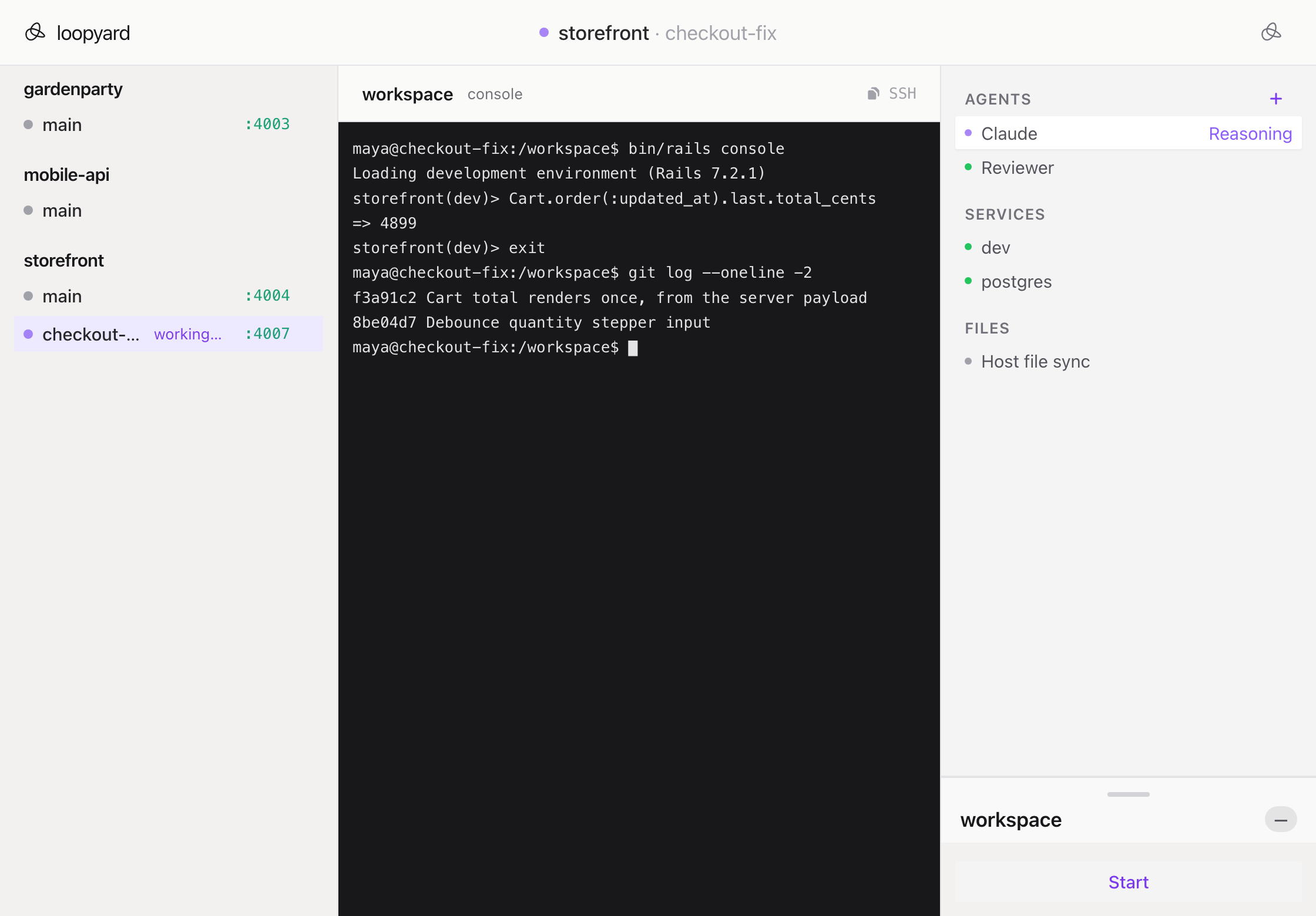
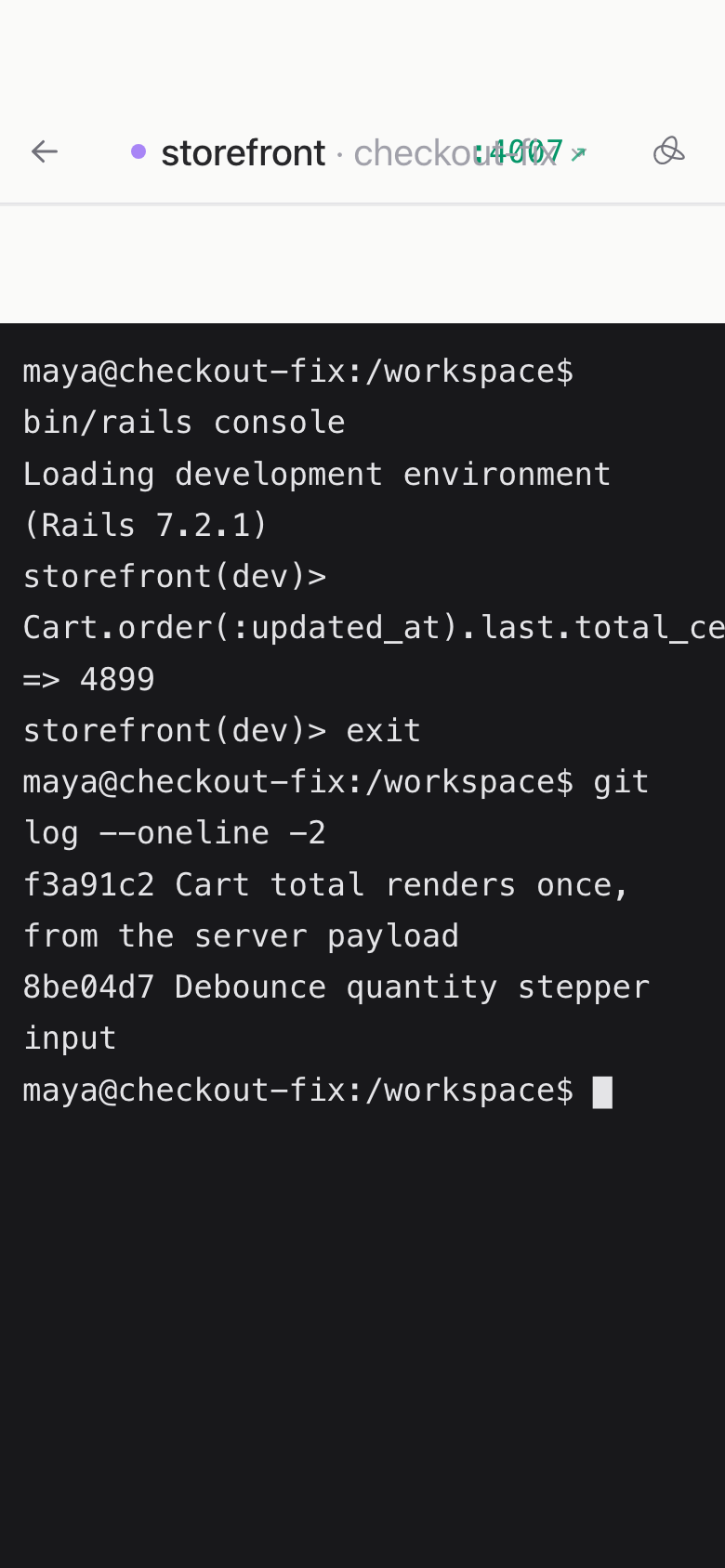
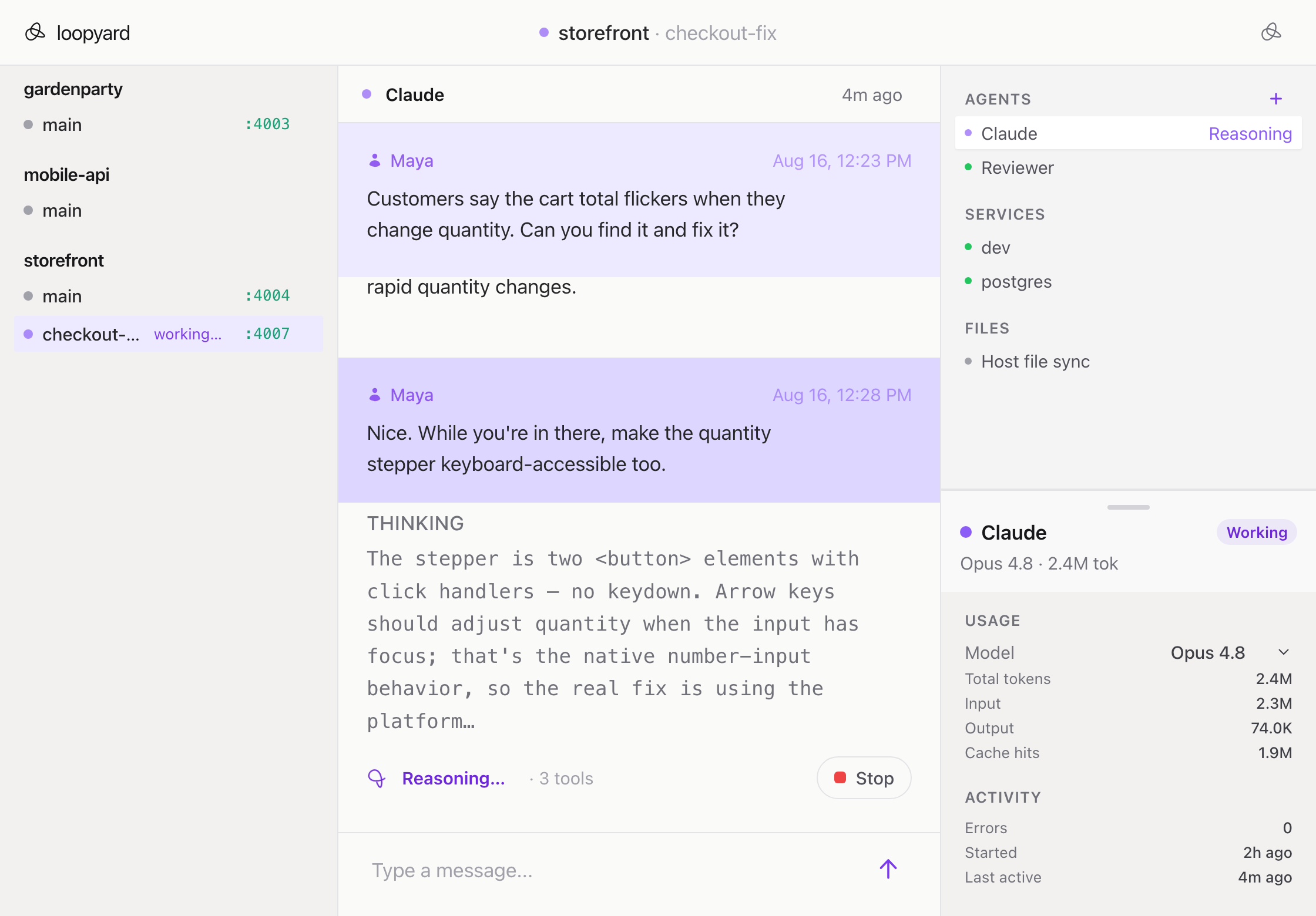
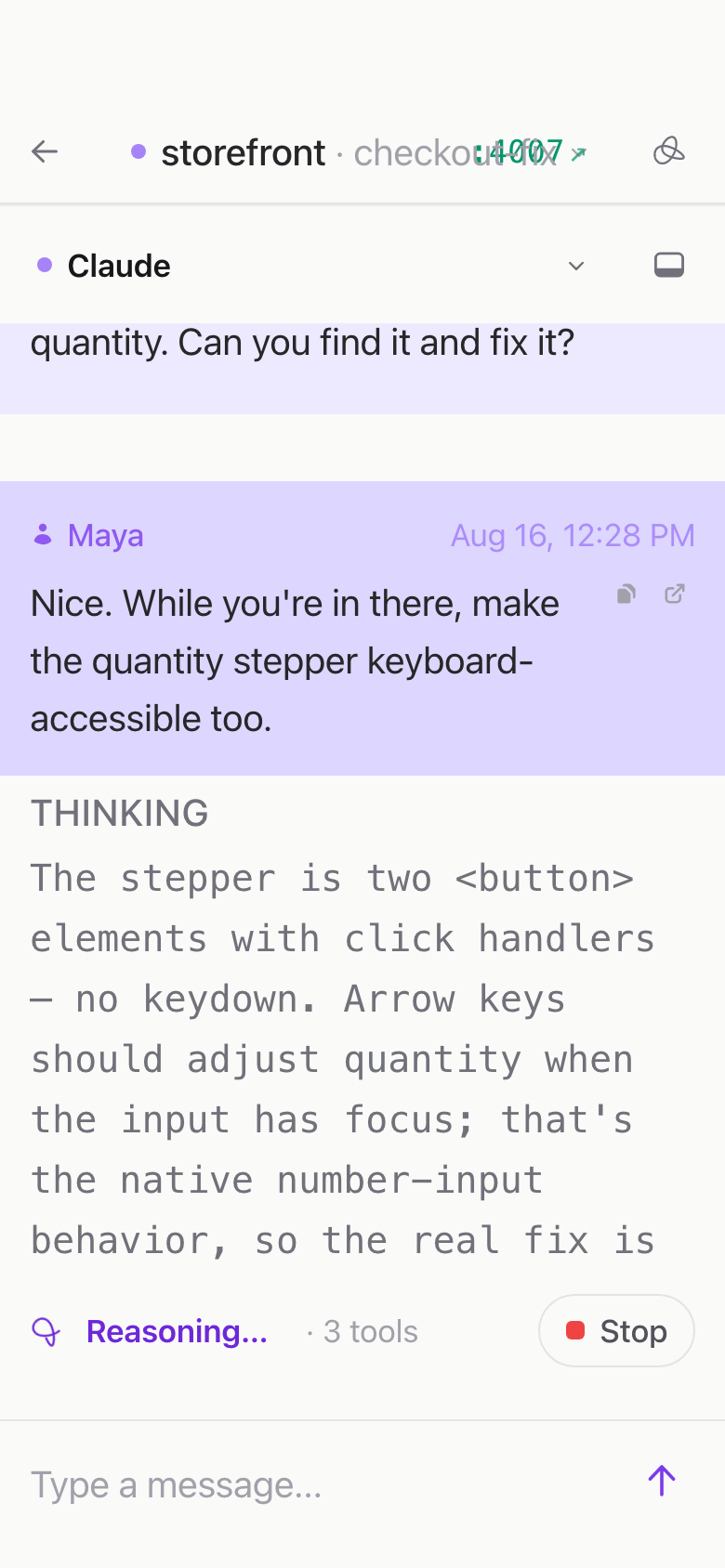
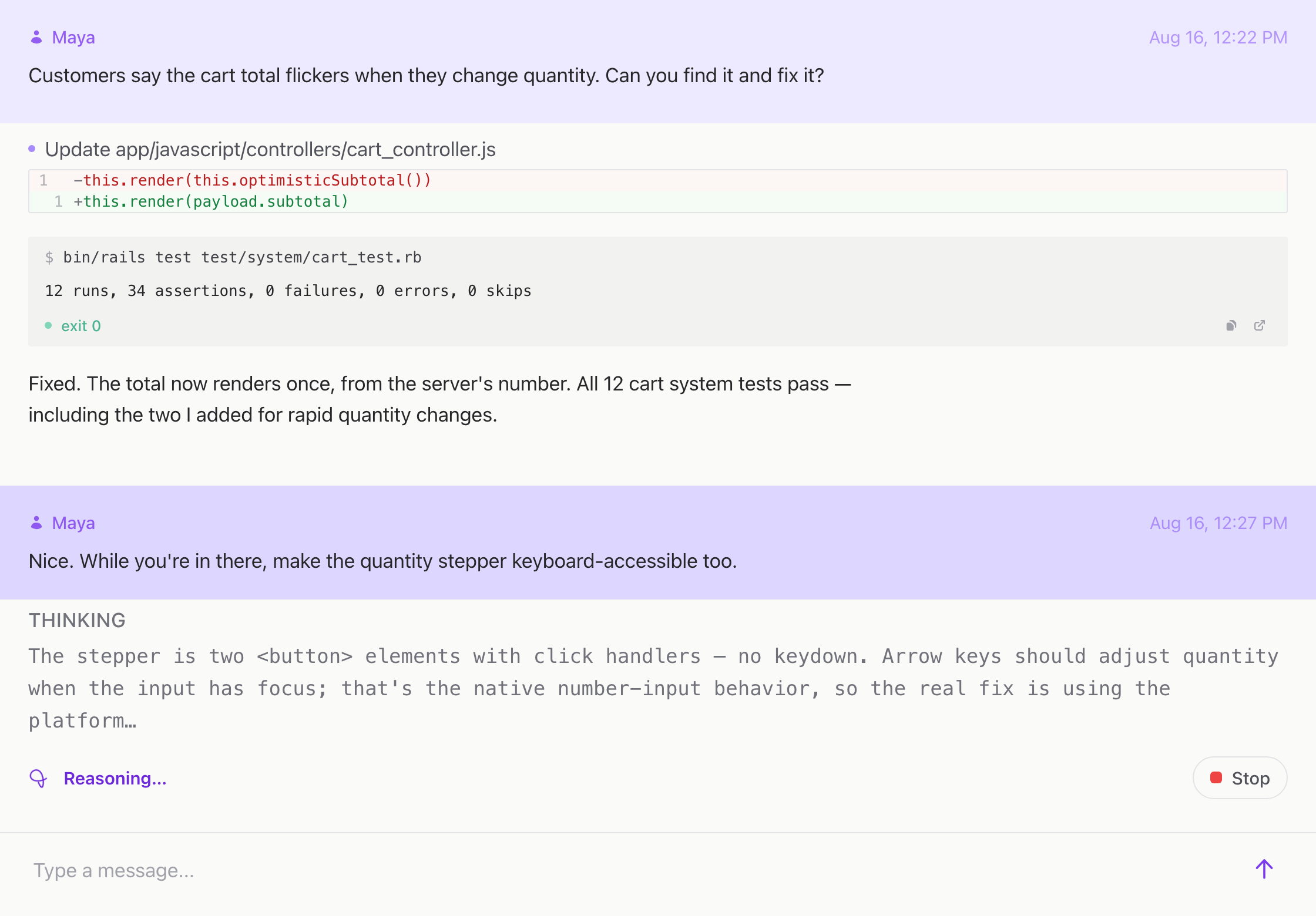
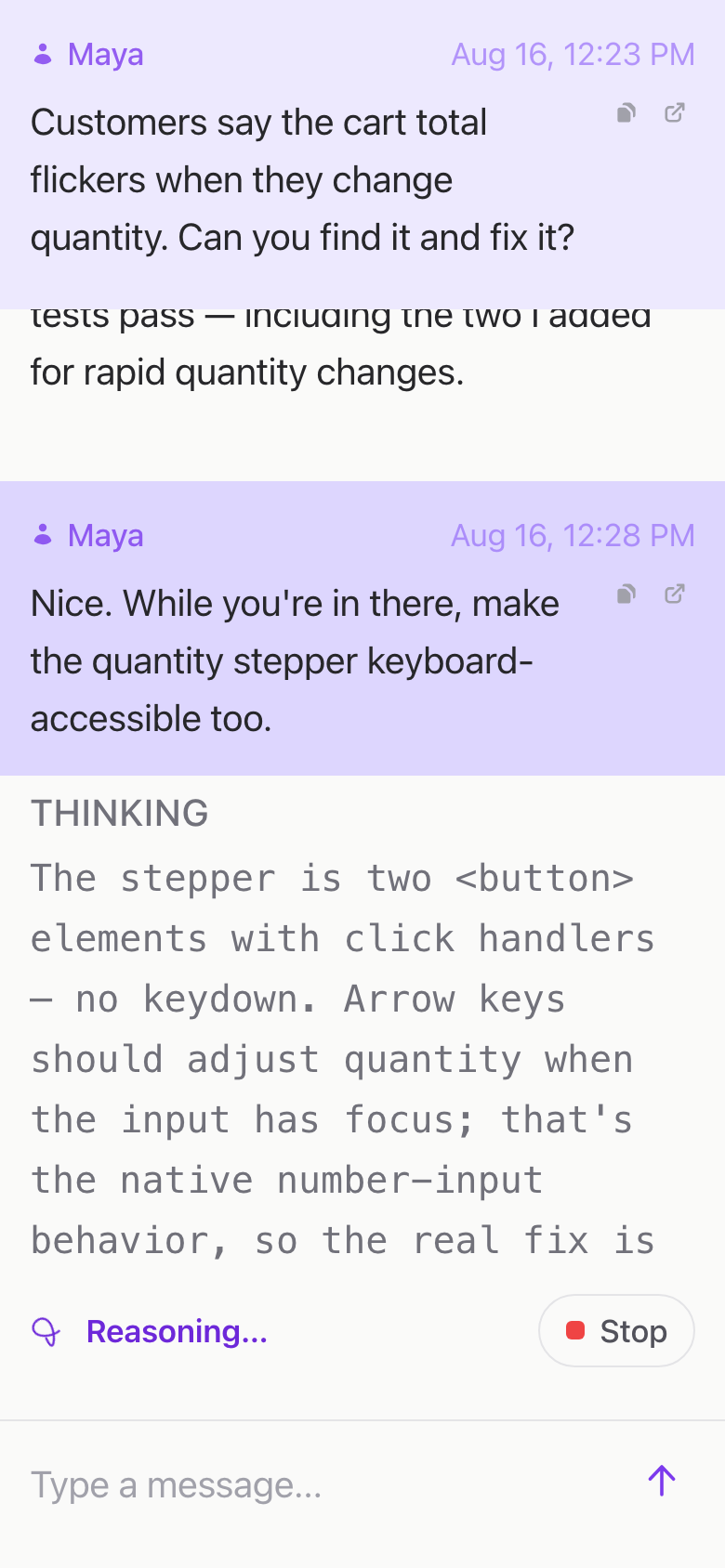
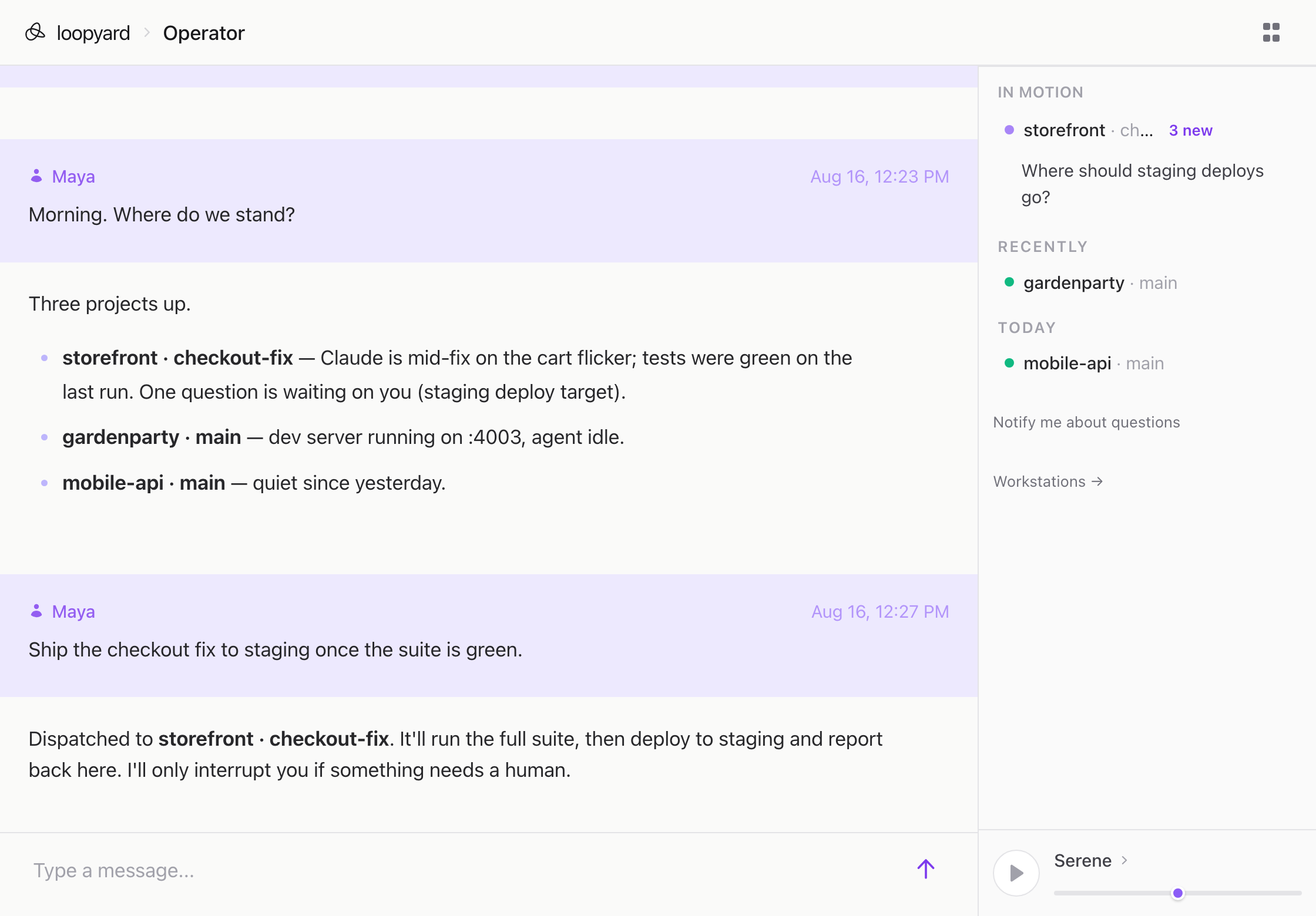
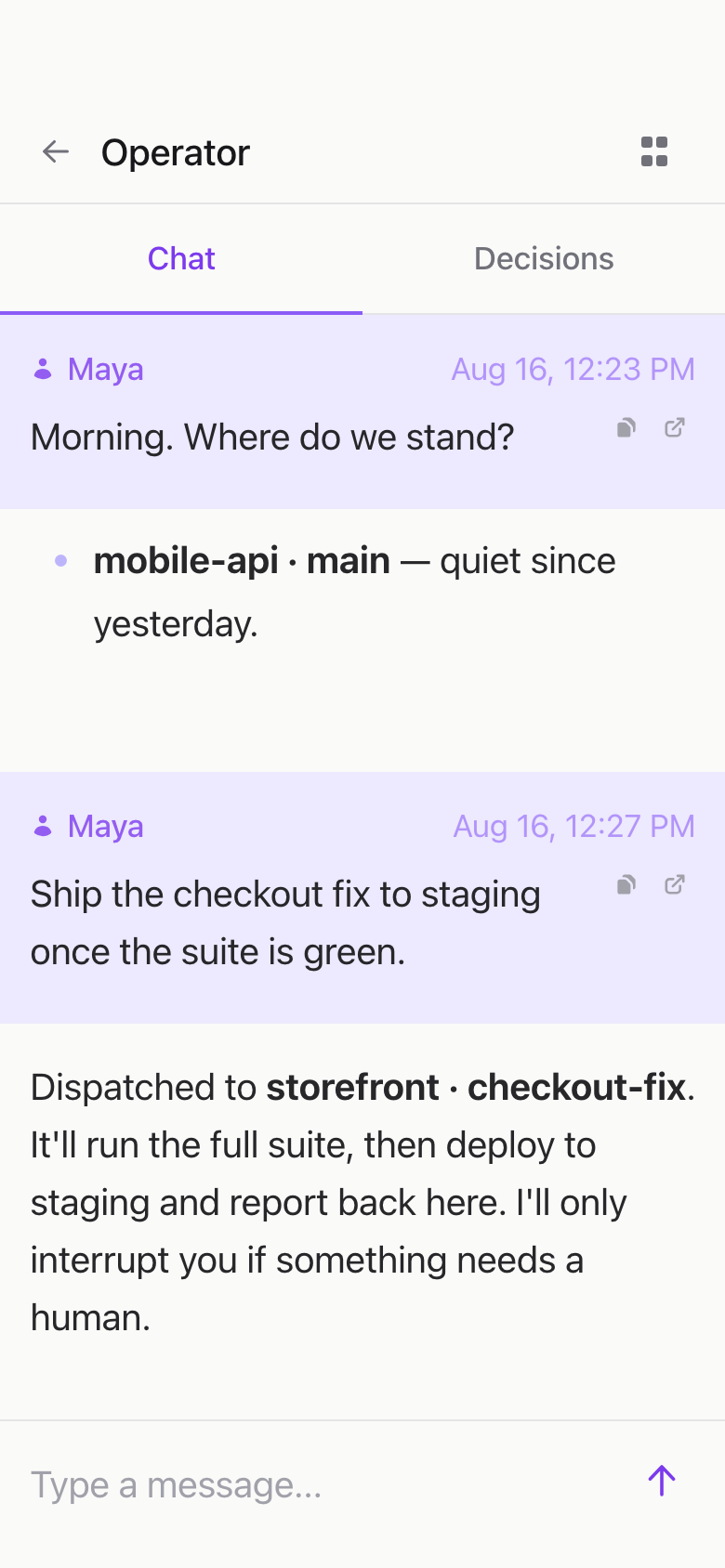
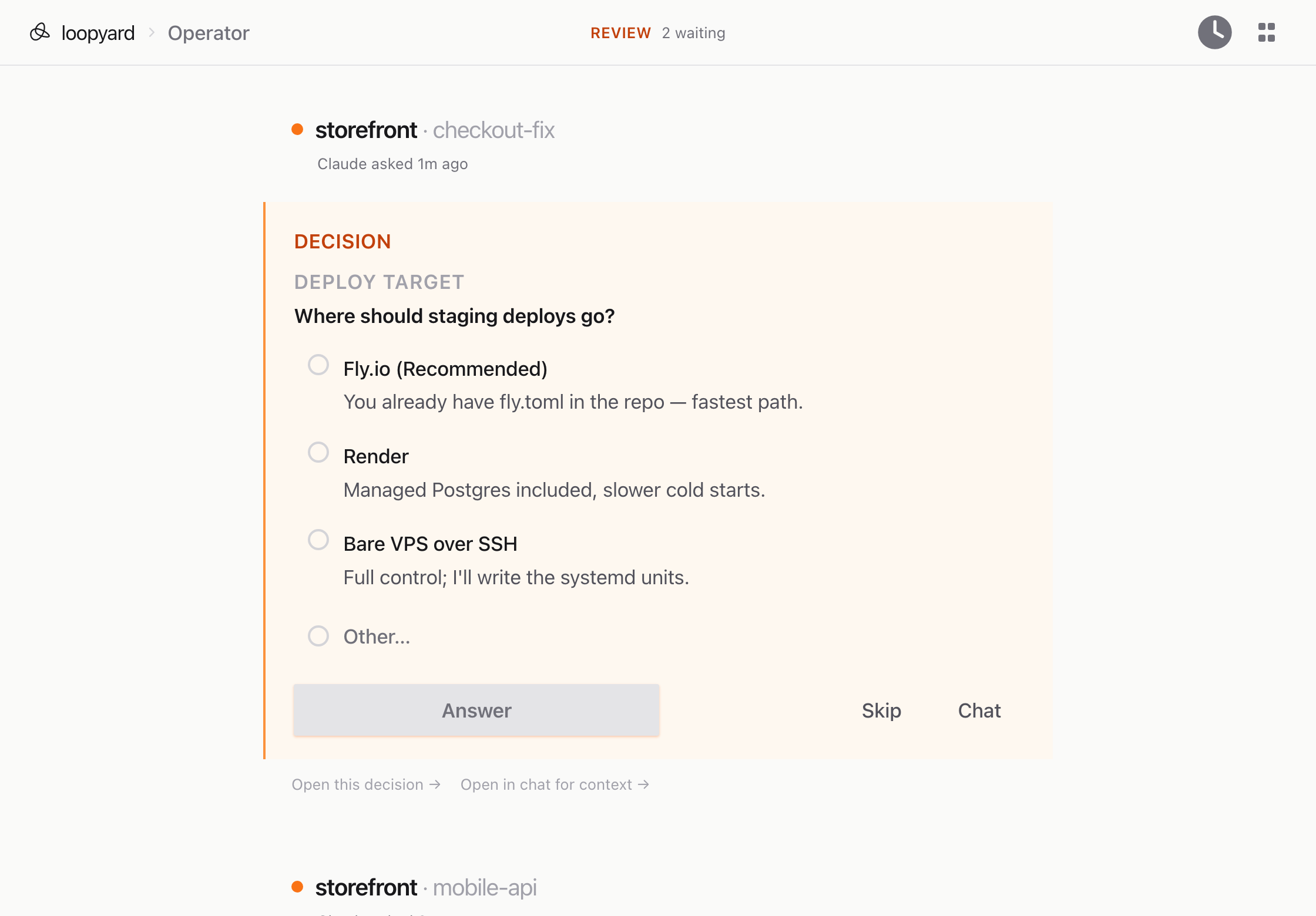
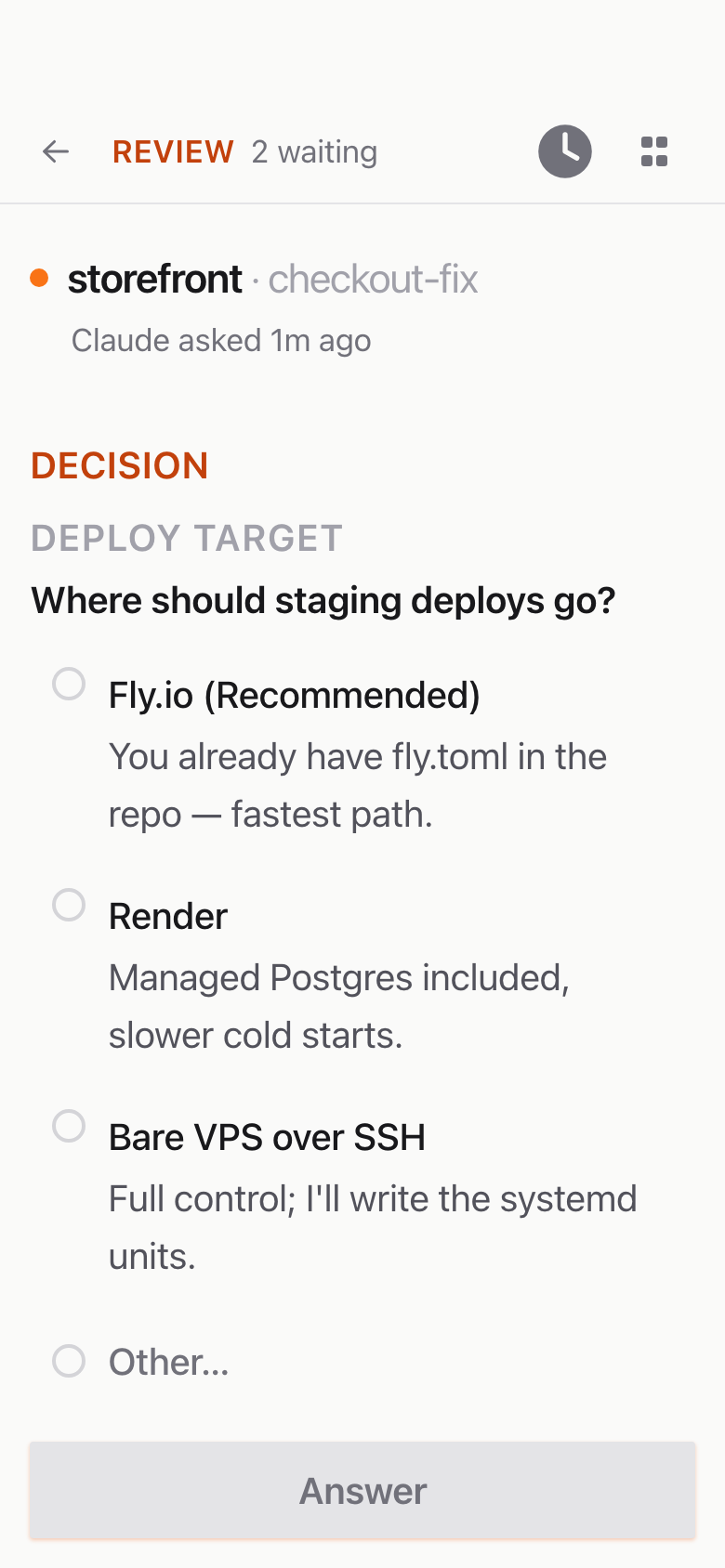
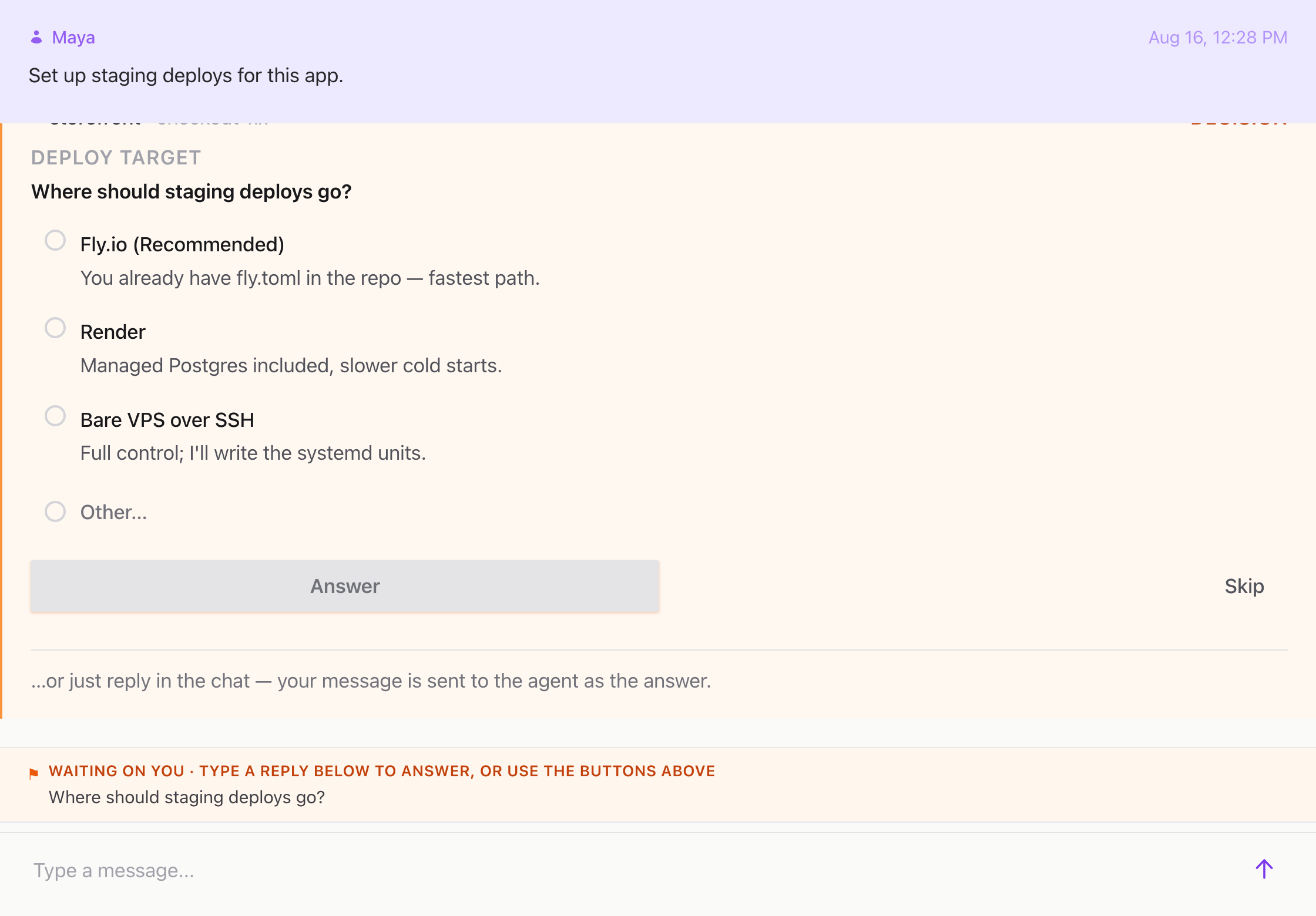
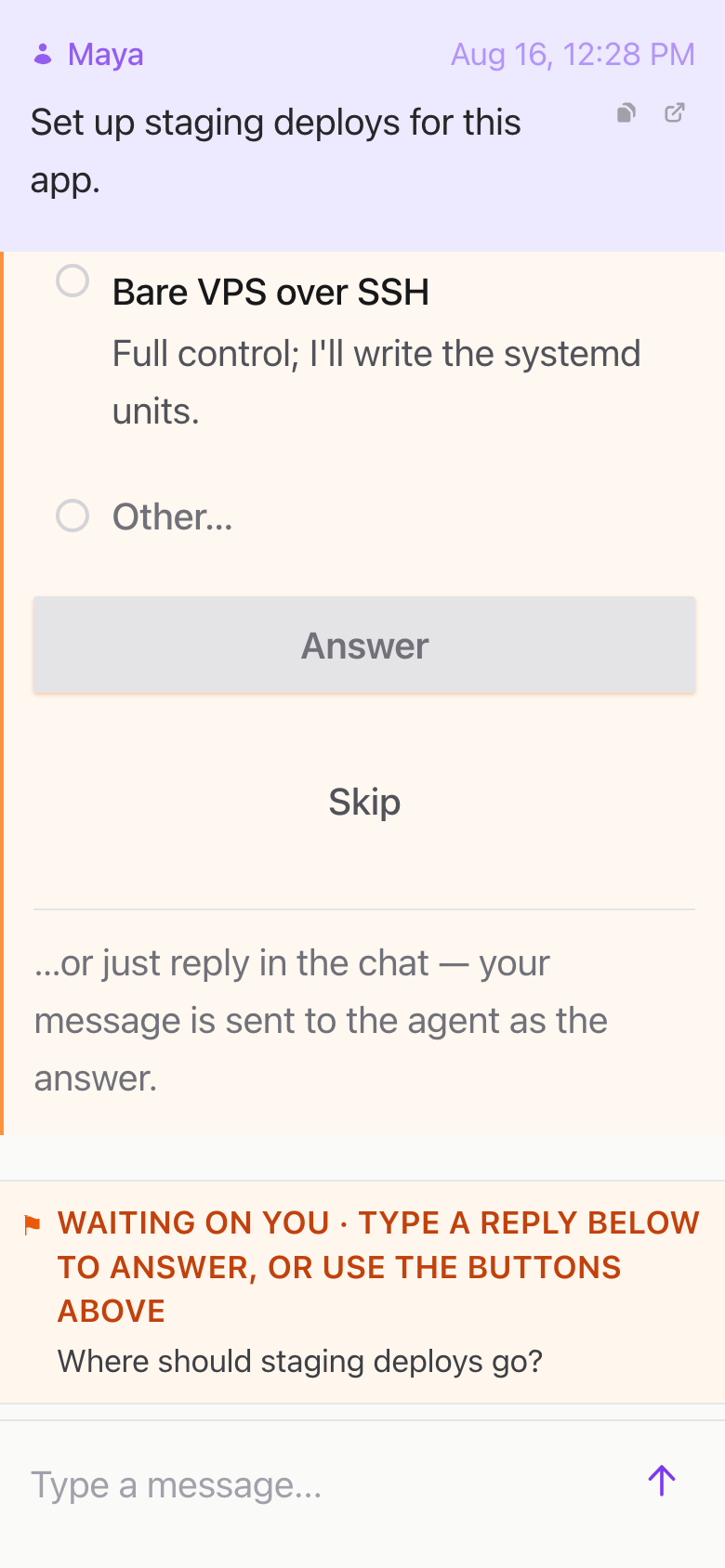
You watch it work. The terminal, the chat, and the service logs all stream live. When it hits something only you can answer, it asks, and it does not ask twice.
By the time you’d have finished reading the README, the dev server is up, the database is migrated, and an agent is sitting in the workspace container waiting for the first task.