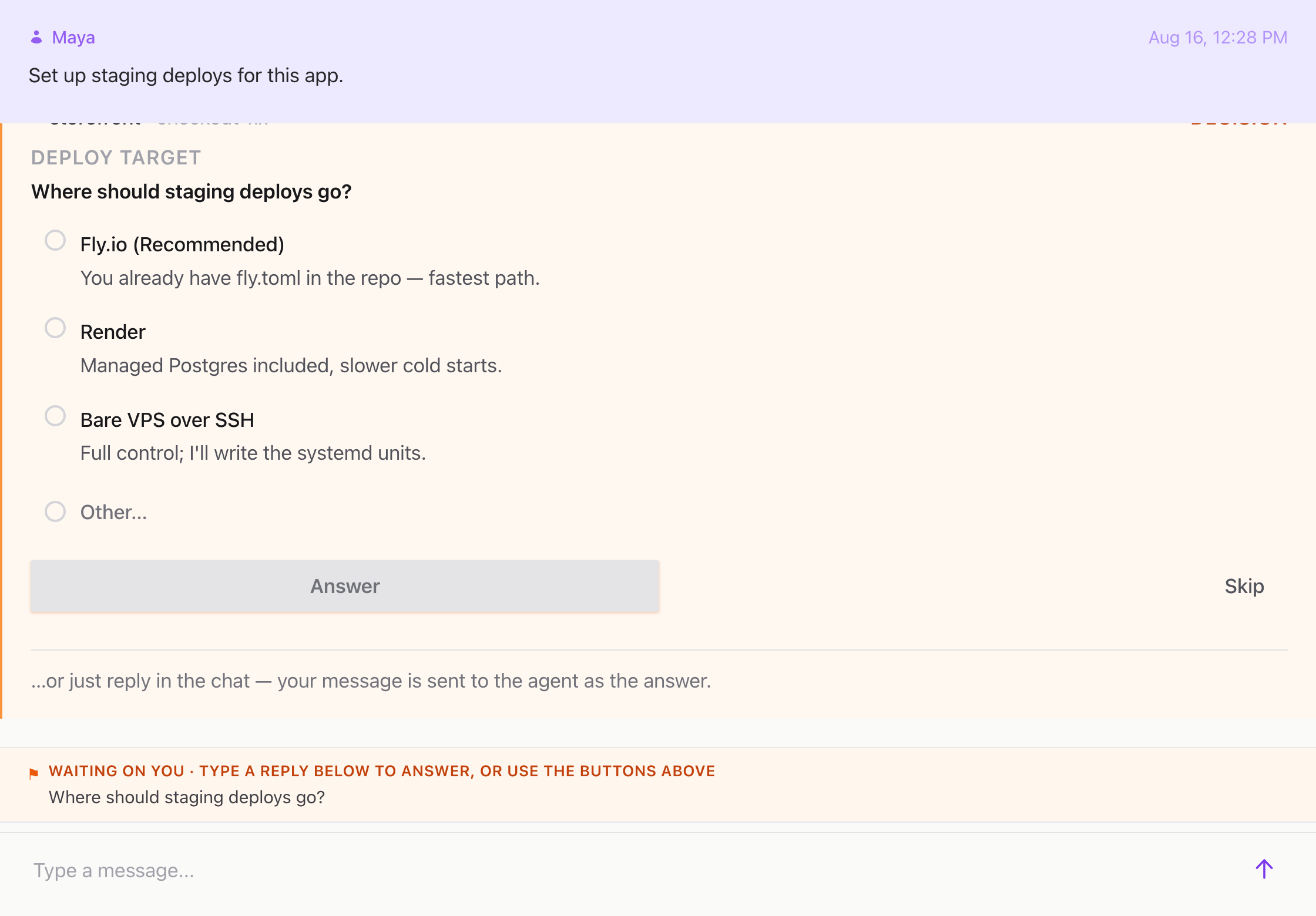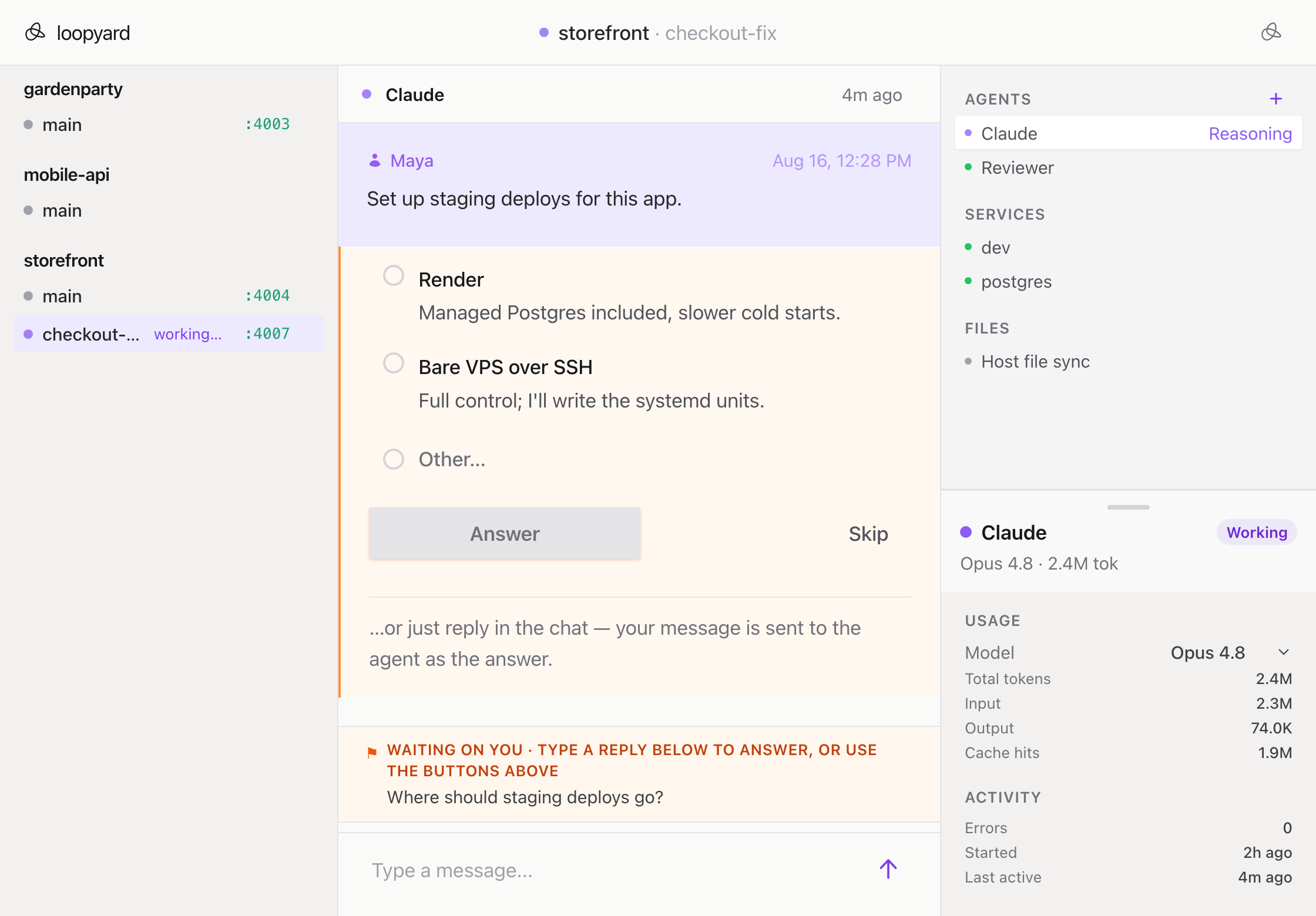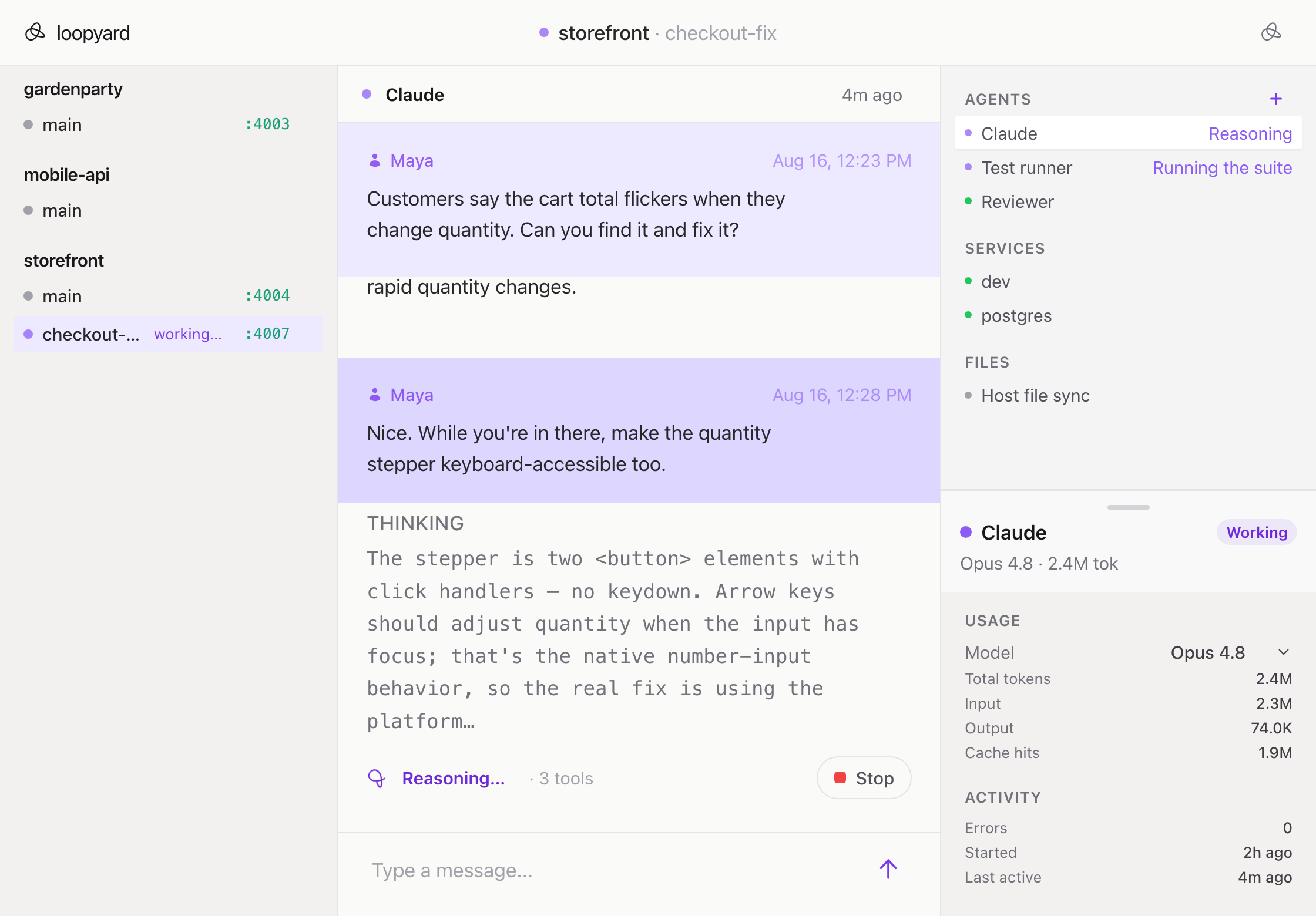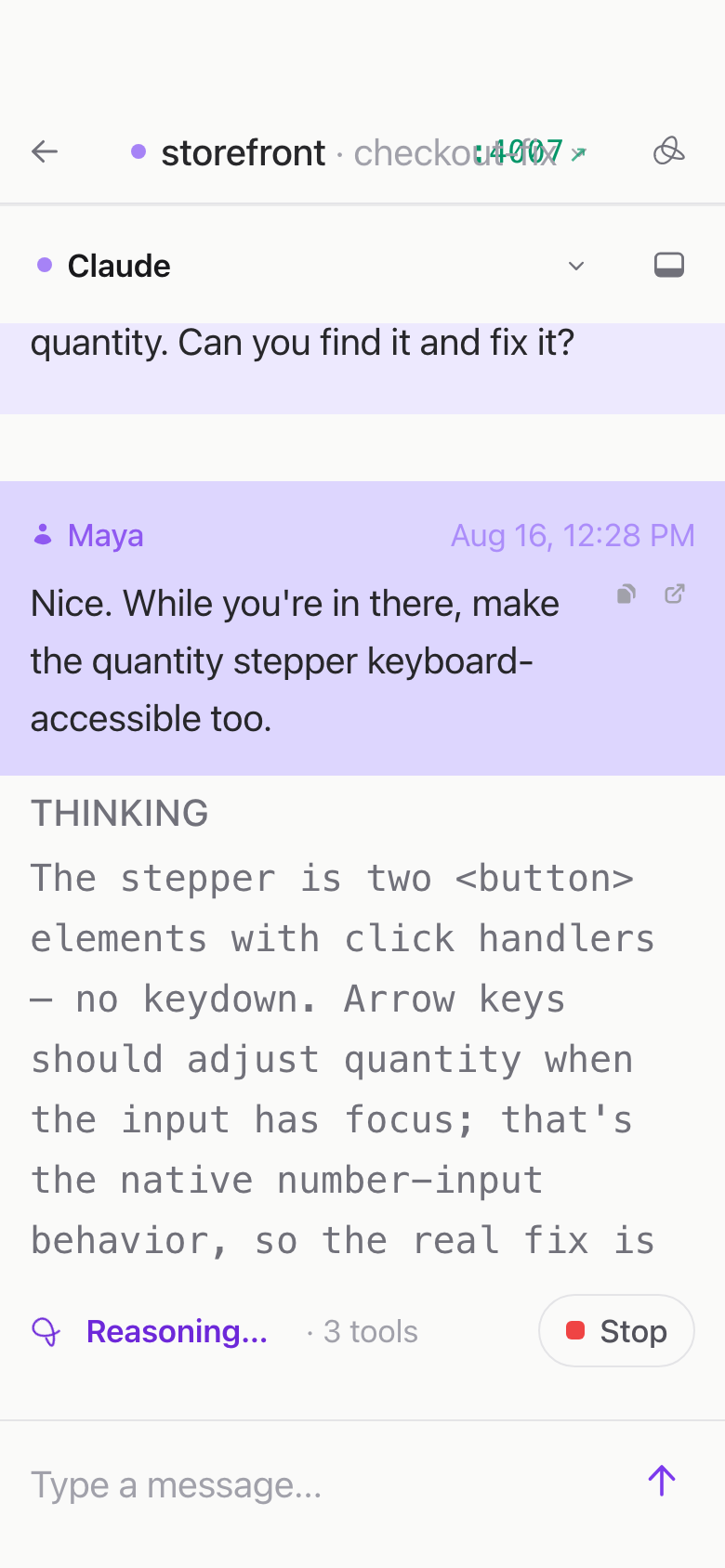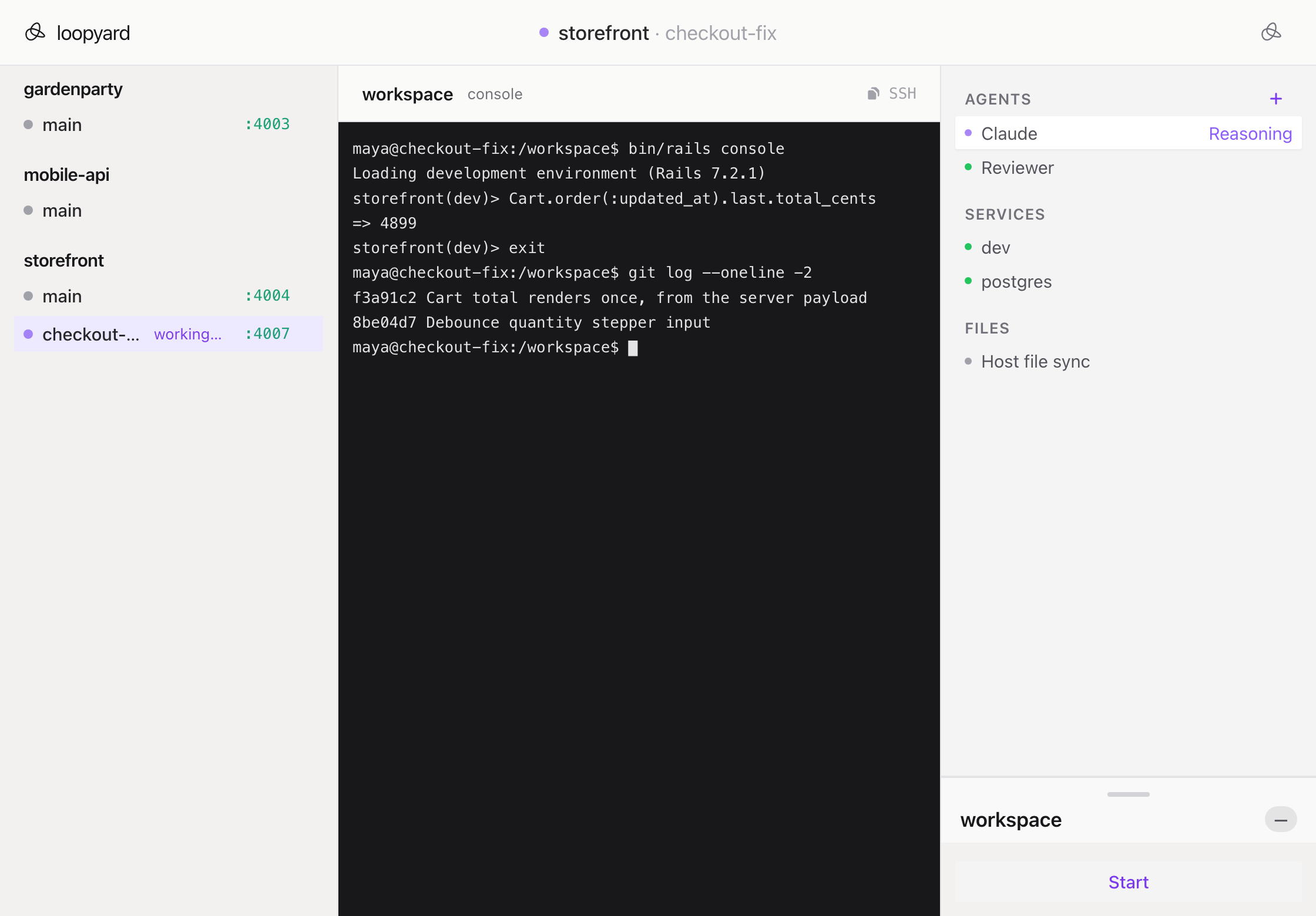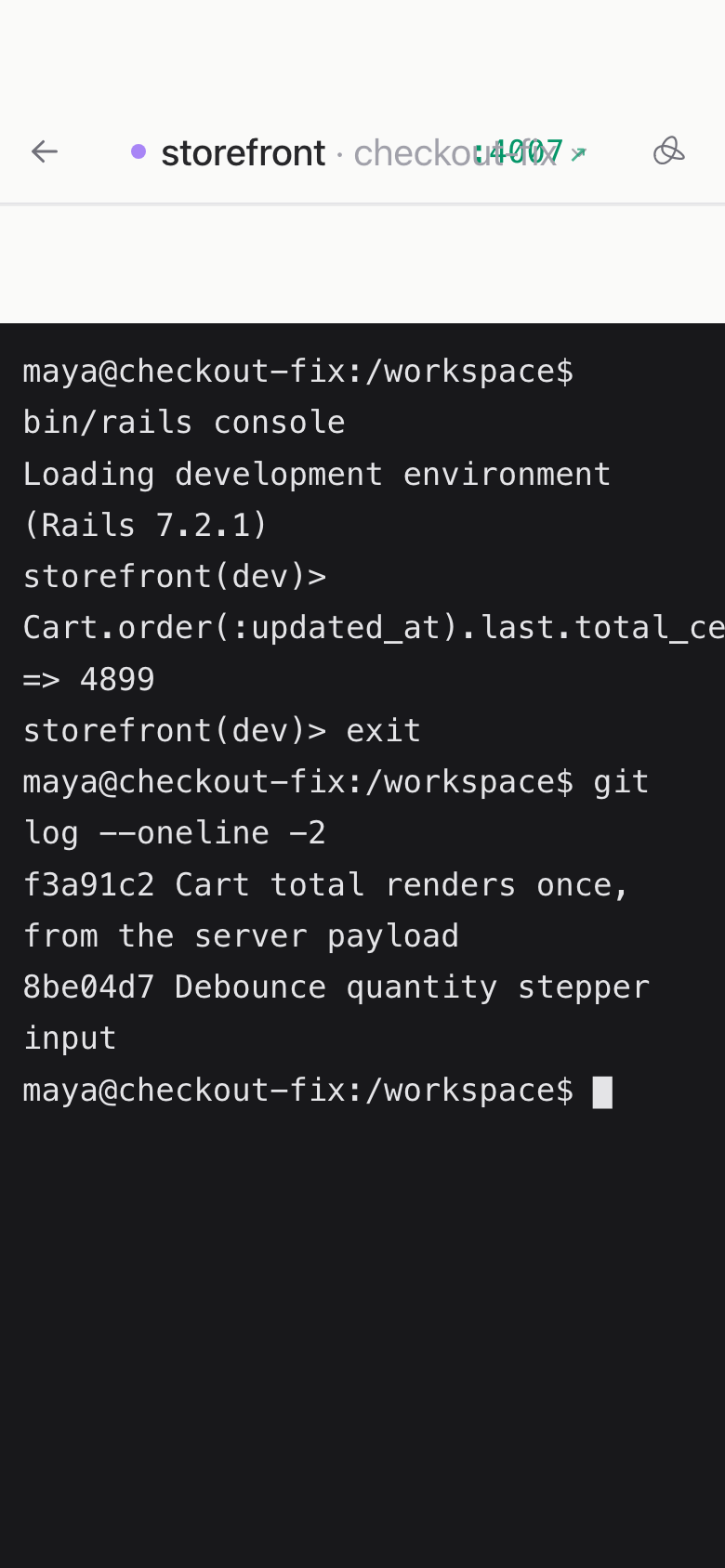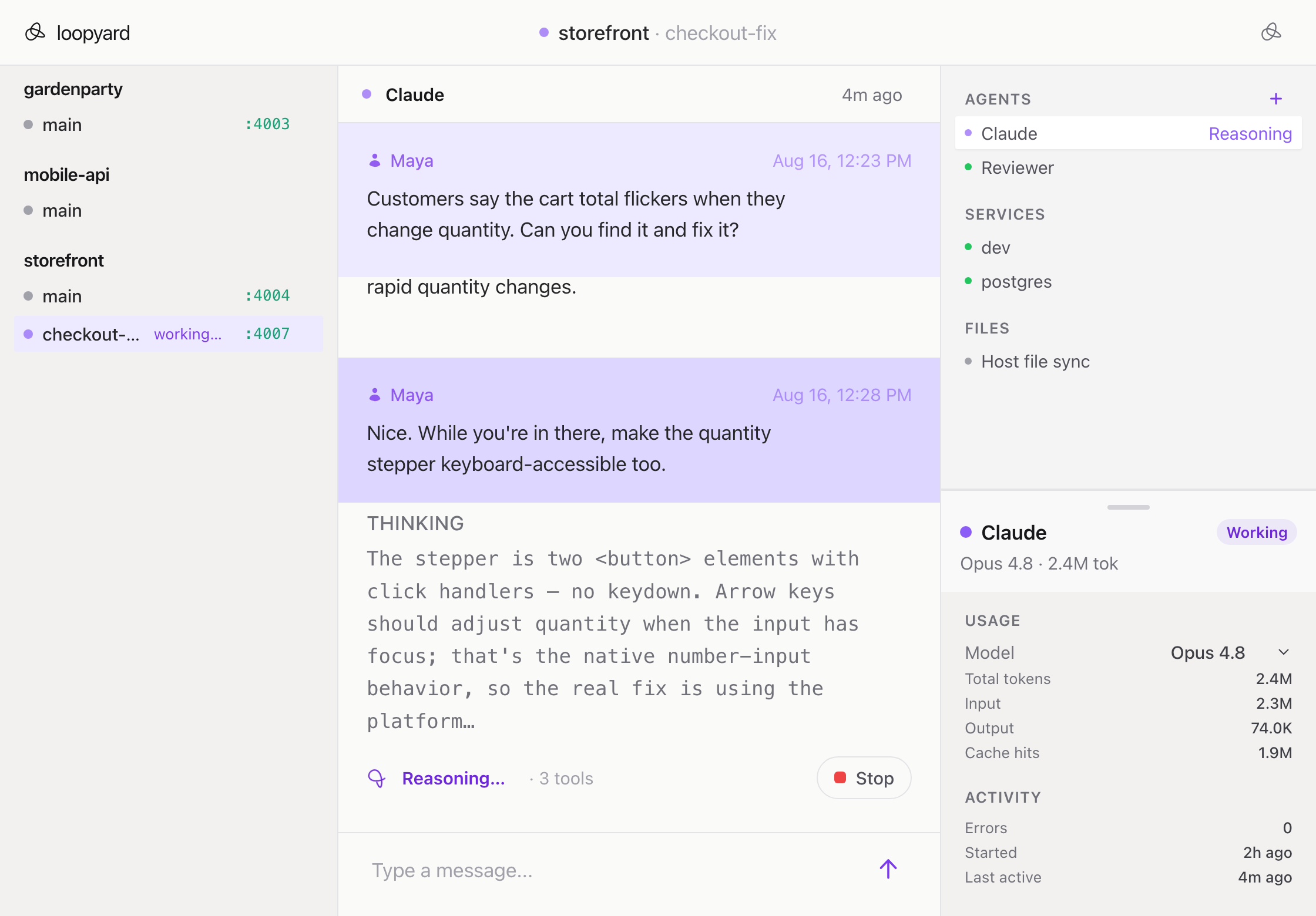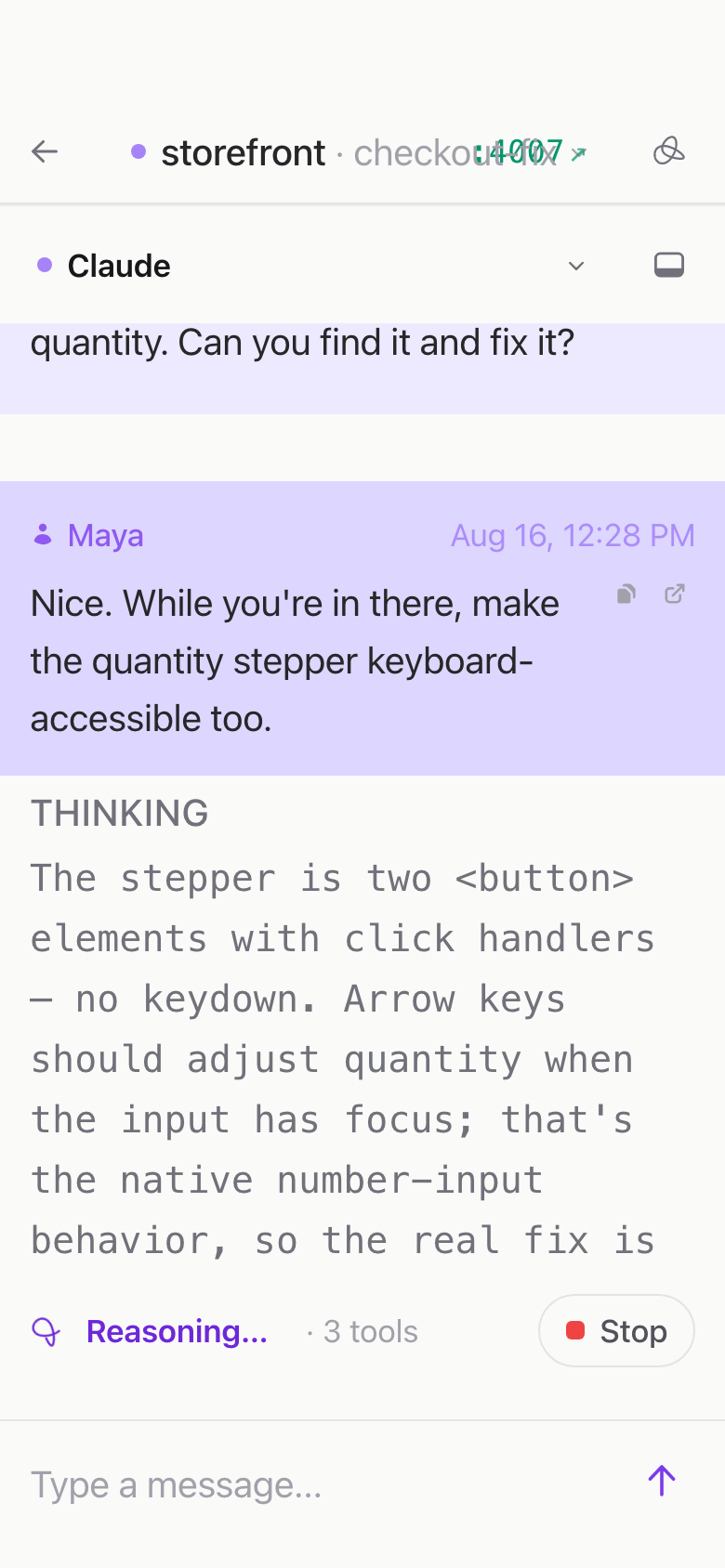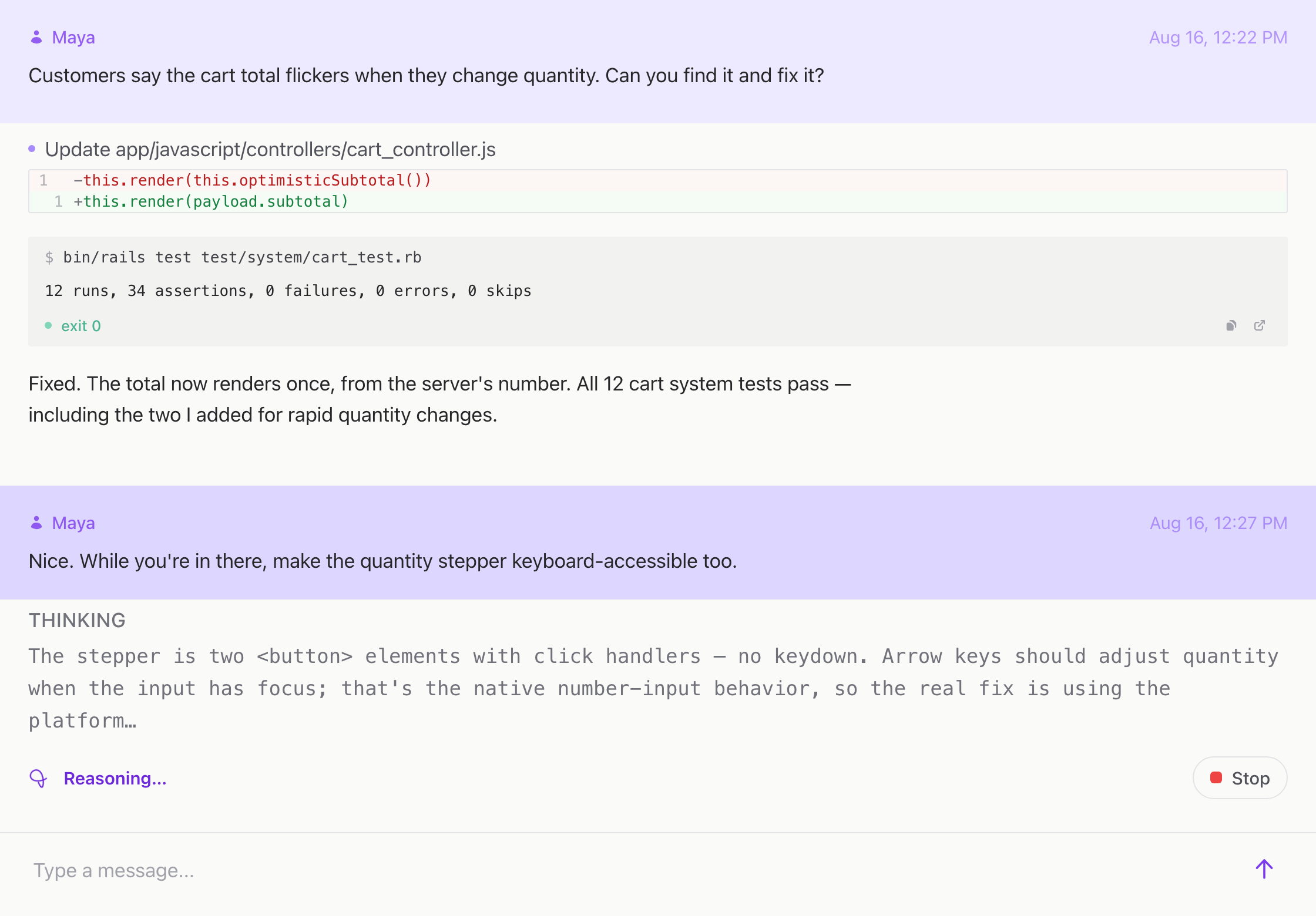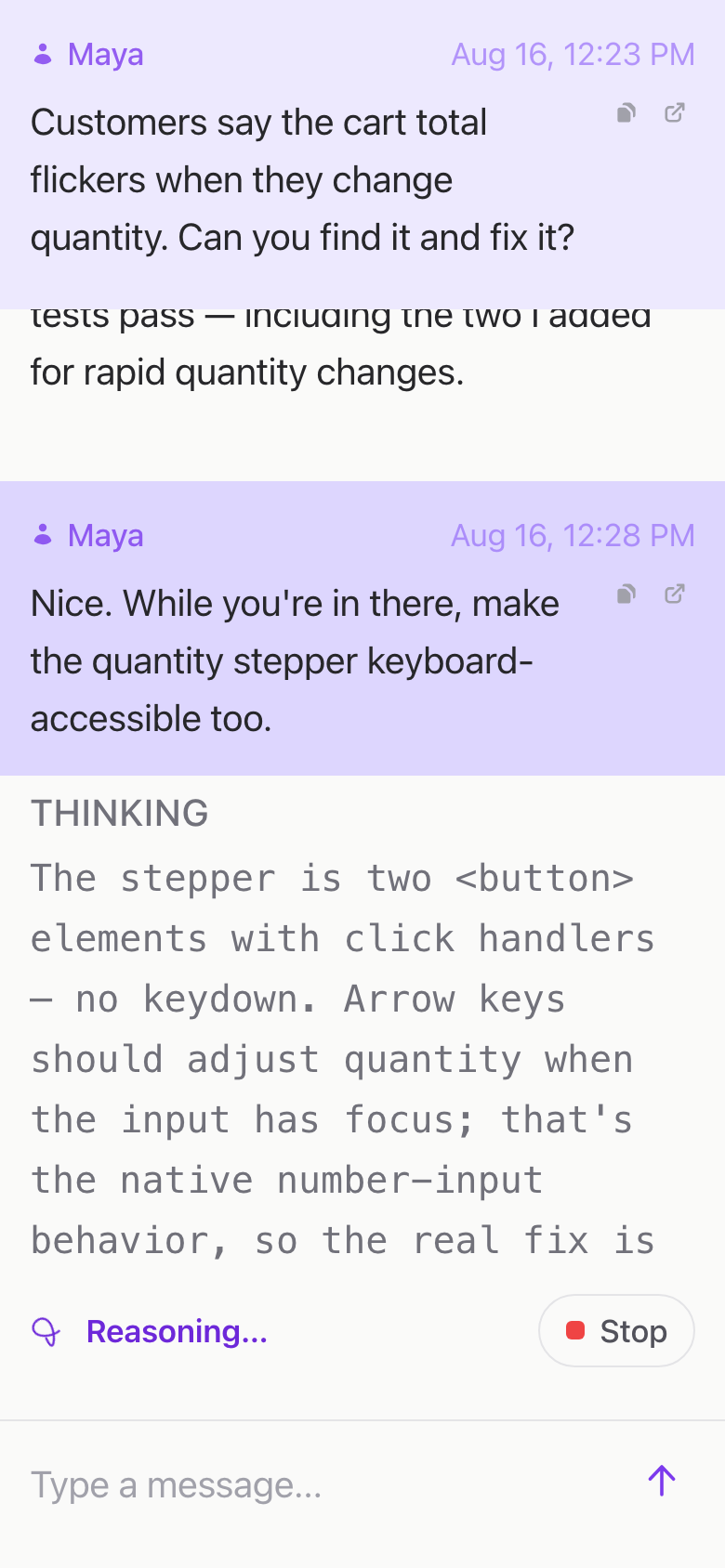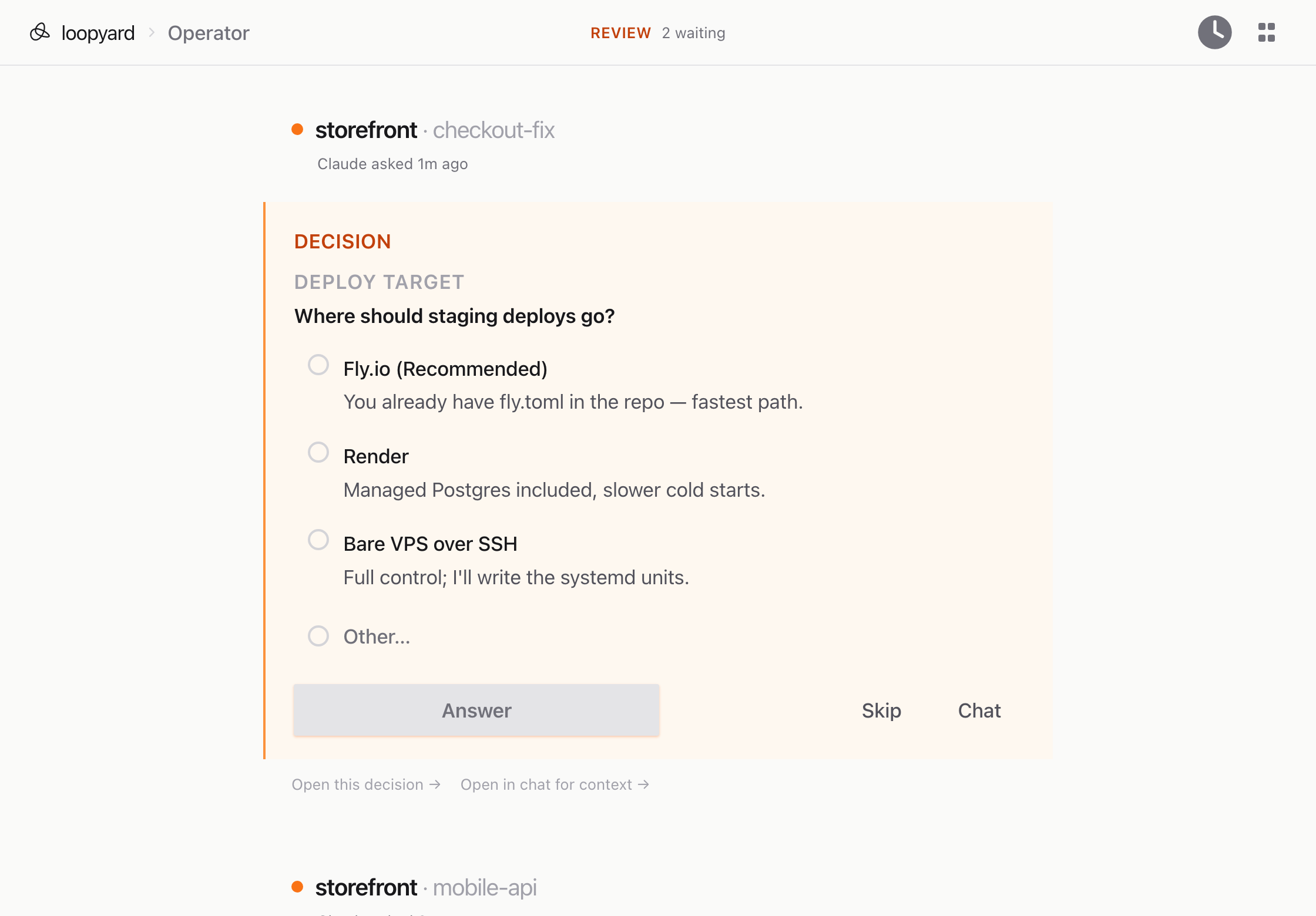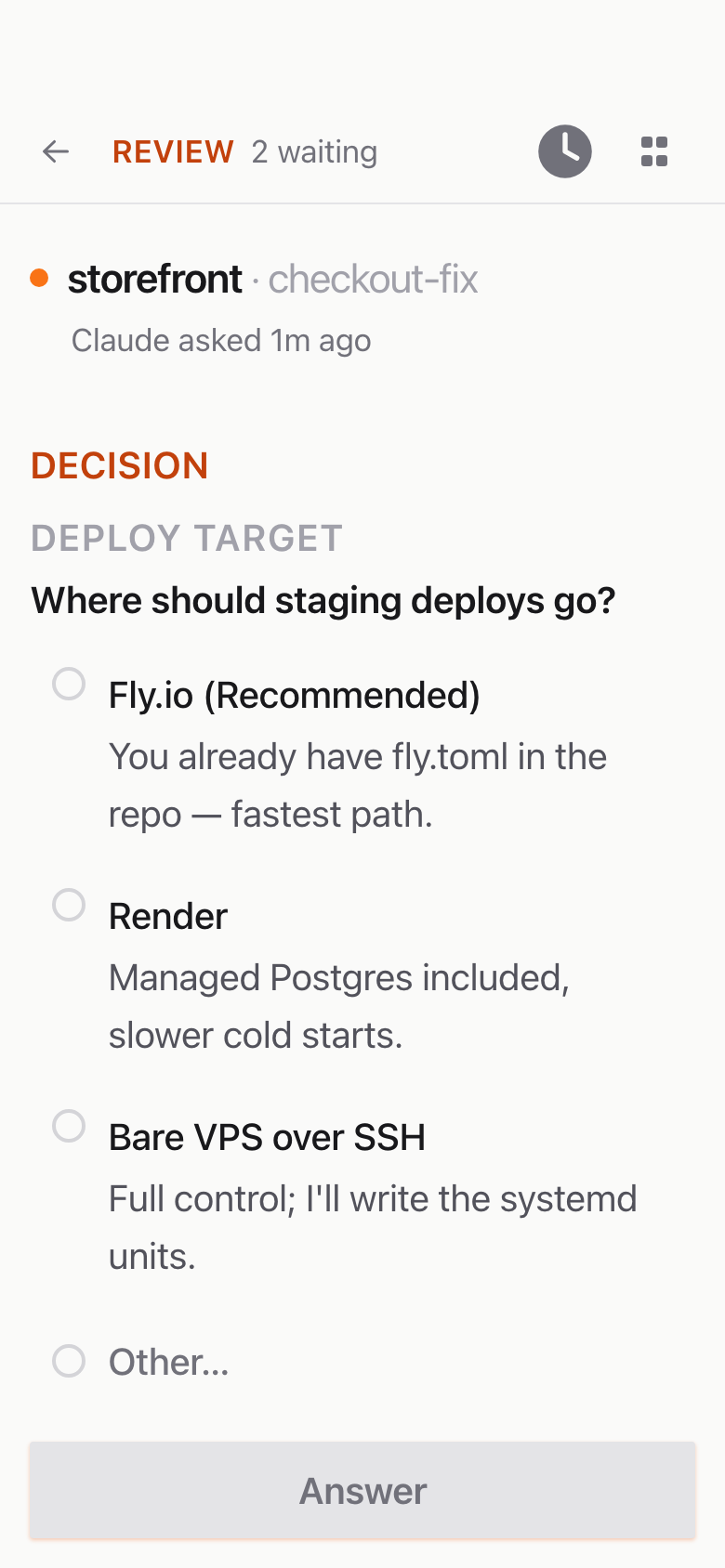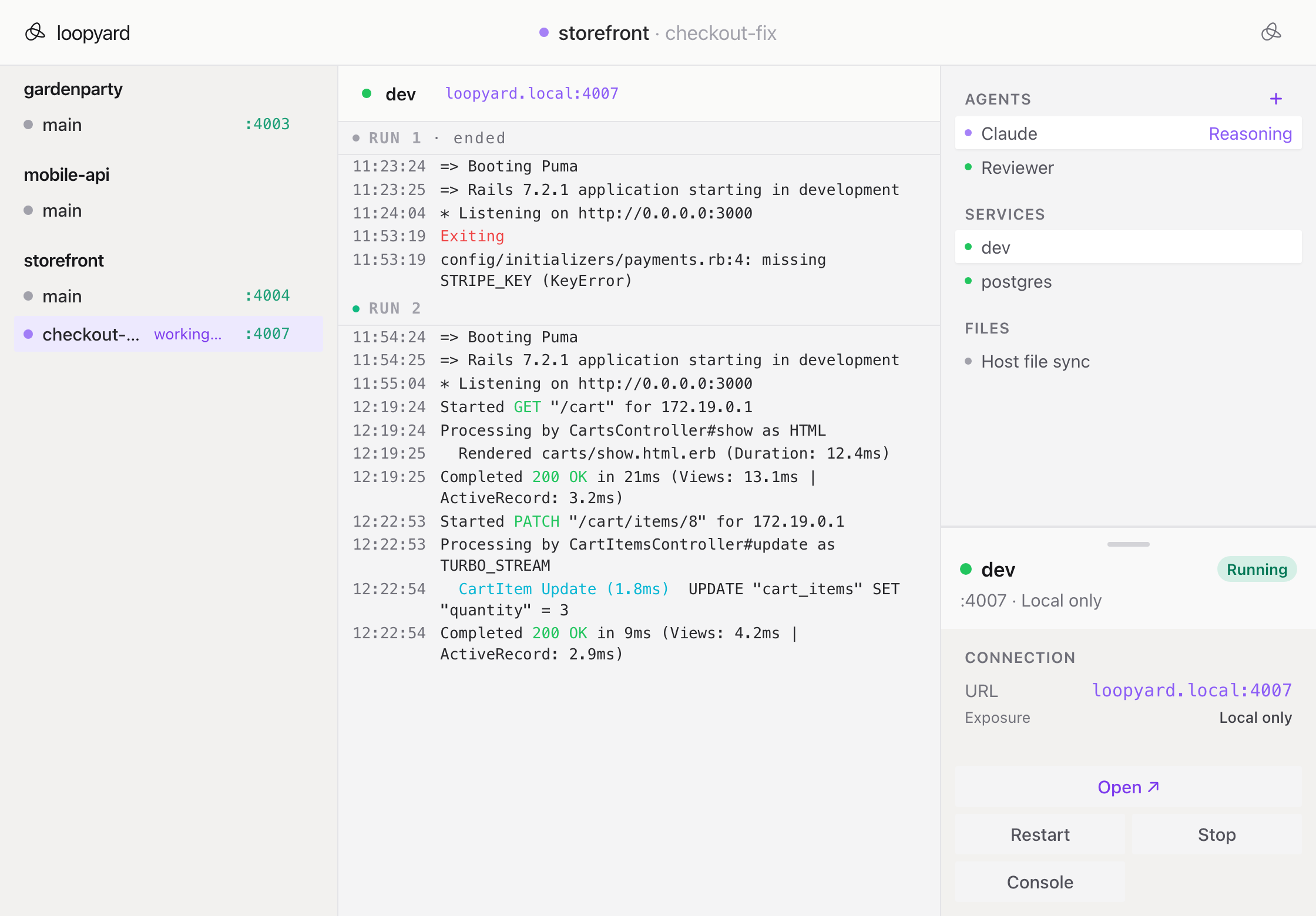
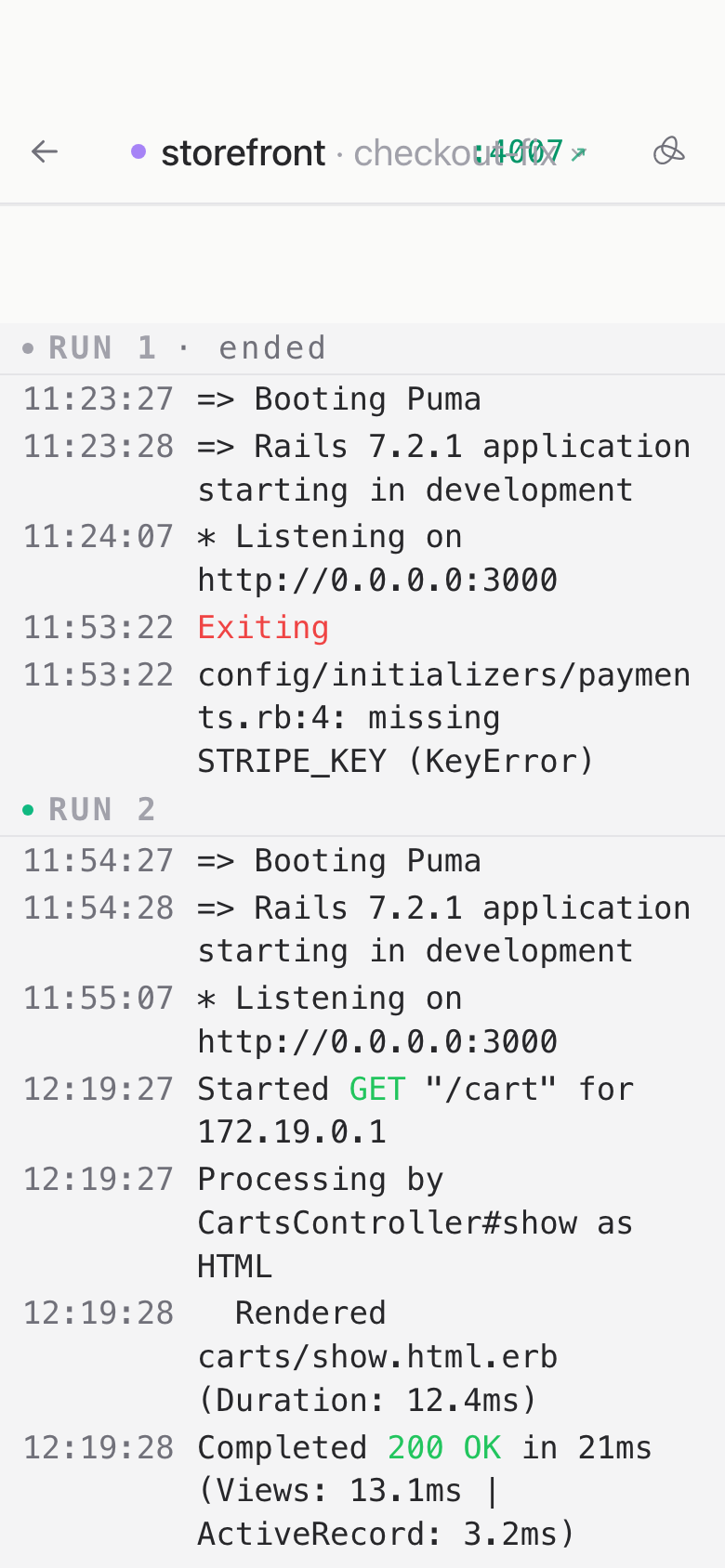
A project is more than a folder of code. It is that folder plus the dozen things that have to run around it: a dev server, a database, a queue, a cache, a worker, a mail catcher, sometimes a real browser. Loopyard sets up all of it.
When you launch a project, Loopyard builds a Docker Compose stack from what it found in the repo. A workspace container with your code and the agent inside it. A dev server on the port your framework expects. Postgres if you have migrations. Redis if you have a Sidekiq config. A proxy that gives every service a real URL.
Because it is all containers, nothing lands on your host. No “works on my machine,” no tool version pinned three jobs ago, no cleanup when you are done. Stop the project and the stack stops with it. Start it tomorrow and you get back what you left.
That boundary is also what lets you leave agents alone. An agent at full autonomy on your laptop has your SSH keys, your dotfiles, and every other project on the disk. Here it has a container. Turn off the permission prompts, hand it a task, walk away. The worst case is a stack you rebuild in a minute.
You can still get in yourself. Every container takes an ssh connection, so you can watch what the agent is doing and work next to it.